

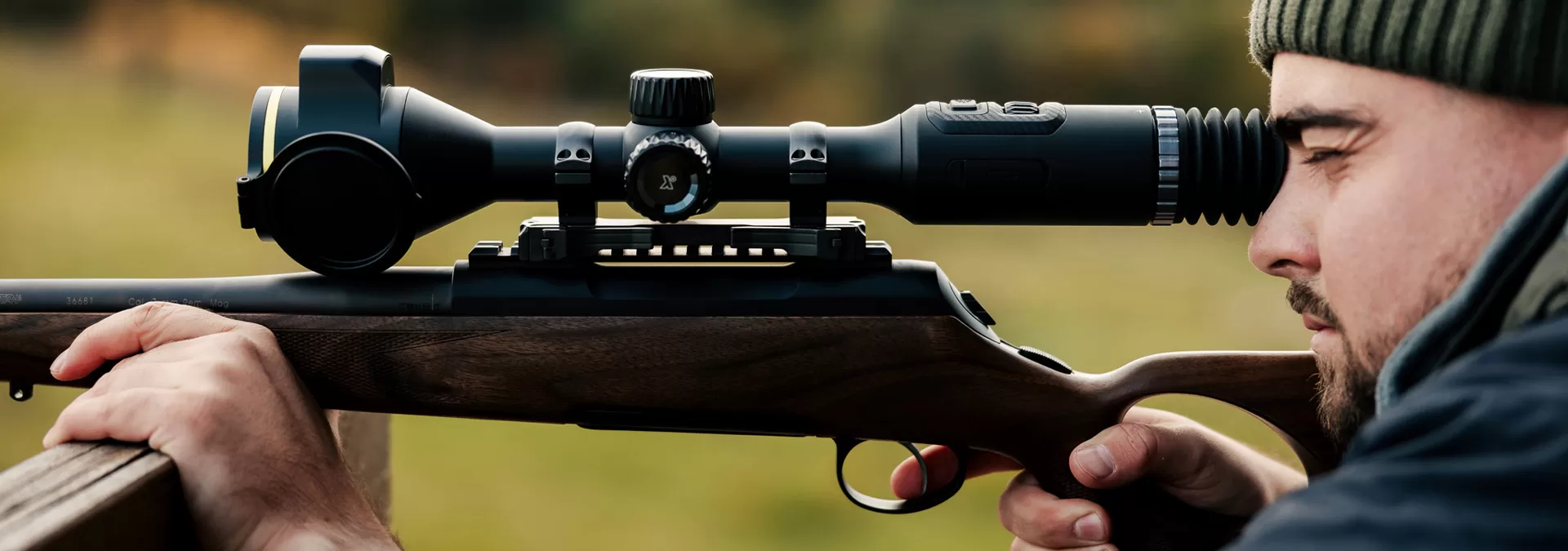
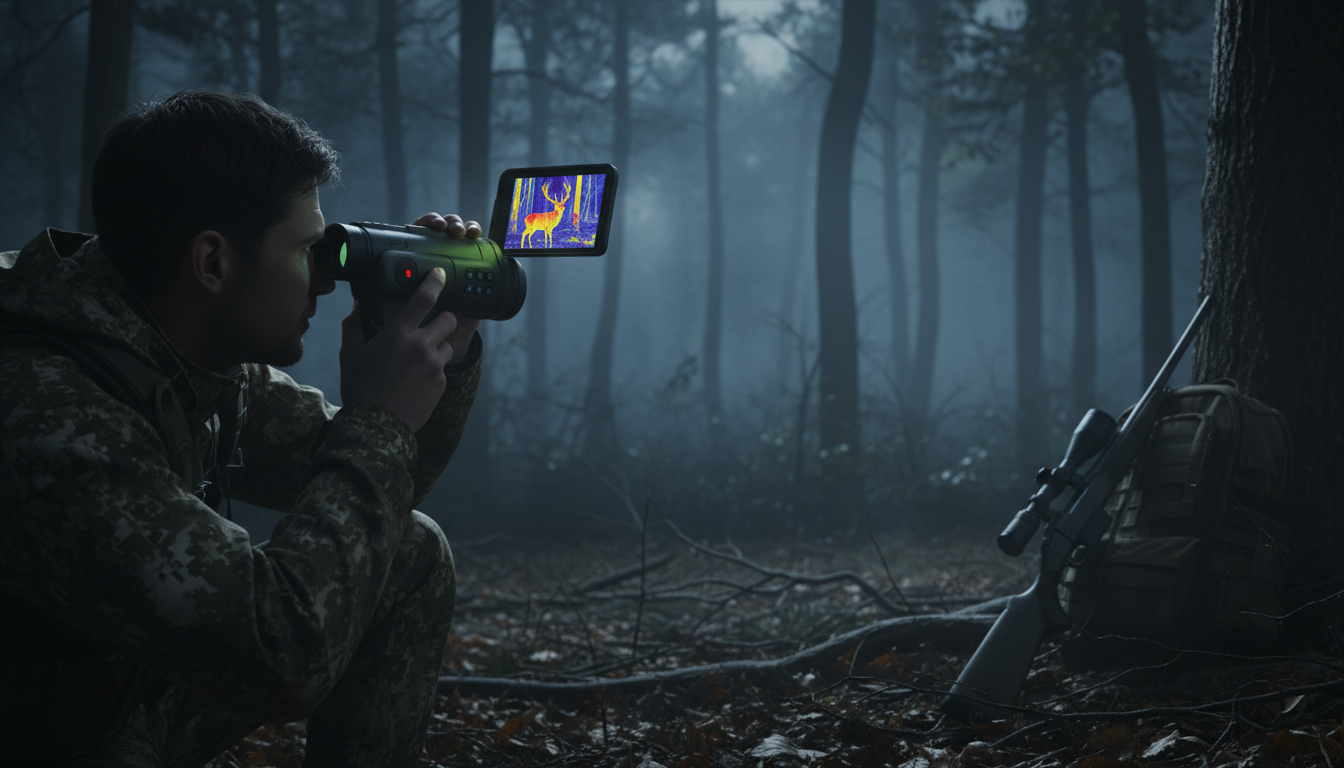
When you’re out tracking game or watching wildlife at night, you’ll want to capture what you’re seeing. That’s where thermal monoculars with video recording come in. We’re talking about devices that not only let you see heat signatures in total darkness but also save that footage for later review, sharing, or documentation.
Recording capabilities in thermal monoculars have become way more common over the past few years. What used to be a premium feature reserved for units costing several thousand dollars now shows up in mid-range models around $1,500-$2,500. And honestly, once you start using video recording in the field, you’ll wonder how you ever managed without it.
Why Video Recording Matters for Thermal Users
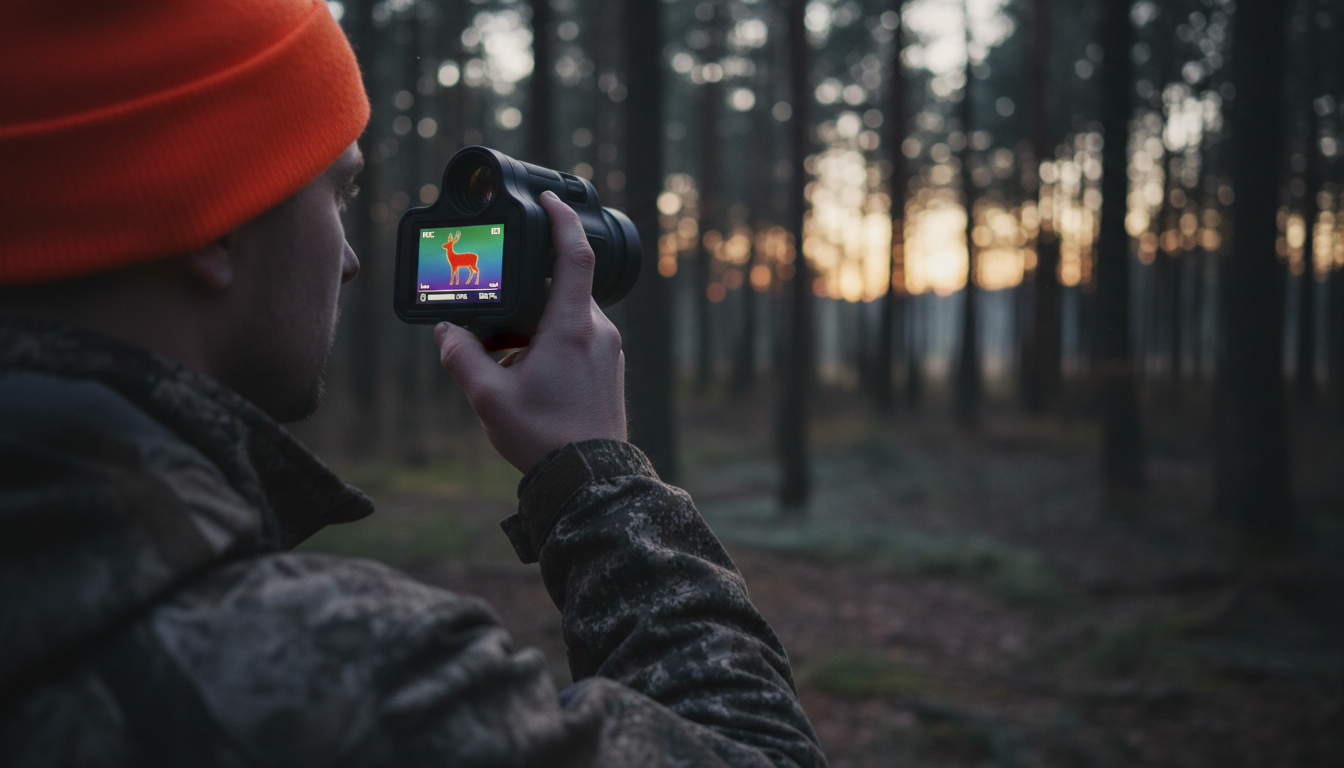
Recording thermal footage serves more purposes than just showing off your latest hog hunt to friends. When you’re scouting property, video lets you review animal movement patterns after the fact. Spot a coyote at 400 yards? Record it, and you can study its behavior when you get home rather than trying to remember everything you saw in the moment.
For hunters, recorded footage helps with shot placement analysis. You’ll be able to see exactly where that deer was standing, how it reacted, and whether your shot was ethical. Wildlife researchers and property managers use thermal video to document species presence without disturbing animals. And if you’re dealing with insurance claims or property damage from wildlife, having video proof makes everything simpler.
Law enforcement and security professionals rely on thermal video recording for evidence collection. The footage holds up in court and provides undeniable documentation of events. Pretty solid reasons to have recording capability built right into your thermal device.
Storage Options and Transfer Methods
Most thermal monoculars with recording features include internal storage ranging from 8GB to 16GB, though some premium models now pack 64GB of internal memory. That’s enough for hours of thermal footage before you need to offload files.
File transfer usually happens one of two ways. Budget and mid-range models typically use USB cables to transfer recorded files to your computer. It’s simple, reliable, and doesn’t drain your battery. Higher-end units add Wi-Fi and Bluetooth connectivity that allow users to share images directly to your smartphone or tablet.
We’ve found that mobile apps that enable sharing make life easier when you’re working with a team or need to send footage quickly. But honestly, Wi-Fi connectivity can be a battery killer. If you’re on an all-night hunt, you might want to skip the wireless features and stick with good old USB transfer later.
Some models let you pop in a microSD card for expandable storage. Multiple color palettes, customizes viewing, and allows you to record images and videos with up to 256GB storage when you use external cards. That’s serious recording capacity for extended operations.
Top Thermal Monoculars with Built-In Recording
Budget-Friendly Recording Units ($500-$1,500)
Entry-level models with rangefinder, video/photos, and heat tracking capabilities prove you don’t need to spend a fortune for recording features. The ATN OTS series comes with 8GB internal storage and video recording capability, making it accessible for hunters just getting into thermal technology.
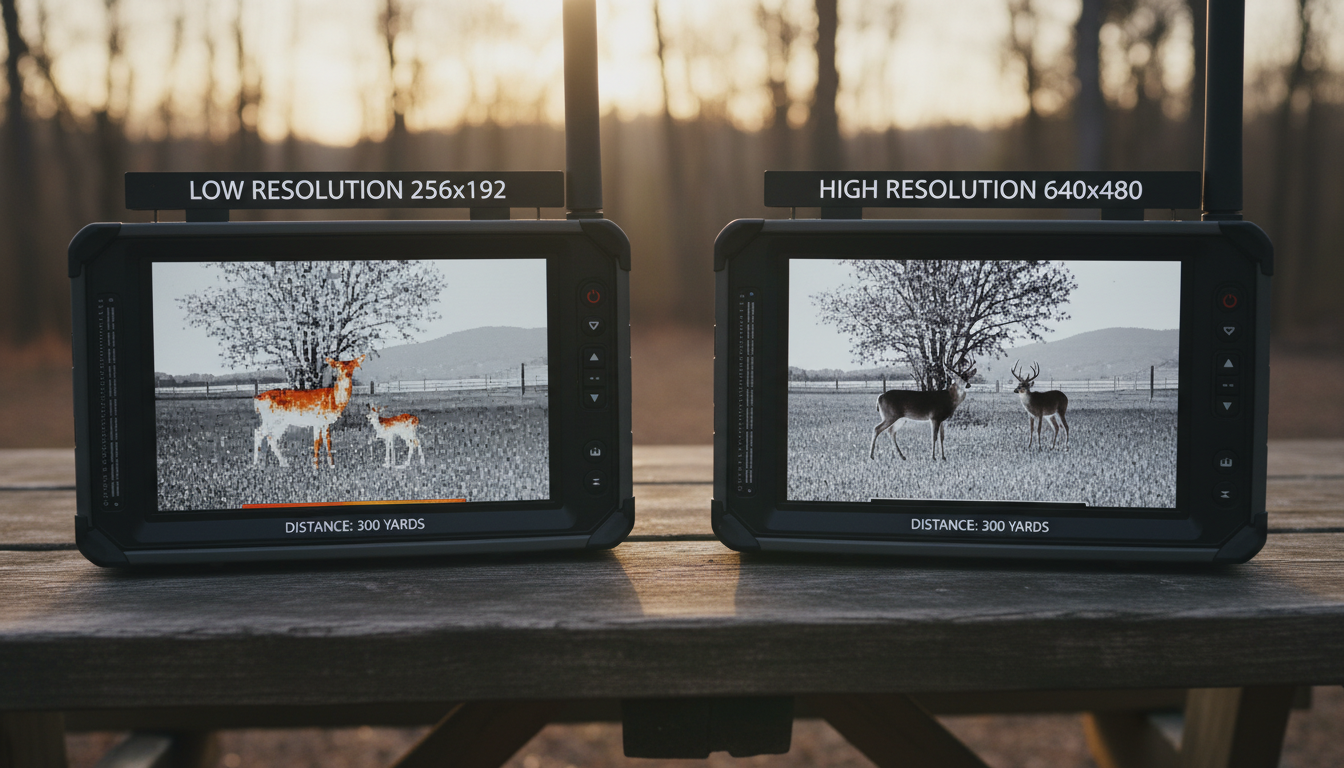
These units typically offer 256×192 resolution sensors and can detect targets out to 300-400 yards. Video quality won’t match premium models, but video recording works well, though the 256×192 resolution limits detail. Still plenty good for documenting your hunts or property surveillance.
Mid-Range Performers ($1,500-$3,500)
This price bracket delivers the best balance of recording quality and field performance. You’re looking at 320×240 or 384×288 resolution, decent detection ranges (500-1,000+ yards), and useful features like multiple color palettes, video recording, and 6-10 hours of battery life.
AGM Taipan models in this range offer built-in 16GB storage to record videos with sound, and Wi-Fi connectivity for smartphone streaming. WiFi connectivity enables smartphone viewing and recording, expanding functionality significantly for guided hunts or team operations.
Pulsar’s mid-range offerings include built-in photo and video recording capabilities along with Wi-Fi connectivity and smartphone app integration. The combination of solid sensor resolution and recording features makes these units workhorses for serious hunters.
Premium Recording Options ($3,500+)
Want the absolute best video recording quality from your thermal monocular? Premium units deliver HD thermal video with exceptional detail. Recorded video of deer at 100 yards with very clear identification and visible hair and anatomical details shows what high-resolution sensors can capture.
Models that record HD video and range targets cost well over $3,000, but the footage quality justifies the price for professional applications. Video and photo capabilities, and share in real time via Wi-Fi add convenience for field operations requiring immediate documentation.
The ATN BlazeHunter series in 640×480 resolution provides video capture with up to 14 hours of battery life, ensuring you won’t run out of power mid-session. Top-tier Pulsar models like the Telos series feature 64GB internal memory with built-in video recorder and Stream Vision 2 WiFi integration for seamless footage management.
Recording Features That Actually Matter
Color Palettes and Video Quality
The industry standard has become some variation of these palettes: white hot, black hot, rainbow, and red hot. Having multiple palette options in your recordings helps with target identification later. What might be hard to see in White Hot could pop out clearly in Red Hot or Rainbow mode.
Some monoculars let you switch palettes while recording, giving you multiple visual interpretations of the same scene. Others lock you into whatever palette you selected before hitting record. Check which approach your model uses before buying.
One-Touch Recording
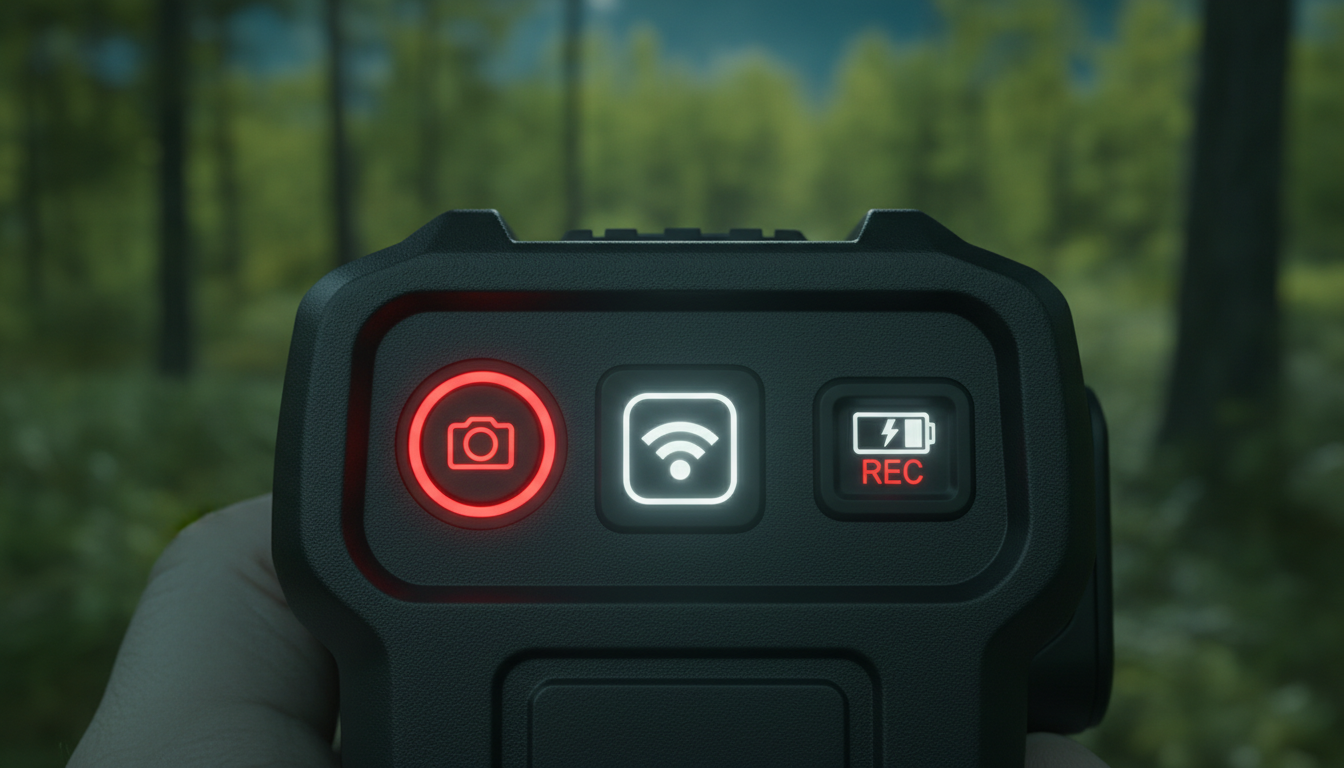
One-touch video recording allows you to capture your adventures effortlessly without fumbling through menus. When a trophy buck steps out at 200 yards, you don’t have time to navigate complex settings. The best recording-enabled monoculars put a dedicated record button right where your thumb naturally rests.
Shot-activated recording on some rifle-mounted thermals automatically captures footage when you fire, ensuring you never miss documenting a shot. For handheld monoculars, manual one-touch recording works better since you control exactly when footage starts and stops.
Battery Life Considerations
Video recording drains batteries faster than simple observation. Budget an extra 20-30% battery consumption when you’re actively recording. Models with battery life lasting up to 4.5 hours of continuous use, ready to capture wildlife encounters with onboard video and image recording represent the lower end of runtime.
Better options provide 6-10 hours of mixed use (observation with occasional recording). Battery life up to 14 hours on premium models means you can record liberally without constantly worrying about power. Always carry spare batteries or power banks for extended sessions.
Wi-Fi Connectivity and Smartphone Integration
Models supporting recording and WiFi connectivity let you control your thermal monocular remotely and stream footage to your phone. Wirelessly connect to a smartphone and the app to adjust the monocular, take photos, or record thermal video directly from the smartphone.
We’ve tested several Wi-Fi-enabled models and found the feature works great for guided hunts where multiple people need to see what you’re viewing. Wildlife photographers use Wi-Fi to connect to smartphone app, so you can share the view or save footage directly without handling the monocular during sensitive observation moments.
But here’s the reality: WiFi drains battery fast. Most experienced users set up their monoculars with built-in storage for recording and transfer files later via USB-C rather than maintaining constant wireless connections.
The Stream Vision apps from Pulsar and similar software from other manufacturers work well when you need them. Just be realistic about battery impact and decide whether real-time sharing is worth the power consumption for your specific use case.
Resolution and Recording Quality
Recording quality directly correlates with your thermal sensor resolution. 160×120 resolution thermal sensors deliver sufficient detail for identifying heat signatures in recorded footage, but you won’t see fine details like antler points or precise body features at distance.
The jump from 256×192 to 384×288 resolution provides the most significant improvement in usability and directly impacts your recorded video quality. We recommend 384×288 as the minimum for serious video documentation purposes.
High-end models with 1920×1080 OLED displays show incredible detail in live viewing and recordings. Premium sensors at 640×480 or higher capture thermal video quality that would’ve been impossible just a few years ago. Higher-resolution images are less grainy and more capable of being enlarged than lower-resolution images.
Your intended use determines how much resolution you actually need. Property surveillance at 100-300 yards? A 256×192 sensor with recording works fine. Wildlife documentation at 500+ yards or detailed behavioral studies? Spring for 384×288 or higher resolution.
Making the Right Choice for Your Needs
Start by figuring out why you want video recording. Casual wildlife observation and sharing cool sightings with friends? Mid-range models with basic recording and Wi-Fi sharing fit perfectly. Professional documentation, research, or legal evidence? Invest in higher resolution with larger storage capacity.
Consider your typical recording scenarios. If you’ll record extensively, thermal cameras with built-in video/photo recording often have internal memory ranging from 16GB to 64GB. That storage capacity matters for all-day operations without file transfers.
Think about how you’ll manage footage. Do you need instant sharing, or can you wait until you’re home to transfer files? Thermal imaging cameras often have both photo and video recording capabilities serving multiple purposes in wildlife conservation and creating visual evidence of species and their behaviour.
Battery life with recording active should influence your decision. Match the runtime to your typical field sessions, then add 30% as a safety margin. Don’t forget about operating temperature either—cold weather hammers battery performance even harder when recording.
Conclusion
Thermal monoculars with video recording capability have become standard equipment for serious hunters, wildlife observers, and security professionals. Recording features that once cost thousands now appear in units under $2,000, making documentation accessible to way more users.
The best thermal monocular with recording for you depends on your budget, resolution needs, and how you’ll use the footage. Entry-level units around $500-$1,500 deliver basic recording suitable for casual use. Mid-range models ($1,500-$3,500) offer the sweet spot of recording quality, battery life, and detection range. Premium options above $3,500 provide HD thermal video with massive storage and advanced connectivity.
Focus on sensor resolution first, since that determines your video quality. Then consider storage capacity, battery life with recording active, and whether you really need Wi-Fi connectivity. One-touch recording buttons and intuitive controls make the difference between catching that perfect moment and fumbling through menus.
We’ve found that reliable recording capability transforms how you use thermal optics. Being able to review footage, analyze animal behavior, document hunts, and share experiences adds tremendous value beyond just spotting heat signatures in the dark.