Thermal imaging can help detect hidden moisture behind drywall because wet materials often appear cooler during evaporation or warmer when fed by an active hot-water leak. For detecting hidden moisture & mold risk behind drywall with thermal, treat the camera as a fast screening tool: it finds suspect areas, then a moisture meter confirms whether the wall is actually wet.
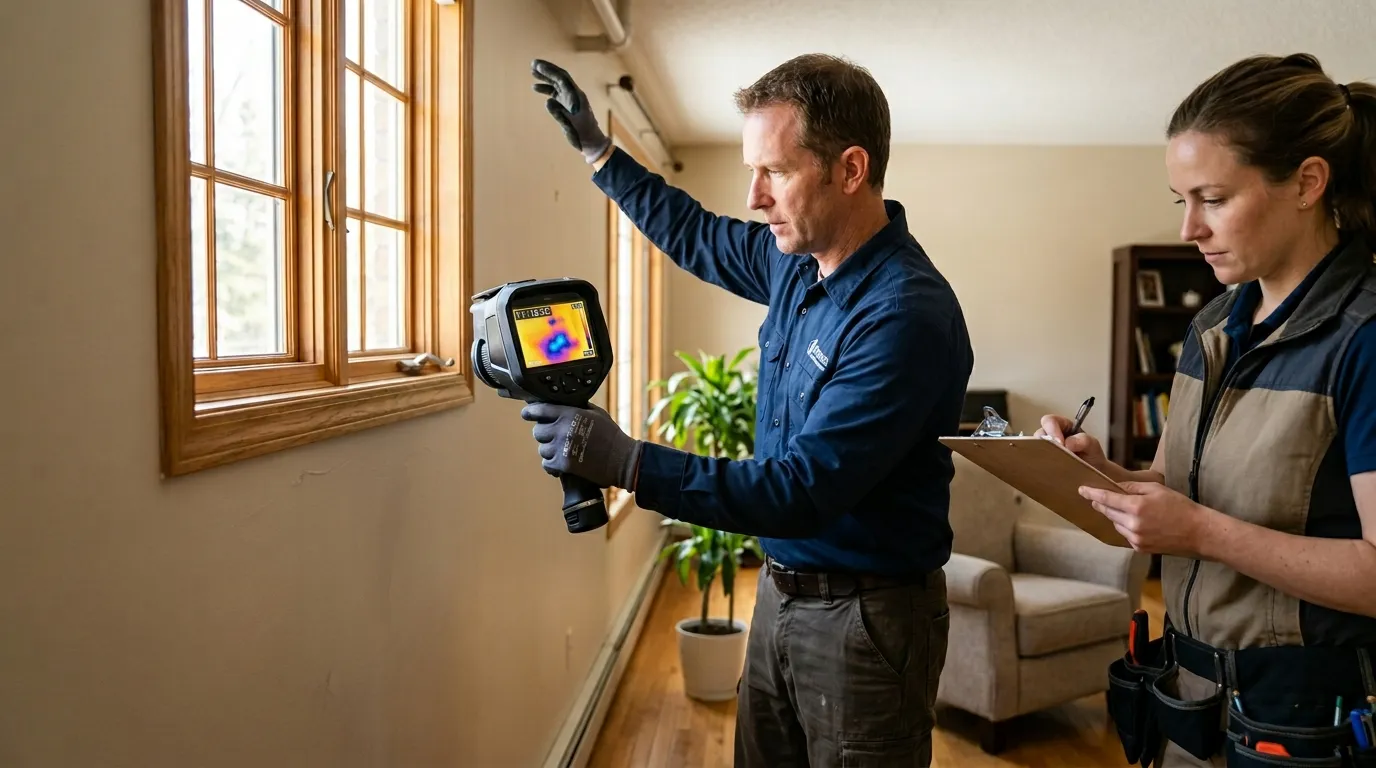
A thermal camera doesn’t see mold spores. It reads surface temperature. That distinction matters because a wet cavity can produce a clean thermal clue hours or days before staining, bubbling paint, or a musty odor becomes obvious. The camera gives you a map of where to test, not a lab result.
The mold part comes from moisture, time, and a food source. Drywall paper is food. A slow supply-line drip, roof leak, window flashing failure, AC condensate problem, or shower valve leak provides the water. The U.S. Environmental Protection Agency’s mold guide says moisture control is the core of mold control and recommends drying water-damaged areas within 24-48 hours to help prevent growth. That time window is why thermal scanning is useful: it can speed up the decision to open, meter, dry, or call a remediation pro.
No. Thermal cameras can’t identify mold species or confirm mold growth behind drywall. They can reveal temperature patterns that often come from wet gypsum, damp insulation, leaking pipes, or evaporation. If the pattern lines up with a water source, confirm it with a moisture meter before calling it mold risk.
The blunt answer to the Reddit version of this question is simple: thermal imaging sees the wet conditions that let mold grow. If someone points a camera at a wall and says, “that’s mold,” they’re skipping the proof step.
Wet drywall often looks cooler than surrounding drywall because evaporation pulls heat from the surface. Picture a bathroom wall behind a shower valve. The tile side looks fine. The hallway side has one soft blue-gray patch on the thermal display, starting at the valve height and feathering downward between studs. You touch it. It feels normal. The pinless meter says 28 percent wood moisture equivalent at the center and 10 percent two feet away. Now you have a target.

Hot-water leaks can flip the pattern. A leaking copper line behind 1/2-inch gypsum may show as a warm vertical stripe for 10 minutes after someone runs the shower. Once the flow stops, the same area can cool as damp materials evaporate. This is why one scan at 2 p.m. rarely tells the whole story. Run the suspected fixture, wait, scan, meter, then scan again.
| Thermal pattern | Common cause | Better next check |
|---|---|---|
| Cool blotch with soft edges | Evaporating wet drywall | Pinless meter grid |
| Warm line near floor | Hot-water pipe or radiant heat | Re-scan after fixture use |
| Cool vertical bay between studs | Wet insulation touching drywall | Pin probe or small inspection opening |
| Sharp straight stripe | Stud, corner bead, duct, or pipe | Compare with framing layout |
| Cool area at exterior corner | Air leak or missing insulation | Smoke pencil and humidity reading |
Wet drywall often looks cold because evaporation absorbs heat from the wall surface. The stronger the evaporation, the stronger the cooling pattern. High indoor humidity, vinyl wallpaper, low airflow, or a wall cavity packed with insulation can weaken that pattern, so thermal scans work best with meter confirmation.
The best readings usually happen when the room is stable and the wall has a temperature difference from its surroundings. In a U.S. home with air conditioning running, damp drywall near a plumbing leak may stand out by 2°F to 5°F. That isn’t a universal pass-fail number. A 2°F patch that repeats from three angles and matches a meter reading matters more than a 10°F reflection from a shiny picture frame.
Start with the story of the building. A one-story ranch in Phoenix with a flat roof fails differently from a 1998 Colonial in Ohio with upstairs bathrooms over a finished basement. Ask what changed: a new roof penetration, a frozen pipe last winter, a shower remodel, a dishwasher overflow, a musty closet after a humid week. Thermal imaging gets sharper when you already have a short suspect list.
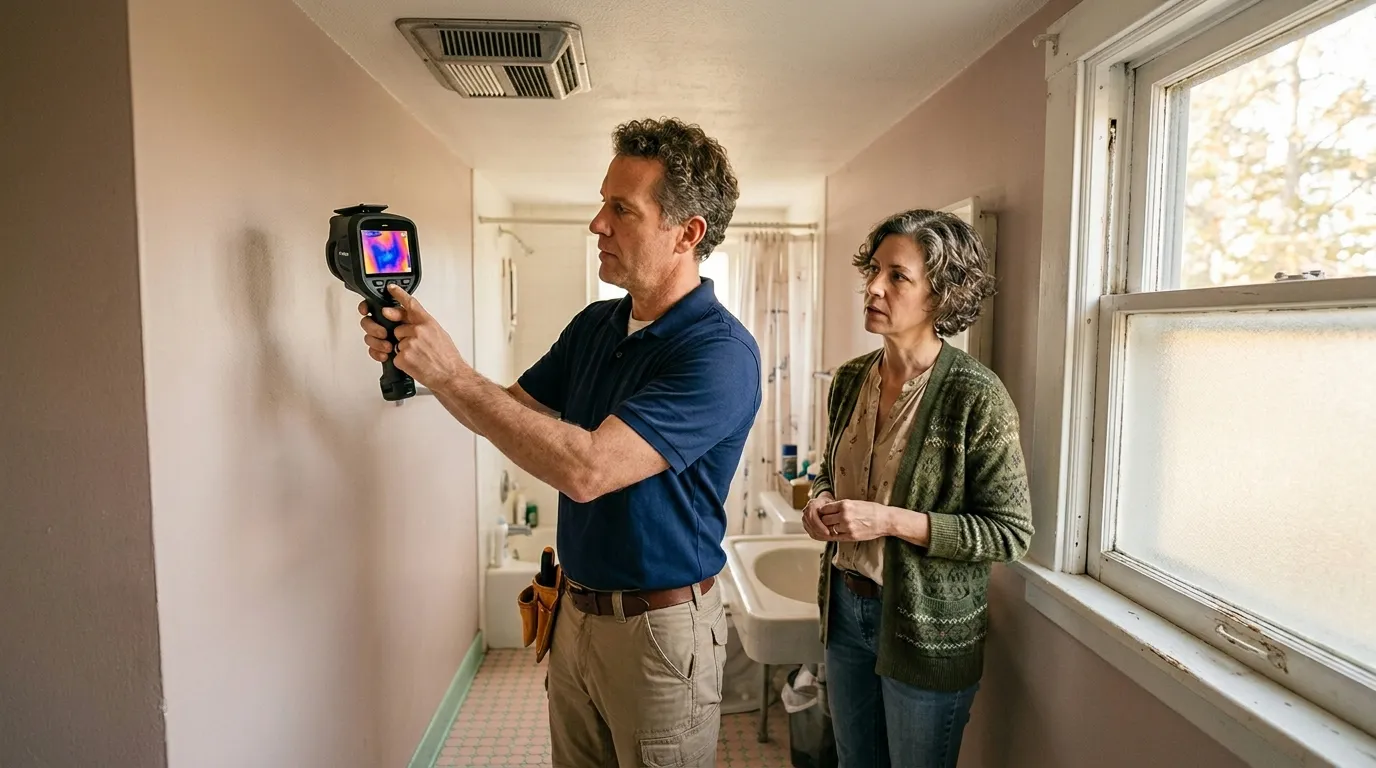
A practical scan works in passes. Stand back first, about 6 to 10 feet from the wall, so you can see the whole pattern. Then move closer for detail. Keep the camera perpendicular to the wall when possible. Avoid scanning across glossy tile, mirrors, stainless appliances, and glass because they reflect heat from your body, lights, and windows. If you’re using a Pixfra thermal device for a quick check, hold the view steady for a few seconds before calling the pattern real.
Use a simple field sequence:
If the cold pattern starts at the floor line or repeats along a hot-water run, the same logic used when plumbers locate slab leaks & radiant heating pipes with thermal applies: trace the heat path, confirm the wet zone, and avoid opening drywall until the pattern and meter reading agree.
Thermal can help trace active hot-water lines, radiant loops, and sometimes cold-water lines when the pipe temperature differs from the wall. It won’t map every pipe through drywall. Plastic PEX, deep cavities, insulation, and equalized wall temperatures can hide the line until water flow changes the temperature.
A moisture meter is still the closer. Pinless meters are faster and cleaner for painted drywall. Pin meters are better when you need depth clues or when the surface material is confusing the reading. For restoration work, a common pairing is a thermal scan plus a Protimeter Surveymaster, Tramex Moisture Encounter ME5, or Delmhorst BD-2100. The brand matters less than repeatable readings and a dry baseline.
False positives are common. Sun on an exterior wall can leave a warm rectangle that looks like a leak path. A supply register can chill a wall bay. A missing insulation batt can look like wet drywall because both create cold areas. Metal corner bead, screws, studs, and ductwork can create crisp thermal lines that don’t behave like moisture.
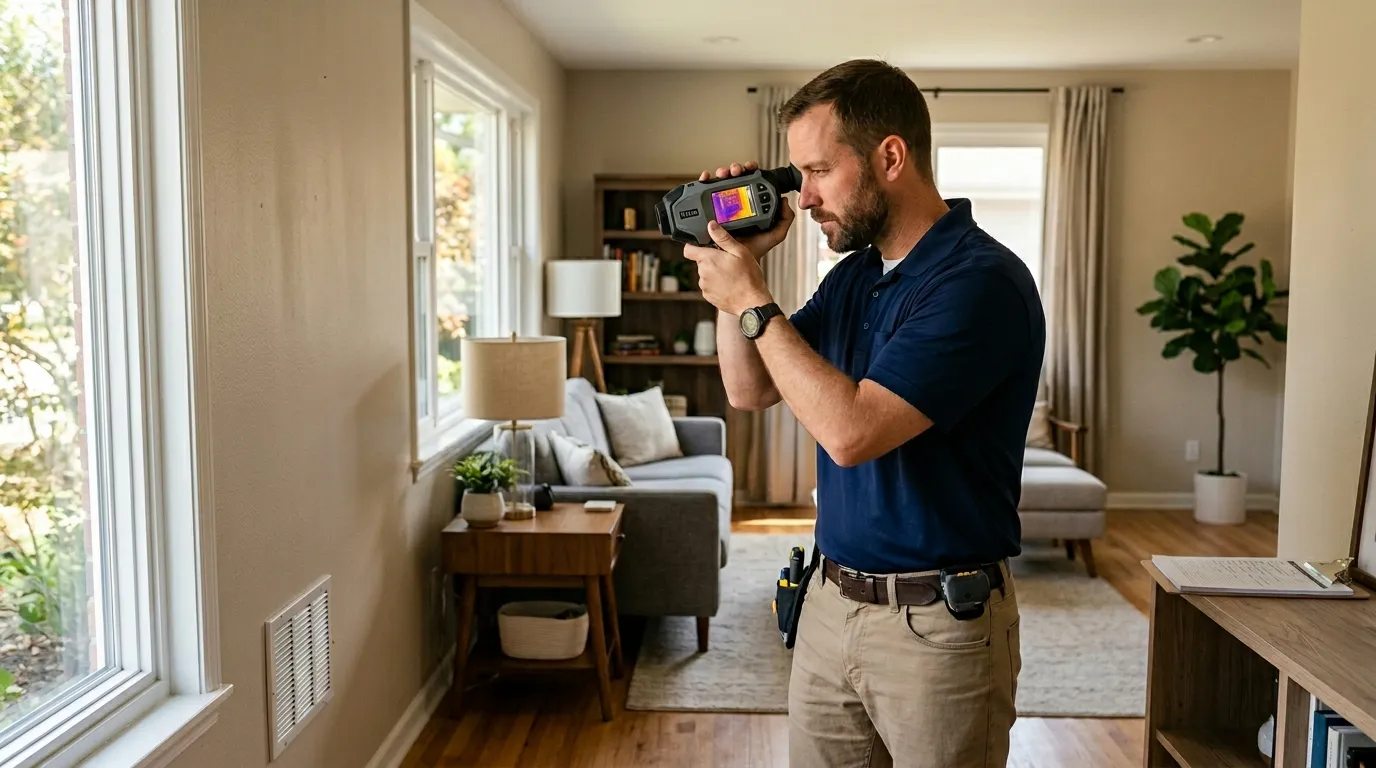
Reflections fool people fastest. A glossy painted wall can bounce the heat signature of your hand, a recessed light, or a sunny window behind you. Move left. Move right. If the “wet spot” moves with you, it’s reflection. Real wet drywall stays fixed to the wall geometry.
Field rule: a suspect moisture pattern should pass at least four checks before you treat it as real.
Thermal work also overlaps with pest inspections; when a warm wall patch moves, contains nesting material, or follows an attic entry point, this is closer to thermal imaging for pest control pros than a moisture call. Moisture patterns spread, wick downward, and follow absorbent materials. Animal heat behaves differently. So does a live electrical load.
Once you confirm moisture, the next question is risk. The Centers for Disease Control and Prevention’s mold page says mold can grow where moisture is present and notes that people with asthma, mold allergies, immune compromise, or chronic lung disease can have stronger health reactions. That doesn’t mean every cold patch is an emergency. It means you should match the response to the size, water source, occupant risk, and time wet.
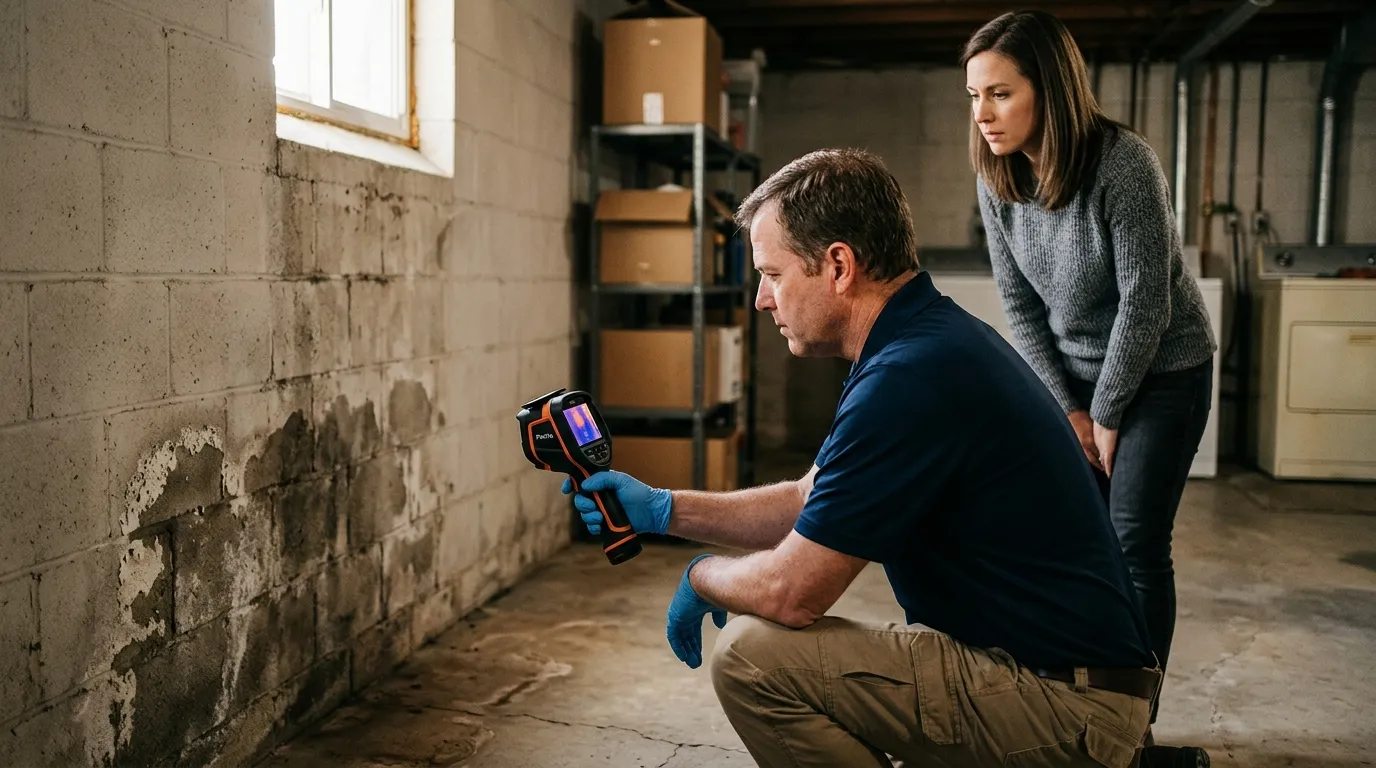
Small, clean-water leaks caught early are usually a drying problem. A toilet overflow from a clean tank is one thing. Sewage, floodwater, long-term wall cavity moisture, or a musty odor with occupant symptoms is a different call. Don’t let a pretty thermal image soften that distinction.
| Situation | Thermal value | Best decision |
|---|---|---|
| Leak less than 24 hours old | Finds wet perimeter fast | Stop water and dry aggressively |
| Leak 2-7 days old | Maps likely mold-risk zone | Meter, open if readings stay high |
| Musty odor, no visible stain | Finds hidden suspect areas | Inspect cavities with care |
| Sewage or floodwater | Limited screening value | Call a qualified remediation pro |
| Mold over about 10 sq. ft. | Helps define spread | Follow professional cleanup guidance |
Open drywall when moisture readings stay high, the water source is confirmed, the wall smells musty, paint is soft, or the cavity contains contaminated water. Don’t open a wall just because a thermal image looks odd. Meter it, compare it, and document why that exact spot is the right cut.
Behind drywall, mold risk climbs when drying can’t reach the wet material. Closed cavities, vinyl wallpaper, wet fiberglass insulation, double drywall, and baseboards with trapped water slow evaporation. A dehumidifier in the room may make the surface look better while the paper backing stays wet. That’s one of the sneaky parts.
For homeowners, the line is usually safety and scale. A 12-inch patch under a small supply leak may be manageable if you stop the water fast and dry the wall. A 6-foot run behind kitchen cabinets with swelling baseboard is contractor territory. If anyone in the home has asthma or immune compromise, move sooner.
Good documentation turns thermal imaging from “I saw something weird” into a defensible moisture map. Take a normal photo and a thermal photo from the same position. Mark the wall. Note the date, room, fixture tested, indoor temperature, relative humidity, and meter readings. Use the same color palette for the job so the photos don’t exaggerate the change from room to room.
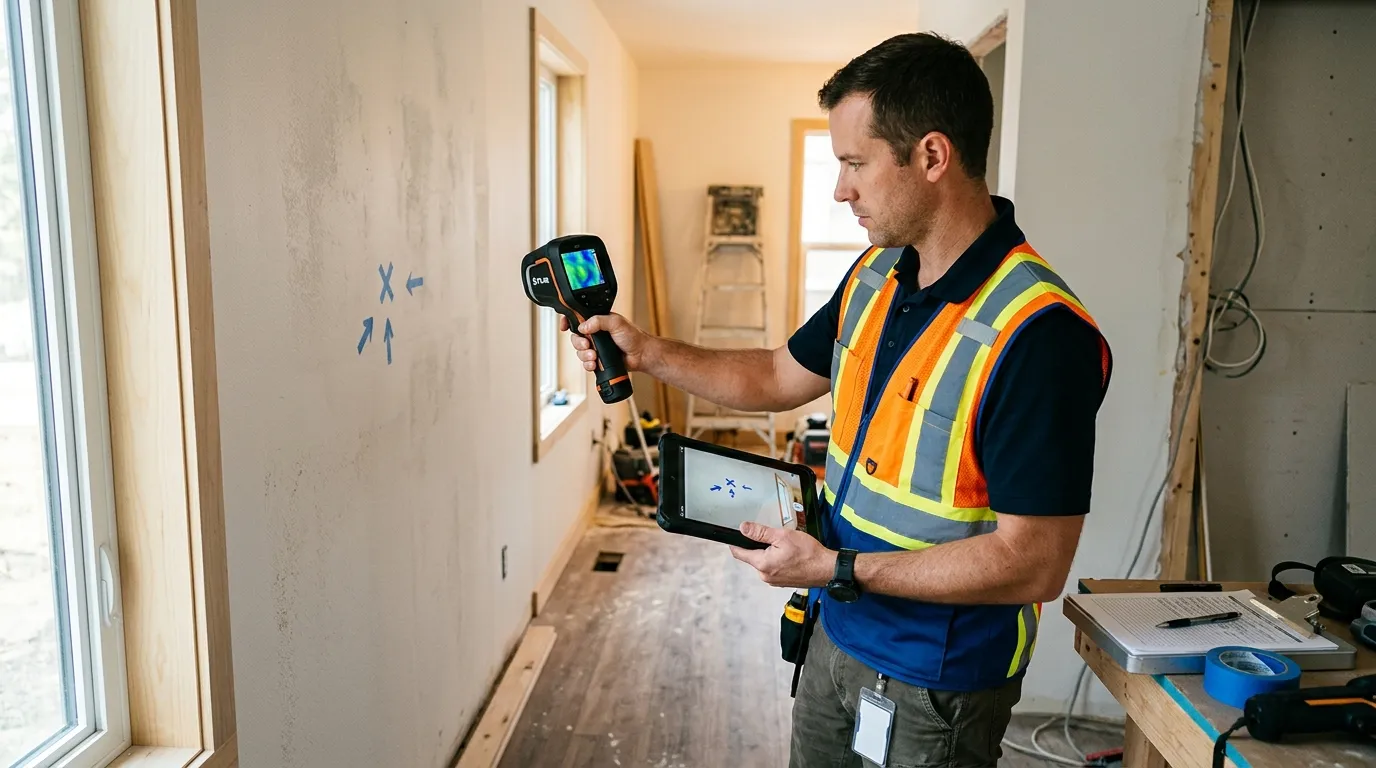
Don’t chase perfect images. Chase repeatable evidence. A slightly blurry thermal photo with a clear tape mark, meter number, and dry control reading beats a dramatic rainbow image with no context. Insurance adjusters, landlords, tenants, and restoration crews all need the same thing: where is wet, how wet is it, and what caused it?
For detecting hidden moisture & mold risk behind drywall with thermal, use this job note format:
Then come back. A drying job without follow-up is a guess. Re-scan after 24 hours and again when the meter reads close to the dry control area. If the thermal pattern shrinks and the meter drops, you’re moving in the right direction. If the surface looks dry but the meter stays high, the wall is still holding water.
No. Thermal imaging marks suspicious surface temperature patterns; a moisture meter, probe, or controlled inspection opening confirms wet drywall.
A 2°F to 5°F difference can matter when it follows a leak-shaped pattern and repeats from several angles. Single pixels or sharp stripes near studs are weak evidence.
Yes, flat or eggshell paint is usually fine. Gloss paint, foil wallpaper, tile, glass, and mirrors can reflect heat and distort results.
Usually no. CDC says if you see or smell mold, remove it and fix the moisture source; testing isn’t needed for most homes.
EPA recommends drying water-damaged areas within 24-48 hours to help prevent mold growth. Wet drywall left closed for days deserves a closer inspection.
Pixfra builds thermal devices for people who need to read heat patterns clearly, whether they’re outdoors at night or checking a suspicious wall inside a property. For detecting hidden moisture & mold risk behind drywall with thermal, the win is disciplined scanning: find the pattern, confirm the moisture, stop the water, and document the dry-out.
Net 30, deposits & payment terms in the optics trade usually mean one thing: established dealers may receive 30-day invoice terms, while new buyers often pay a deposit or full prepayment until trust, order history, and credit references are proven. In thermal imaging, night vision, riflescopes, binoculars, and rangefinding optics, payment terms are really a cash-flow agreement between two businesses that both carry expensive inventory.
Net 30 means the buyer pays the invoice within 30 calendar days after the invoice date; deposits reduce supplier risk before production or shipment. In the optics trade, new dealers commonly start with 30% to 50% deposits, prepaid first orders, or credit-card payment before graduating to Net 30 after several clean transactions.

A new retailer wants twelve thermal monoculars before deer season. The supplier wants to protect inventory that may cost hundreds or thousands of dollars per unit. Both sides are being reasonable. The tension starts when the retailer expects Net 30 on the first order and the supplier sees an untested account with no payment history.
Here’s a practical baseline:
| Buyer situation | Common payment term | Why suppliers use it |
|---|---|---|
| First order, small dealer | Prepay or 50% deposit | No trade history yet |
| Repeat dealer, clean record | Net 15 or Net 30 | Lower collection risk |
| Large distributor | Net 30 to Net 60 | Volume offsets risk |
| Custom OEM optics | 30% deposit, 70% before shipment | Production cash is tied up early |
| Private-label thermal device | Milestone payments | Tooling, firmware, packaging, and certification add risk |
Net 60 and Net 90 do exist, especially with large retailers and government-linked purchasing. Smaller optics dealers shouldn’t treat them as normal starting terms. A two-store outdoor retailer asking for Net 90 on a first $18,000 thermal order is asking the supplier to become a bank.
That’s the part buyers miss.
If your margin is 25%, one delayed payment can wipe out the profit from several clean orders. The supplier has paid for sensors, lenses, housings, freight, warehouse labor, and sometimes marketing support before your customer ever walks into the shop. Net 30, deposits & payment terms in the optics trade should be discussed as working capital, not just “standard paperwork.”
The better opening question is: “What first-order structure gets this moving while building toward Net 30?” That sentence lands better than “Everyone gives us terms.”
A deposit isn’t a lack of trust. It’s a way to share risk before inventory moves.
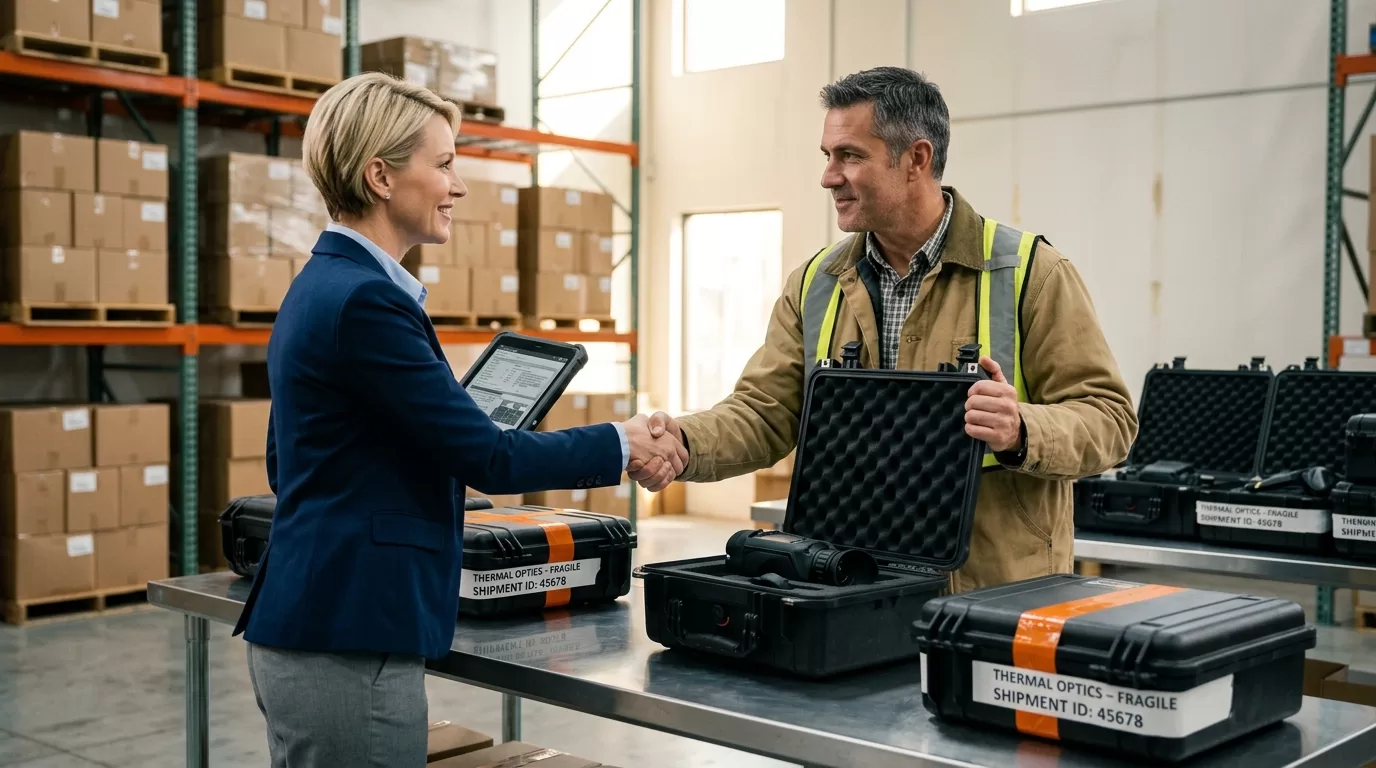
In thermal optics, inventory risk is sharper than in low-cost accessories. A 640×512 thermal monocular, a 384×288 clip-on, or a batch of branded handheld devices can tie up serious capital. If the buyer cancels late, the supplier may be holding a configuration that doesn’t fit the next customer’s price point, market, or packaging language.
For standard catalog products, a supplier may ask for full payment before shipping on the first order. For larger purchase orders, 30% upfront and 70% before shipment is common. For OEM or ODM work, deposits usually come earlier because production starts before there’s a finished unit to sell.
Think about a private-label thermal project. You may need sensor allocation, lens selection, firmware menus, carton artwork, FCC-related documentation, and sample testing. That is a different risk profile than ordering ten boxed binoculars from existing stock. Pixfra buyers who are comparing finished products with custom device programs should treat thermal core module integration as a separate payment conversation because engineering time and component planning begin long before the final invoice.
A simple deposit schedule can prevent awkward calls later:
| Project type | Deposit pattern | Payment trigger |
|---|---|---|
| Stock thermal monoculars | 100% prepay first order | Before shipment |
| Dealer reorder | Net 30 after approval | Invoice date |
| Custom packaging | 30% deposit | Before artwork or production |
| OEM thermal device | 30% / 40% / 30% | Kickoff, sample approval, shipment |
| Exclusive territory deal | Deposit plus quarterly minimums | Contract signing and reorder cycle |
Deposits work better when the supplier states exactly what the deposit covers. “30% deposit required” feels blunt. “30% deposit reserves inventory and starts packaging production” is easier to accept because the buyer sees the business reason.
There’s also a buyer-side protection angle. If you’re paying a deposit for a new optics supplier, ask for a pro forma invoice, company banking details, shipment terms, lead time, product model numbers, warranty terms, and written refund rules if the supplier can’t ship. The Federal Trade Commission’s Mail, Internet, or Telephone Order Merchandise Rule requires sellers to have a reasonable basis for advertised shipping claims and to handle shipping delays properly. FTC, 2024
That rule won’t solve every B2B dispute. Still, it gives US buyers a useful benchmark: shipping promises should be real, dated, and documented.
A supplier rarely grants Net 30 because a buyer asks nicely. The supplier grants Net 30 because the buyer looks collectible.

What does that mean in plain terms? Your company details match public records. Your trade references answer the phone. Your first order clears without drama. Your reorder timing makes sense for the category. Your buyer doesn’t disappear after asking for a pro forma invoice.
For a new optics dealer, the fastest path to Net 30 is boring, clean execution. Pay the first one or two orders upfront. Keep the order size realistic. Sell through the units. Reorder before peak season. Then ask for terms with numbers on the table.
A supplier may request:
The National Association of Credit Management teaches that trade credit decisions should consider payment history, credit capacity, financial condition, collateral, and character. NACM, 2023 That may sound formal, but optics suppliers use the same logic in everyday language: Can this account pay, will this account pay, and what happens if it doesn’t?
Cash-flow pressure is real for dealers. A retailer may need product on the shelf before a hunting expo, police procurement cycle, or fall promotion. Customers want to touch the device, compare image quality, and ask about detection range. You can’t sell an empty shelf.
Still, using supplier credit to fund uncertain retail demand is risky. If you order twenty thermal scopes on Net 30 and sell only six in the first month, the remaining units are inventory, not cash. Rent is due. Payroll is due. The invoice is due too.
A cleaner structure is to start smaller. Order eight units across two price tiers, maybe 384-resolution and 640-resolution thermal devices. Track sell-through by model. Reorder the faster mover. Then negotiate Net 30 based on real velocity rather than optimism.
Here’s a stronger ask:
> “We paid the first two Pixfra invoices upfront, totaling $14,600. Sell-through averaged 22 days. We’d like Net 30 on reorders up to $20,000, with prepayment above that limit until the next review.”
That sounds like a business case. It gives the credit manager something to approve.
Net 30 feels generous to the buyer until the calendar starts moving.
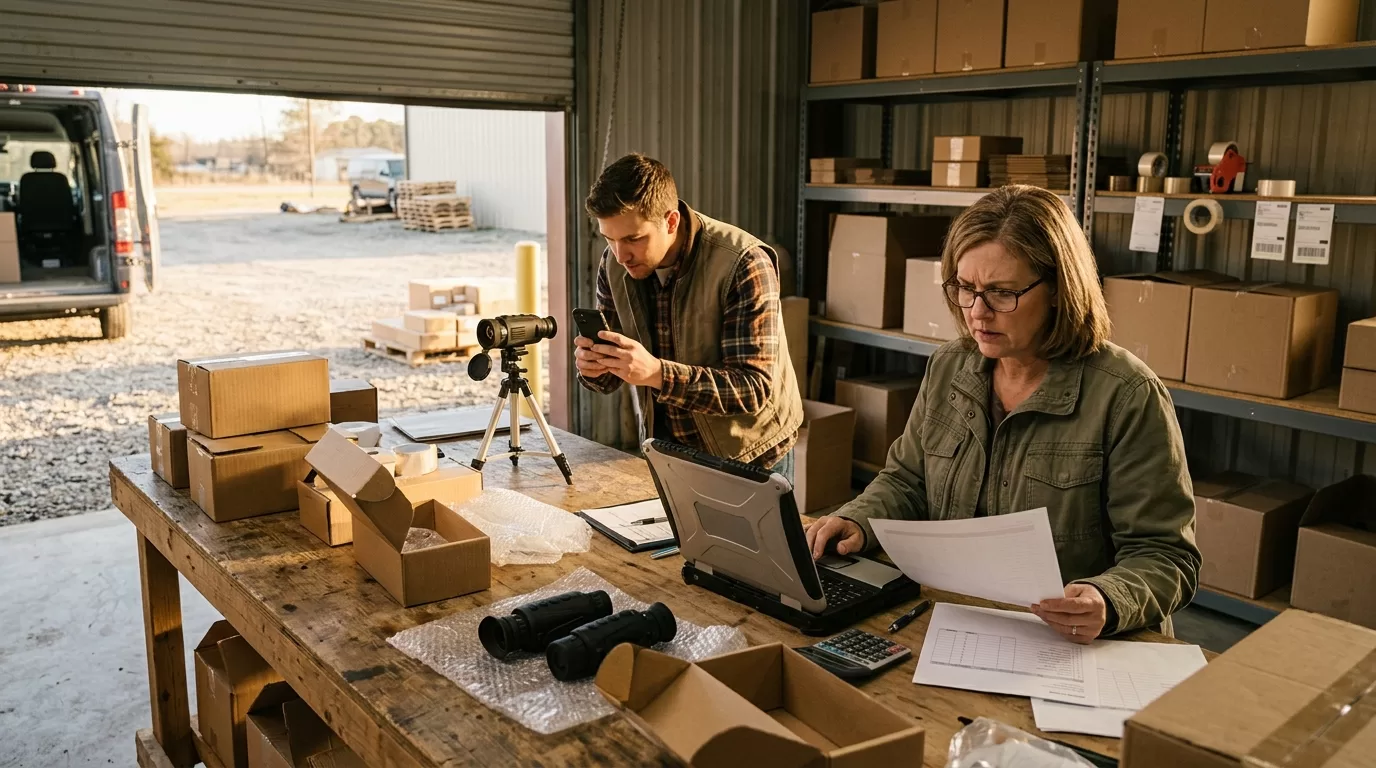
Day 1: units ship. Day 6: they arrive. Day 10: your team posts listings, trains staff, and adds demo batteries. Day 18: the first customer buys one. Day 31: the invoice is due.
If sell-through is slower than expected, Net 30 doesn’t create profit. It compresses the deadline. This is why optics buyers should model payment terms next to inventory turns, not just gross margin.
| Term | Buyer upside | Buyer risk | Supplier risk |
|---|---|---|---|
| Prepay | Often faster approval | Cash leaves before sale | Low |
| 30% deposit | Less cash upfront | Balance comes before shipment | Medium-low |
| Net 15 | Short breathing room | Tight resale window | Medium |
| Net 30 | Better retail cash cycle | Late fees if sell-through stalls | Medium-high |
| Net 60 | More time to sell | Can hide weak demand | High |
| Net 90 | Big cash-flow relief | Hard to get without scale | Very high |
A 25% margin changes the math. Suppose a dealer buys $12,000 in thermal optics and expects to sell them for $16,000. That looks like $4,000 gross profit before fees, returns, demos, freight, and card processing. If $6,000 of that inventory sits past the due date, the dealer may need cash from somewhere else to pay the supplier.
This is why Net 30, deposits & payment terms in the optics trade should be matched to sell-through speed. Hunting-season products may move quickly from August through November and then slow. Law enforcement demos may take months because one agency test can involve procurement staff, field officers, and budget approval. Outdoor e-commerce can spike after a YouTube review, then flatten for weeks.
Payment terms that work for one channel can hurt another.
For online sellers, prepaid or deposit terms may be safer until you know return rates and ad costs. For brick-and-mortar dealers, Net 30 can help cover the demo period if foot traffic is predictable. For distributors, Net 60 may work because orders are spread across many sub-dealers.
Don’t ignore currency and freight either. If you import optics, exchange-rate swings, duties, and air freight can change your landed cost before the customer ever sees the unit. US Customs and Border Protection reminds importers that classification, valuation, and duty liability sit with the importer of record. CBP, 2025
That matters for payment terms. A “good” Net 30 deal can become thin if you forgot duties, broker fees, lithium battery paperwork, or warranty reserve.
The invoice date is not a small detail. Neither is the shipping term.

If Net 30 starts on the invoice date, and the invoice is created three days before pickup, your payment window has already started before the cartons leave the warehouse. If Net 30 starts on delivery, that’s different. Put it in writing.
The same goes for Incoterms. EXW, FOB, CIF, DDP, and DAP change who pays freight, who carries risk, and where responsibility transfers. In cross-border optics deals, one word can move thousands of dollars in liability.
For US dealers, the key clauses are usually:
A supplier may reserve the right to pause shipments if an account is overdue. That’s normal. Buyers should read that clause before launching a promotion. Nothing is worse than selling through your starter stock, planning a weekend ad push, and learning your reorder is on hold because the previous invoice cleared two days late.
Returns deserve their own line. Thermal optics are not T-shirts. A unit opened for demo may need inspection before resale. A device with a scratched lens, missing cable, or modified firmware can’t simply go back into stock. Clear RMA rules protect both sides.
Warranty credits are another common friction point. If a customer returns a thermal monocular with a real defect, does the supplier replace it, repair it, issue account credit, or ship parts? Who pays inbound freight? What happens if the product tests normal? These questions feel minor until a $1,999 unit sits on your counter and the customer wants an answer by Friday.
One practical clause: define “business day.” Net 30 calendar days is different from 30 business days. Suppliers usually mean calendar days unless stated otherwise. Buyers sometimes assume business days. That gap creates needless resentment.
Bank details also need care. Wire fraud in B2B trade is ugly and fast. Confirm bank changes by phone using a known contact, not the email thread where the change appeared. For first deposits, ask the supplier to send the banking information on a signed pro forma invoice and verify the company name matches the account beneficiary.
Ask for terms after you’ve reduced the supplier’s risk.
That’s the whole negotiation.
If you’re a new dealer, don’t lead with “Can we get Net 30?” Lead with the plan: product mix, channel, launch date, expected reorder cycle, and payment record. Then offer a structure that moves both sides forward.
Better opening lines:
Notice the pattern. You’re not asking the supplier to carry unlimited risk. You’re setting a path.
Large buyers have more room to negotiate because they can offer volume, forecasting, retail placement, content production, or access to a defined channel. Even then, longer terms usually come with tighter contracts. Net 60 might require a credit check, personal guarantee, shorter dispute windows, or strict purchase minimums.
Smaller buyers can still negotiate. The best tool is specificity. Instead of “We expect strong demand,” say “We sold nine 384-resolution thermal monoculars in 27 days last October at $1,299 to $1,699.” Instead of “We have a big audience,” say “Our email list has 8,400 subscribers, and last fall’s optics promo produced $32,000 in tracked revenue.”
Suppliers listen to numbers.
There are times to walk away. If a supplier demands a large deposit but won’t provide a pro forma invoice, model list, legal entity, shipping date, warranty terms, or refund rule, slow down. If a buyer demands Net 90 on a first order and refuses a credit application, the supplier should slow down too.
For Pixfra partners, the healthiest payment conversation is direct: match the term to the order type, sales channel, and proof of sell-through. Thermal imaging is a technical category with higher unit values than ordinary outdoor accessories, so vague promises aren’t enough. A clean first order is often worth more than a stretched first credit line.
Yes, Net 30 is common for established optics dealers, distributors, and repeat buyers with clean payment history. New buyers often start with prepayment, deposits, or Net 15 before receiving Net 30.
For stock optics, first orders may require full prepayment. For larger or custom thermal imaging orders, 30% to 50% deposits are common, with the balance due before shipment or at a milestone.
Usually not on the first order. Net 60 is more realistic for larger distributors, long-standing accounts, or buyers with strong credit references and predictable order volume.
Invoices should state whether payment timing starts on invoice date, shipment date, or delivery date. If the document only says “Net 30,” assume calendar days from the invoice date unless the supplier confirms otherwise.
Only if the invoice or contract says so. Custom packaging, OEM thermal devices, and reserved inventory often have non-refundable portions because the supplier has already spent money on production or allocation.
If you’re planning dealer orders, private-label thermal imaging products, or a first wholesale purchase, Pixfra can help you structure the product mix and payment path around real sell-through, not guesswork. Start with a clear order size, a realistic channel plan, and terms that both sides can defend on paper.
If you run a farm or ranch in the U.S., you already know that losses don’t just happen during the day. Predators, sick livestock, broken fences, and trespassers do their worst after dark. A thermal monocular puts eyes on your entire operation at night — and the return on that one purchase can be staggering. We built this case study at Pixfra to show you the actual numbers.
Let’s start with what’s eating into your bottom line right now. Feral hogs alone are a persistent and costly threat to U.S. crop and livestock production, inflicting over $1.6 billion in damages annually. That’s not some abstract government number — it’s real money disappearing from farms across the South and West every single year. In Texas alone, the cost of feral hog-related agricultural damage exceeded $871 million in a single year. And hogs are just part of the picture. Collectively, predator attacks — led by coyotes — cost ranchers about $232 million per year in lost animals, with coyotes responsible for well over half of all livestock losses to predators nationwide. If you’re running cattle, sheep, or goats, something out there is costing you money every night you can’t see what’s happening on your land.

The damage goes beyond dead animals. Feral hogs caused an estimated $375 million in property damage in 2020 alone across 13 states, including damage to fencing, waterers, feed and hay storage, pasture roads, erosion infrastructure, and working facilities. In 2021, producers spent $474 million and over 17 million labor hours on hog control. That’s time you’re not spending on production, breeding, or anything else that actually grows your revenue. And here’s the kicker: it’s estimated that a single feral hog can cause $500 worth of damage to fields and pastures. Multiply that by a sounder of 15 or 20 hogs, and you’re looking at a five-figure hit from one bad night.
Then there’s the livestock health side. Infrared imaging can identify sick animals early by detecting fever, changes in circulation, or inflammation. Without thermal, a cow running a fever at 2 AM looks the same as every other cow in the pasture — you won’t know until she’s off feed the next morning, and by then, the problem may have spread. Thermal imaging saves farmers between $21,546 and $64,638 annually in mastitis-related costs alone for mid-sized dairy operations. Whether you’re running beef cattle, a dairy herd, or a sheep operation, the losses you can’t see in the dark are the ones that hurt most. Getting ahead of those losses is where a thermal monocular earns its keep. If you want to understand the top 6 features needed in the best thermal device in 2026, we put together a full breakdown that covers sensor specs, battery life, durability, and more — all the stuff that actually matters when you’re picking gear for real farm conditions.
Here’s where the thermal monocular ROI for farmers gets real. The math isn’t complicated. A quality handheld thermal monocular from Pixfra — something like our Arc LRF or Mile 2 series — sits in a mid-range price tier that most working farms can justify in a single season. Our devices deliver NETD values of ≤18mK, which means you can pick out a coyote against a warm field background or spot a feverish calf from across the pasture. You don’t need a $10,000 system to start seeing real savings. With system costs ranging from $500 for basic devices to $25,000+ for advanced setups, ROI is typically achieved within 12-18 months through prevented equipment failures ($5,000-$20,000 saved annually) and improved herd health outcomes. For most farms using a handheld thermal monocular, the payback window is even shorter because the upfront cost is lower.
The USDA’s predation management program data shows that for every dollar spent on predation management, $3 worth of livestock were saved. Think about that ratio applied to your operation. If you lose even two calves a year to coyotes or feral hogs — and at today’s beef prices, each calf is worth $800 to $1,200 — that’s $1,600 to $2,400 gone. A thermal monocular that lets you spot and deal with those predators before they hit your herd can pay for itself with a single saved animal. Farmers and ranchers have dozens of uses for thermal monoculars that save time and prevent losses — check on animals at night without disturbing the herd, spot a cow that’s separated from the group, and identify sick animals by detecting fever, since elevated body temperature shows up instantly on thermal displays. Every one of those use cases has a dollar value attached to it, and they stack up fast.
The indirect savings are just as real. You can cover large pastures quickly without driving out to every corner of your property, and thermal imaging also helps with predator control — coyotes, feral hogs, or other animals threatening livestock show up clearly, even from long distances. That means fewer midnight truck trips burning diesel, less wear on your ATV, and less time physically walking fence lines in the dark. One scan from a hilltop with a Pixfra monocular can cover ground that would take you 45 minutes by truck. Over a season, those hours and fuel costs add up. When you factor in predator deterrence, early health detection, faster head counts, calving-season monitoring, and property security, the ROI from a single thermal monocular covers a lot of ground — literally and financially.
Estimated Annual ROI Breakdown for a Mid-Size Cattle Operation (200 head)
| Loss Category | Estimated Annual Cost Without Thermal | Potential Savings With Thermal |
|---|---|---|
| Calf losses to predators (2-3 head/year) | $2,000 – $3,600 | $1,500 – $3,000 |
| Late disease detection & vet bills | $3,000 – $8,000 | $1,500 – $5,000 |
| Feral hog crop/pasture damage | $2,500 – $10,000 | $1,000 – $6,000 |
| Fence/infrastructure repair (hog damage) | $1,500 – $5,000 | $500 – $2,500 |
| Fuel, labor, and patrol time | $1,200 – $3,000 | $600 – $1,500 |
| Total estimated | $10,200 – $29,600 | $5,100 – $18,000 |
These figures are conservative, built from USDA damage data and typical livestock values. Your mileage will vary depending on your location, herd size, and local predator pressure — but even at the low end, a thermal monocular that costs under $2,000 can pay for itself in the first year.
Let’s put this into a real scenario. Picture a 600-acre cattle operation in east Texas — a region where feral hog damage exceeded $871 million in a single year statewide and coyote pressure is constant. The rancher runs about 150 cow-calf pairs. Before thermal, he was losing an average of three calves per year to predators — two to coyotes, one to hogs. At 2025 calf prices, that’s roughly $3,000 gone. Add in the pasture damage from a recurring hog sounder — torn-up hay meadows, damaged waterers, rutted-out feed roads — and the annual hit was pushing $8,000 to $12,000. He was spending an extra 10 hours a week during peak predator season driving the ranch roads at night with a spotlight, burning diesel and losing sleep.

After picking up a Pixfra thermal monocular, the picture changed fast. With our 12μm pixel pitch sensor and ≤18mK NETD, he could scan his entire calving pasture from one elevated point in under five minutes. Some ranchers use thermal monoculars during calving season to check pregnant cows overnight without spooking them with lights or vehicle noise, and coyotes, feral hogs, or other animals threatening livestock show up clearly, even from long distances. Within the first three months, he’d identified a coyote pair working the south pasture and a sounder of hogs bedding in a creek bottom he’d never checked before. He dealt with both problems before losing a single calf that season. That alone saved $2,000 to $3,000. The hog damage to his hay ground dropped by over 60% because he could now locate and trap them before they tore up acreage, saving another $3,000 to $4,000 in reseeding and repair costs.
He also started using the monocular for nightly health checks. Illness, injury, and infection often manifest as a change in surface temperature — a “hot spot” or “cold spot” — and a thermal monocular can flag a potential issue like mastitis, lameness, or fever in an animal from a distance. He caught a heifer with early respiratory illness on a thermal sweep one night — her head and chest were noticeably warmer than the rest of the group. By treating her the next morning before she went off feed, he avoided what likely would’ve been a $500+ vet bill and potential spread through the pen. His total first-year savings? Conservatively, $7,000 to $10,000 — from a device that cost a fraction of that. The thermal monocular ROI wasn’t a multi-year projection. It was a single-season reality.
Not every thermal monocular on the shelf is built for farm work. You need something that can handle dust, rain, cold mornings, and getting tossed on the truck seat. At Pixfra, we build every device with IP67-rated housing — that means full dust sealing and protection against water submersion. That’s non-negotiable for any device you’ll use outdoors in real conditions. You also need a sensor that can tell a coyote from a fence post at 300 yards on a warm night, and that comes down to NETD and resolution. Our devices hit ≤18mK NETD and pair that with 12μm pixel pitch sensors across the lineup, from the Draco for everyday farm use to the Sirius HD for large-property scanning at ranges out to 3,600 meters.

Battery life is another deal-breaker for farm use. If your thermal monocular dies at midnight and you’re mid-calving season, it’s a very expensive flashlight. Our Pixfra devices range from about 4.5 to 15 hours depending on the model, and many use standard 18650 batteries you can swap in seconds. That’s a deliberate design choice — when you need to pop in a fresh battery at 3 AM, proprietary charging setups are the last thing you want. For all-night predator patrols or multi-day backcountry work, swappable batteries beat built-in rechargeables every time. Cold weather can also slash battery performance by 30-50%, so carry spares in an inside pocket and you’ll never get caught dead in the dark.
Thermal optics are widely used for livestock protection and farm patrol. If you manage cattle, sheep, or poultry, predators like coyotes, hogs, or stray dogs can cause serious losses overnight. Waiting until daylight often means the damage is already done. Thermal devices allow you to detect movement across open land, fence lines, and tree cover without relying on floodlights. If your farm doubles as a place where you need to monitor for trespassers, check equipment sheds, or keep an eye on remote outbuildings, a thermal monocular with Wi-Fi streaming and video recording — like our models with the Pixfra Outdoor App — gives you documentation and real-time awareness in one tool. You’re not buying a gadget. You’re buying a farm management tool that works 24/7, handles rough conditions, and pays you back every time it prevents a loss you’d otherwise never see coming.
How fast will a thermal monocular pay for itself on a farm?
For most livestock operations, a thermal monocular can pay for itself within one season — sometimes in a single event. If you prevent even one calf loss to predators at today’s beef prices ($800-$1,200 per head) or catch a hog sounder before it destroys a hay meadow, you’ve covered the cost of a mid-range device. For operations using thermal imaging more broadly for herd health and equipment monitoring, ROI is typically achieved within 12-18 months. The faster you use the device, the faster it pays back.
Can a thermal monocular really detect sick livestock?
Yes. By monitoring the body temperature of animals, farmers can detect signs of illness, stress, or discomfort early, allowing for timely interventions that improve animal welfare and productivity. Fever, inflammation, and circulation changes all show up as hot spots on a thermal display. You can scan a group of cattle from a distance without disturbing them and flag the animal that looks warmer than the rest — all without getting close enough to stress the herd.
Do I need an expensive thermal monocular for farm use?
No. Most farmers initially think of thermal as a tool for predator control, but with a decent sub-$1,000 thermal, you have an entire spectrum of non-visible light opened up — you can monitor livestock without disturbing them and detect disease and injury earlier. Entry-level devices work well for short-range pasture checks and basic predator scanning. If you need longer detection ranges for larger properties — say, 1,000+ meters — a mid-range model like the Pixfra Arc LRF or Mile 2 hits the sweet spot between performance and price.
Is a thermal monocular better than trail cameras for farm security?
For active monitoring, yes. Trail cameras only capture what walks past them, and they need you to check the footage later. A single thermal device can detect a human-sized heat signature at over a mile, compared to a few hundred feet for a standard security camera. A thermal monocular gives you real-time, full-area scanning — you step outside, power it up, and you know exactly what’s on your property right now. For passive, 24/7 recording, trail cams still have their place, but when it comes to stopping a threat in real time, thermal wins every time.
What’s the best thermal monocular for a working farm or ranch?
It depends on your acreage and primary use. For smaller operations doing nightly livestock checks and close-range predator work, our Pixfra Draco provides solid performance at a reasonable price point. For mid-to-large ranches where you need to scan long distances — and especially if you’re dealing with feral hogs or coyotes — models like the Arc LRF (with a built-in laser rangefinder) or the Mile 2 series give you the detection range, battery life, and durability to handle serious farm use. Every Pixfra device is built to IP67 standards, runs a 50Hz refresh rate for smooth imaging, and works with our Outdoor App for firmware updates and image transfer.
Shooting past 300 yards in total darkness is a different game. You need a thermal scope that can detect, identify, and help you hit targets at distance — not just show you a glowing blob. At Pixfra, we build thermal imaging devices used by hunters across 30+ countries, and we know what separates a real long-range thermal scope from a spec-sheet wonder.
Not every thermal scope can handle long-range work. A scope that performs well at 100 yards might turn into a blurry mess at 400. If you plan to reach out past 300 yards at night — whether you’re hunting coyotes across open fields, running hog eradication on ranch land, or just want confidence at distance — you need to pay attention to a few specific things before you spend a dime.

The first thing to look at is sensor resolution. This is the number of pixels your thermal sensor uses to build the image you see through the eyepiece. If your shots stay within 100–150 meters, a 384×288 sensor will often suffice. If you’re shooting 250+ meters, go for a higher-resolution sensor (640×480 or 1024×768) and better thermal sensitivity (<20 mK NETD). A higher pixel count means the animal you’re looking at is rendered by more pixels on the screen, which lets you see ears, legs, body posture, and movement — all details you need for positive target ID before pulling the trigger. If you look at a coyote at 400 yards through a 256-resolution sensor, the animal might only be rendered by 4 or 5 pixels — it will look like a blurry Lego brick. With a 640×512 sensor, that same coyote is rendered by dozens of pixels. That’s a night-and-day difference when it comes to making an ethical shot.
Second, your long-range thermal scope needs a laser rangefinder (LRF) and a ballistic calculator — period. A laser rangefinder integrated with a ballistic calculator eliminates guesswork on longer shots by automatically adjusting your reticle for range and angle. This is particularly valuable for ethical hunting in low-visibility conditions where distance estimation is difficult. At night, you can’t judge distance by landmarks the way you can during the day. An integrated LRF gives you exact yardage in a fraction of a second, and when that feeds into a ballistic calculator, your reticle adjusts automatically for bullet drop. If you want a deeper look at what features set a great thermal device apart, we put together a guide on the top features needed in the best thermal device in 2026 that covers this in detail. Finally, don’t overlook build quality, refresh rate, and battery life. A scope with a 50Hz refresh rate tracks moving animals smoothly, while anything below 30Hz creates lag that can cost you a clean shot. And a battery that dies four hours into a night hunt is a deal-breaker — look for 7+ hours of runtime or swappable 18650 batteries so you can keep going.
After testing, field feedback, and engineering-level analysis of what performs at distance, here are our top seven picks for long-range thermal shooting in 2026. We’ve pulled from our own Pixfra lineup because we know these devices inside and out — and because they’re built to perform in exactly these conditions. Each model below brings something different to the table depending on your shooting style, terrain, and budget.
1. Pixfra Pegasus 2 LRF — Our flagship thermal scope for long-range precision. The Pegasus 2 LRF is built around the tagline “Make Precision Target Locking Effortless,” and it delivers. It features an integrated laser rangefinder, a high-sensitivity thermal sensor with NETD ≤18mK, and detection range that stretches well past what most hunters will ever need. The LRF feeds distance data directly to the scope, taking the guesswork out of holdovers at 300+ yards. If you want one scope that does everything for long-range thermal hunting, this is the one.

2. Pixfra Chiron LRF — Designed with one purpose: “Lock-On, Readiness, Fire.” The Chiron LRF pairs its integrated laser rangefinder with a built-in ballistic calculator, giving you real-time adjusted aiming points for different ranges and angles. This is the thermal rifle scope you want if you’re running predator control across big open ground. It computes bullet drop, angle compensation, and other ballistic factors so your reticle is already where it needs to be when you’re ready to squeeze the trigger.
3. Pixfra Pegasus Pro Series — When the slogan says “Shoot in a Pro Way,” it’s talking about features that matter to serious shooters. The Pegasus Pro is a thermal scope built for hunters who want a step up in optical performance and target clarity without the added weight and cost of full LRF integration. It offers excellent thermal imaging, smooth magnification, and a sensor that punches above its class for target identification at mid-to-long range.
4. Pixfra Taurus T650 LRF — This is a thermal front attachment, which means it clips onto the front of your existing daytime scope and turns it into a thermal imaging system. Why does that matter for long-range shooters? Because you get to keep using the high-quality glass optic you already trust for daylight work. The T650 LRF adds thermal detection with an integrated laser rangefinder and a ballistic calculator. Its zeroing precision sits at an ultra-fine 0.9cm@100m click value — that’s seriously tight for a thermal front attachment.
5. Pixfra Taurus T450 LRF — Similar DNA to the T650 but in a slightly different configuration, the T450 LRF gives you thermal front attachment capability with LRF and ballistic support. It’s ideal for shooters running mid-range optics on bolt-action rifles or AR platforms who want thermal capability at distance without re-zeroing or swapping their entire scope setup. Both Taurus LRF models are built for fast mounting and solid zero retention — key when you need to switch between day and night shooting.
6. Pixfra Volans Series — “See Beyond Time” isn’t just a marketing line. The Volans is a digital day-and-night vision scope with an adjustable aperture (F1.2–F3.0) that adapts to different lighting conditions. This gives you an all-day scope that handles bright daylight, low light, and total darkness without swapping optics. For hunters who don’t want to carry separate day and night rigs, the Volans solves that problem. LRF-equipped models also include a ballistic calculator for accurate targeting at distance.
7. Pixfra Draco — Lightweight design meets multi-functional performance. The Draco stands out as a thermal front attachment that keeps your rifle balanced and maneuverable, even on long stalks. While it’s not as feature-loaded as the Taurus LRF models, the Draco delivers reliable thermal imaging, solid detection range, and a compact form factor that won’t throw off your shooting position. It’s a smart entry into thermal front-attachment shooting for hunters who want thermal capability without the bulk.
Here’s a quick side-by-side comparison to help you see how these stack up:
| Model | Type | LRF | Ballistic Calculator | Best For |
|---|---|---|---|---|
| Pegasus 2 LRF | Thermal Scope | Yes | Yes | All-around long-range precision |
| Chiron LRF | Thermal Scope | Yes | Yes | Predator control, open terrain |
| Pegasus Pro | Thermal Scope | No | No | Mid-to-long range, value |
| Taurus T650 LRF | Front Attachment | Yes | Yes | Pairing with existing optics |
| Taurus T450 LRF | Front Attachment | Yes | Yes | Versatile clip-on thermal |
| Volans | Day/Night Scope | Available | Available | 24-hour all-day shooting |
| Draco | Front Attachment | No | No | Lightweight, portable thermal |
Key stat: Detection ranges across the Pixfra lineup run from around 500m on entry-level devices up to 3,600m on premium models like the Sirius HD series. For long-range shooting, our LRF models provide accurate ranging out to 1,000m — which covers virtually every realistic hunting scenario in North America.
This is the single biggest source of confusion in thermal scopes, and it trips up both new buyers and experienced hunters. When shopping for thermal optics, you will often see specs like “Detection Range: 2,500 yards.” Do not mistake detection for identification. Detection means the scope can sense a heat source — at 1,500 yards, a cow and a truck engine might look exactly the same, just a white dot. Identification means you can clearly see the animal’s shape, legs, and gait. This is the absolute maximum range at which you can ethically shoot. This is the point we want to drive home: your detection range is always going to be much farther than the range at which you can positively ID a target and take a responsible shot.

For thermal scopes, anything past 250 yards starts to become “long range.” Hitting a target at 500+ yards with a thermal scope requires a perfect storm of environmental conditions, high-end sensor resolution, and a very large objective lens. That’s why we build our Pixfra thermal scopes and front attachments with high-resolution sensors and wide germanium objective lenses. A larger lens collects more infrared radiation, which directly translates to a cleaner image at distance. When paired with a sensor that has NETD values as low as ≤18mK, you get exceptional target separation in conditions that wash out cheaper thermals — high humidity, fog, or low temperature contrast between animals and their environment. Our Taurus LRF series, for example, offers that ultra-fine 0.9cm@100m click value for zeroing, which gives you the precision to actually use those long identification ranges for shot placement, not just spotting.
If you’re shopping for a thermal scope specifically for long-range shooting, here are the specs you should zero in on. First, sensor resolution — we’ve already covered why 640×480 or higher is the sweet spot for long-range work. A 384×288 sensor works fine for close-to-mid range hog hunting inside 200 yards. If you’re pushing past 300 yards or targeting smaller game like coyotes, step up to a 640×480 or 640×512 sensor for cleaner target ID. If your budget limits you to a 384 sensor, you can still get decent performance at moderate distances, but you’ll hit a ceiling faster when you zoom in digitally.

NETD (Noise Equivalent Temperature Difference) is the second spec to watch. NETD measures how sensitive your thermal sensor is to tiny temperature differences. Lower numbers are better. Our Pixfra devices hit ≤18mK, which means the sensor can pick up extremely subtle heat variations — like the difference between a coyote’s warm body and the cooling ground around it on a mild evening. Premium models from top-tier brands typically range from 15mK to 25mK. Anything above 30mK is going to struggle in low-contrast conditions, and those are exactly the conditions where long-range shots are hardest. Temperature differentials shrink as the night goes on, and a sensitive sensor is what keeps your image sharp when conditions get tough.
Magnification is where a lot of buyers get tricked. Digital zoom simply enlarges the pixels you already have. If you want to shoot at 400 yards, you need a scope with a higher optical base magnification (like 3x or 4x), so you don’t have to rely heavily on digital zoom. A scope advertising 16x magnification sounds impressive, but if that’s achieved through 2x base mag and 8x digital zoom, your image quality at high zoom will be soft. For long-range thermal work, look for a base optical magnification of at least 3x to 5x, and treat digital zoom as a bonus — not the foundation of your long-range plan. Our Pegasus 2 LRF and Chiron LRF are engineered with this philosophy: strong base magnification so you get real optical clarity where it counts.
Choosing a thermal rifle scope for long-range shooting comes down to three things: where you hunt, what you hunt, and how you hunt. Open fields or farmland require a scope with a long detection and identification range, typically a 50–60mm lens and 640+ resolution sensor. Woodland or brush calls for wide field of view, compact form, and fast handling — 35mm lenses and lighter builds are ideal. Mixed terrain means a balanced scope with a mid-range lens (50mm), moderate magnification, and decent FOV. If you’re sitting in a blind over a Texas grain field waiting for hogs, the Pegasus 2 LRF gives you maximum detection and precision. If you’re walking fence lines looking for coyotes, the lighter Draco front attachment keeps your rifle from wearing you out over miles.
Budget matters too. Thermal units range in price from around $1,000 for basic thermal viewers to over $7,000 for the most sophisticated rangefinding scopes. Thermal scopes depend on a rare-earth element called germanium, which supplies temperature-sensitive glass for thermal units. Generally speaking, the best combination of attributes, capability, and overall utility of thermal units will set you back around $3,000. Don’t chase the highest-specced scope if your shots never go past 200 yards. A mid-range Pixfra thermal scope or front attachment will serve you better than an overbuilt unit that’s too heavy for your style. On the flip side, if you’re seriously working open country at 400+ yards, invest in LRF integration and a ballistic calculator — those features pay for themselves in first-round hits and ethical shots. Our Chiron LRF and Taurus LRF both include ballistic calculators that compute factors like bullet drop and angle for accurate targeting at different distances, making them a solid pick for anyone who wants long-range confidence without external accessories.
How far can you actually shoot with a thermal scope?
It depends on the scope and the target, but here’s the honest answer: most thermal scopes let you detect heat signatures well beyond 1,000 yards. However, your actual shooting range — the distance at which you can positively identify the target and make an ethical shot — is usually limited to 400–600 yards with a high-end 640-class sensor and a 50mm+ lens. Our Pixfra thermal scopes with NETD ≤18mK push that identification range further by delivering sharper thermal contrast, but we always recommend knowing your identification limits before taking any shot.
Is a 640 sensor worth the extra money over 384?
If you’re shooting past 200 yards regularly, yes — it’s absolutely worth it. A 640×480 or 640×512 sensor puts significantly more pixels on your target at distance, which translates directly into better target identification. At 400 yards, the difference between a 384 and a 640 sensor is the difference between guessing and knowing what you’re aiming at. For close-range work under 200 yards, a 384 sensor handles the job, but for long-range thermal shooting, the 640 is the baseline we recommend.
Do I need a built-in laser rangefinder on my thermal scope?
For long-range shooting — yes. At night, your ability to judge distance drops off a cliff compared to daylight. An integrated LRF gives you accurate yardage in under a second, and when it’s paired with a ballistic calculator (like on our Chiron LRF and Taurus LRF), it adjusts your aiming point automatically. You range, you aim, you shoot. No fumbling for a separate rangefinder, no breaking your eye from the scope. If you mostly shoot under 150 yards from a fixed position where you already know the distances, you can skip the LRF. But for anything past 200 yards in unfamiliar terrain, it’s a game-changer.
Can I use a thermal scope during the day?
Yes. Thermal scopes detect heat, not light, so they work in daylight, total darkness, fog, smoke, and glaring light. Our Pixfra Volans Series takes this a step further with an adjustable aperture (F1.2–F3.0) that adapts to different lighting conditions, giving you true all-day vision capability. You won’t get the same color image as a traditional daylight optic, but you’ll see heat signatures that you’d miss with regular glass — like a bedded deer in tall grass or a coyote tucked into a shady tree line.
What NETD rating should I look for in a long-range thermal scope?
Lower is better. NETD stands for Noise Equivalent Temperature Difference, and it measures how small of a temperature change the sensor can detect. For long-range work, look for anything ≤25mK. Premium scopes sit around 15–18mK, which is where our Pixfra lineup lands. At ≤18mK, you get clear thermal contrast even in tough conditions like high humidity or when ambient temperatures are close to your target’s body temperature. Anything above 35mK will struggle at distance and in challenging weather.
If you need to negotiate MOQ with a thermal optics manufacturer, start by reducing the manufacturer’s production risk, then trade something concrete: deposit, forecast, standard packaging, or a dated reorder. MOQ changes when you ask for a 640×512 detector, a 35 mm lens, app changes, reticle presets, private-label packaging, or compliance paperwork for a U.S. sales channel. The first job is to find which part of your request is setting the floor.
A new buyer often asks the wrong question: “Can you do 20 units?” A stronger question is: “Which requirement makes the MOQ 300, and what changes would make a 50-unit pilot workable?”
1. Ask which cost sets the MOQ: sensor, lens, tooling, packaging, or compliance.
2. Keep first order on standard hardware, firmware, and carton.
3. Pay for samples, engineering, and inspection instead of asking the factory to absorb them.
4. Split commitment into pilot order plus dated reorder.
5. Trade lower MOQ for deposit, shared packaging, simple SKU mix, and clear forecast.
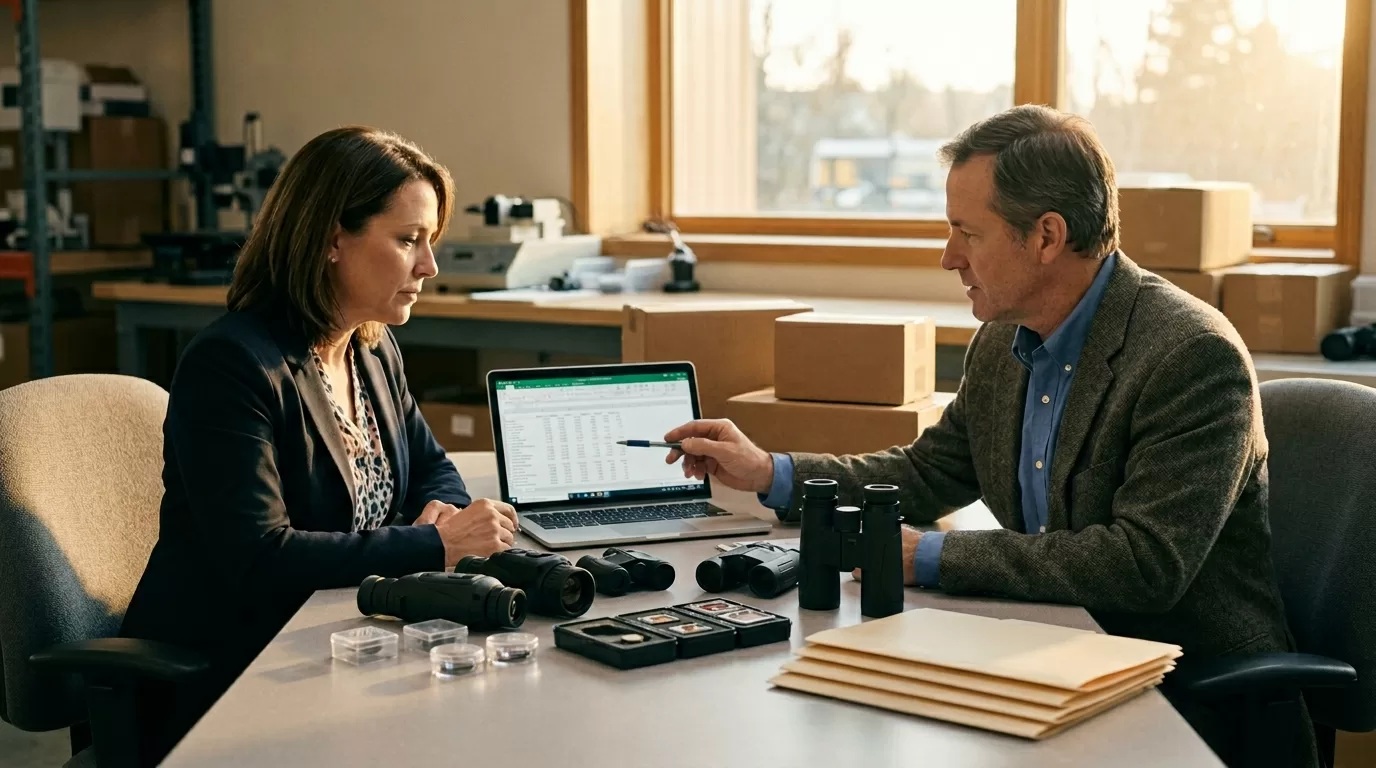
Thermal optics MOQs are built from setup costs. Detector purchasing, lens assembly, waterproof housing checks, firmware loading, image calibration, and packaging print runs all create small minimums inside the bigger MOQ. A 384×288 thermal monocular in a standard housing might hit one factory threshold; the same unit with a branded startup screen, U.S. carton, custom manual, and changed Wi-Fi app can hit four.
The best way to negotiate MOQ with a thermal optics manufacturer is to turn “small order” into a low-risk production plan. Say what you’ll keep standard. Say what you’ll pay for. Give the supplier a real reorder window, such as “80 units now, 220 units within 90 days if field testing passes.”
| Factory answer | Better buyer question | Possible path |
|---|---|---|
| MOQ is 300 units | Which part requires 300? | Reduce branding or split into pilot plus reorder |
| Custom carton needs MOQ | Can we use standard carton with a label? | Lower first order, brand later |
| 640 sensor supply is tight | Can we start with one 384 SKU? | Prove demand before higher trim |
| Firmware change adds MOQ | Can logo stay on packaging only? | Avoid engineering work |
| Tooling is required | Can we pay tooling separately? | Separate unit MOQ from tooling cost |
Don’t negotiate only on quantity. Negotiate the order shape.
An 80-unit order of one thermal monocular SKU is cleaner than 20 units each across four trims. The warehouse picks one carton. Production loads one firmware version. QC checks one optical setup. Your sales team also learns faster because every dealer demo, return, and customer question points to the same model.
A factory MOQ is rarely one fixed number. It moves with customization. For thermal optics, the biggest cost drivers are detector resolution, focal length, housing changes, firmware requests, app work, private-label packaging, accessories, and certifications. The low-friction items are usually labels, outer cartons, quick-start inserts, and batch timing. The hard items are sensor changes, new molds, new lens assemblies, and model-specific test reports.

Detector choices matter because a 256×192, 384×288, and 640×512 device may sit on different purchasing plans. Pixfra’s Mile 2 range, for example, includes 256×192, 384×288, and 640×512 options across different model trims. That doesn’t mean a buyer can freely mix all detector levels in one tiny pilot. From a production view, those are different builds with different cost stacks.
Before you trade MOQ for a private-label carton, confirm the compliance packet, because Pixfra’s guide to thermal optics certifications buyers should demand explains why CE, FCC, and RoHS paperwork has to match the actual model, charger, battery, wireless module, and sales market. A PDF from a similar model isn’t enough for a serious U.S. dealer program.
| Usually negotiable | Usually harder |
|---|---|
| Logo sticker on standard carton | New molded housing |
| Standard manual plus insert | Full manual rewrite in multiple languages |
| One SKU pilot | Mixed detector resolutions |
| Standard accessories | New mount, case, or battery pack |
| Paid sample order | Free engineering on first order |
Here’s the blunt version: custom branding is cheap until it touches production. A logo on a carton is simple. A logo molded into the housing means tooling, color matching, material testing, and a longer approval loop. That’s why “same product, just my brand” can still raise MOQ if the request reaches beyond packaging.
A one-SKU pilot works better than a mixed trial pack. If you’re entering the U.S. hunting, wildlife, farm security, or outdoor retail channel, pick the product level that matches your first customer. A store selling entry thermal monoculars may test a 256×192 or 384×288 unit first. A dealer selling long-range scanning may need a 640×512 model with a 25 mm or 35 mm lens. Mixing all of them in the first PO slows learning.
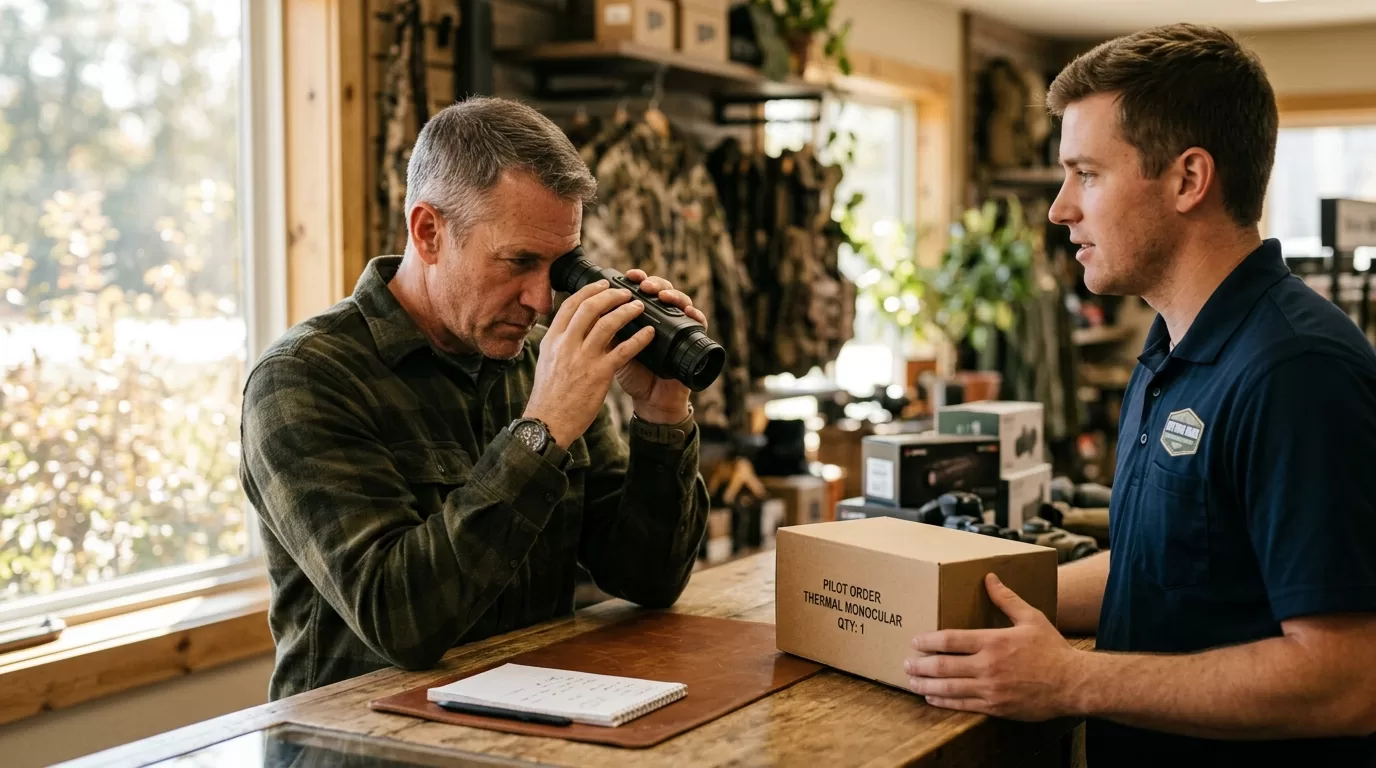
The strongest MOQ levers are the ones that remove doubt for the manufacturer. A signed forecast beats vague optimism. A 50% deposit beats a request for net 30. A standard carton beats a new print run. A dated reorder beats “we’ll buy more if it sells.” Suppliers hear that line every week.
| Buyer lever | Why it helps MOQ talks |
|---|---|
| 50% deposit | Reduces factory cash risk |
| Standard packaging | Avoids carton print minimums |
| One SKU | Cuts setup and QC changes |
| Paid sample fee | Covers engineering time |
| 90-day reorder plan | Gives production a reason to reserve parts |
| Third-party inspection | Reduces dispute risk before shipment |
Try this structure: “We can accept your standard packaging and standard firmware for the first 80 units. If the pilot passes U.S. dealer testing, we’ll place 220 units within 90 days with private-label carton artwork.” That’s a deal a production manager can discuss.
What doesn’t work? Asking for the lowest MOQ, lowest price, custom box, custom startup logo, free samples, net 60 payment, and DDP delivery to Ohio in the same email. That reads like risk from every angle. Pick your battle. For a first order, MOQ matters more than a perfect carton.
Payment terms can move MOQ because they change who carries the risk. The U.S. International Trade Administration says cash-in-advance reduces exporter credit risk because the seller receives payment before shipment, while full prepayment is less attractive for the buyer. That tension is useful. If you want a smaller first order, offer payment terms that make the smaller run easier to approve.

For a new buyer, asking for 30 units and open-account payment is a weak position. Asking for 50 or 80 units with 50% deposit and 50% before shipment is much stronger. If you need extra protection, add pre-shipment inspection instead of pushing the supplier to finance your inventory.
| Order type | Practical term |
|---|---|
| 2-5 samples | 100% prepaid |
| 50-unit pilot | 50% deposit, 50% before shipment |
| 100-200 units | 30/70 or 40/60 after relationship starts |
| 300+ units | Better unit price, stronger delivery slot |
| Annual forecast | Quarterly releases tied to reorder dates |
Incoterms also affect the conversation. EXW gives the buyer more logistics work. FOB gives a cleaner handoff at port. DDP to a U.S. warehouse may sound convenient, but it pushes customs, duties, delivery issues, and paperwork onto the seller. If MOQ is your main concern, keep logistics simple for the first order.
There’s a tradeoff. Better payment terms can lower MOQ, but they shift cash-flow pressure onto you. A 50% deposit on 80 units of thermal scopes is real money. Use that lever when you have dealer demand, not when you’re still guessing.
Some MOQ requests should be rejected, even if the supplier agrees. Thermal optics aren’t generic plastic accessories. Image quality depends on detector grade, lens focus, calibration, firmware behavior, screen quality, and waterproof assembly. A cheap 30-unit batch with inconsistent sensors can burn a new dealer faster than a higher MOQ with stable quality.
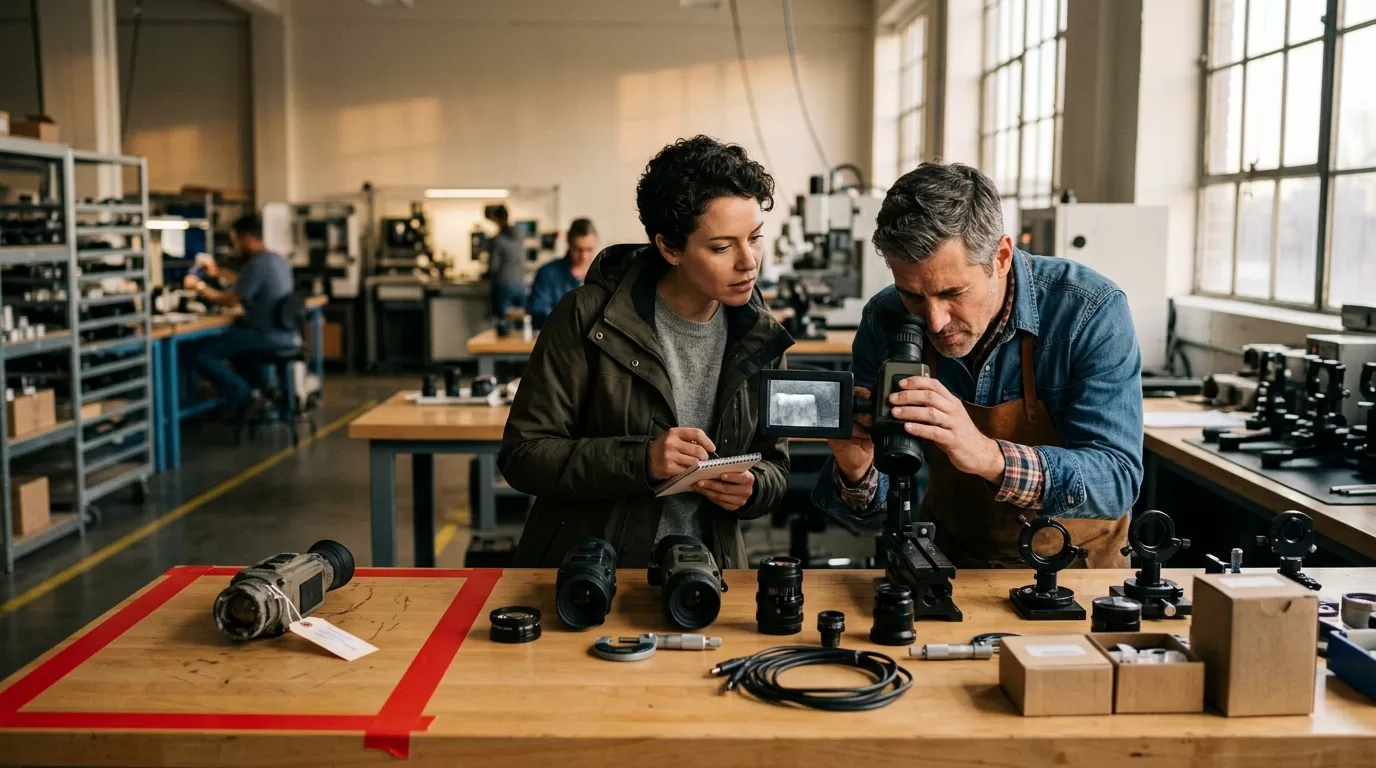
Compliance is another red line. The U.S. Bureau of Industry and Security’s Commerce Control List Category 6 includes controls for some thermal imaging cameras under ECCN 6A003, so classification and destination checks matter. This is especially sensitive if products include thermal imaging, laser rangefinding, wireless functions, or military-adjacent use cases.
Don’t negotiate these away:
The advice in this guide doesn’t apply to every purchase. If you’re buying closeout stock from an older batch, MOQ may be lower because the factory wants space back. That can be fine for a discount retailer, but check firmware age, battery condition, accessory completeness, and warranty path. A low price with dead batteries and no replacement parts isn’t a win.
Be careful with “same as branded model” claims too. Two thermal monoculars can share a detector resolution and still perform differently because of lens quality, NETD, image processing, display, housing seal, and calibration. A 640×512 badge alone doesn’t tell you enough.
Send the MOQ email after you know the product category, detector level, lens size, target price band, and sales channel. “Thermal monocular for hunting” is too broad. “384×288 thermal monocular, 19 mm lens, standard housing, U.S. dealer pilot, 80 units” gives the manufacturer something real to quote.

Use this version as a starting point:
> Subject: Pilot order request for standard thermal monocular SKU
>
> Hi [Name],
>
> We’re preparing a U.S. dealer pilot for one thermal monocular SKU: 384×288 detector, standard housing, standard firmware, and standard accessories.
>
> Your quoted MOQ is 300 units. For the first order, can you quote these two options?
>
> Option A: 80 units, standard packaging, 50% deposit, 50% before shipment.
> Option B: 80 units now plus 220 units within 90 days after field testing, same SKU.
>
> Please also tell us which requirement sets the 300-unit MOQ: detector purchase, lens setup, carton printing, firmware, certification, or another cost.
>
> We can delay private-label packaging until the second order if that helps.
That last sentence does a lot. It tells the supplier you’re serious about volume, but you’re also realistic about factory costs. It gives them room to say yes without eating setup expense.
If you’re comparing two manufacturers, send both the same format. Then compare answers, not only price. The better partner will explain the MOQ driver, offer a workable pilot structure, and flag any compliance limits early. The weaker partner will answer only with “MOQ 300, best price attached.”
Yes. MOQ is negotiable when your order reduces setup risk or pays for the setup cost directly. A buyer asking for 30 private-label 640×512 scopes with new firmware has little room; a buyer ordering 80 standard 384×288 monoculars has much more.
For standard thermal monoculars, a 50-100 unit pilot can be realistic when the model, carton, manual, and firmware stay standard. Custom housing, molded accessories, new app features, or special detector procurement can push the first order toward 300, 500, or more.
Yes, if private labeling includes custom cartons, manuals, molded logos, startup screens, or app changes. If branding stays on a removable label or carton sleeve, the first-order MOQ may stay closer to the standard product minimum.
Often, yes. A higher deposit, prepaid sample fee, or 50/50 payment split can make a smaller pilot easier for the manufacturer to approve. Don’t ask for low MOQ and buyer-friendly credit terms in the same first order.
Yes, if the SKU, firmware language, warranty path, and compliance files match your market. Avoid odd lots with missing accessories, old batteries, EU-only chargers, or unclear FCC files, because the savings disappear when returns start.
For a first U.S. dealer order, send Pixfra your target category, detector level, lens size, branding needs, forecast, and compliance market. We’ll help you separate the pieces worth negotiating from the pieces that protect image quality, safety, and after-sales support.
Thermal optics certifications buyers should demand are FCC for US radio-frequency compliance, CE for EEA market access, and RoHS for hazardous-substance control in electronic parts. Ask for model-specific certificates, declarations, test reports, label artwork, and manual text before you place an order, because a logo on a catalog page won’t protect a dealer when customs, Amazon, a distributor, or a retailer asks for evidence.
The thermal optics certifications buyers should demand are FCC authorization evidence for United States sales, a CE Declaration of Conformity for EEA sales, and RoHS substance-control evidence for electronic parts. Match every document to the exact SKU, firmware/radio configuration, label, and manual before deposit.

Start with the sales market, then work backward. A US dealer selling a Pixfra Mile 2 PFI-M625 to hunters needs FCC evidence. A German distributor will ask for CE and RoHS files. A marketplace seller may ask for both sets because one listing can end up serving buyers in several countries.
This is where low-price thermal optics get expensive. A $60 discount per unit looks good until 200 units sit in a warehouse because the FCC ID doesn’t match the product label, or the CE Declaration lists a generic “thermal camera” with no model codes. Buyers notice. Dealers notice faster.
| Evidence | Demand it when | Ask for | Red flag |
|---|---|---|---|
| FCC authorization | Selling or marketing in the United States | FCC ID or Supplier’s Declaration of Conformity, Part 15 report, manual statement | “FCC pending” or a report for another camera |
| CE Declaration | Selling in the European Economic Area | EU Declaration of Conformity, applicable directives, standards, model list | CE logo only, no signed declaration |
| RoHS evidence | Selling electronics into EU-linked channels | RoHS declaration, material evidence, accessory coverage | Report covers only one cable or old PCB |
| Label and manual package | Any B2B resale channel | Rating label, carton mark, manual compliance pages | Label says one model, invoice says another |
One file can cover several variants, but only when the report says so. Pixfra Mile 2 PFI-M619 and PFI-M625 are both 640 x 512 thermal monocular variants with different optics; if one compliance file covers both, the model list or technical rationale should make that clear. Silence is not proof.
A buying team should treat certification like payment terms. No matching file, no clean order.
FCC proof is the sales gate for the United States. The FCC doesn’t judge thermal image quality, NETD, detection range, or recoil resistance. It cares whether the product’s radio-frequency behavior fits US rules so the device doesn’t cause harmful interference.
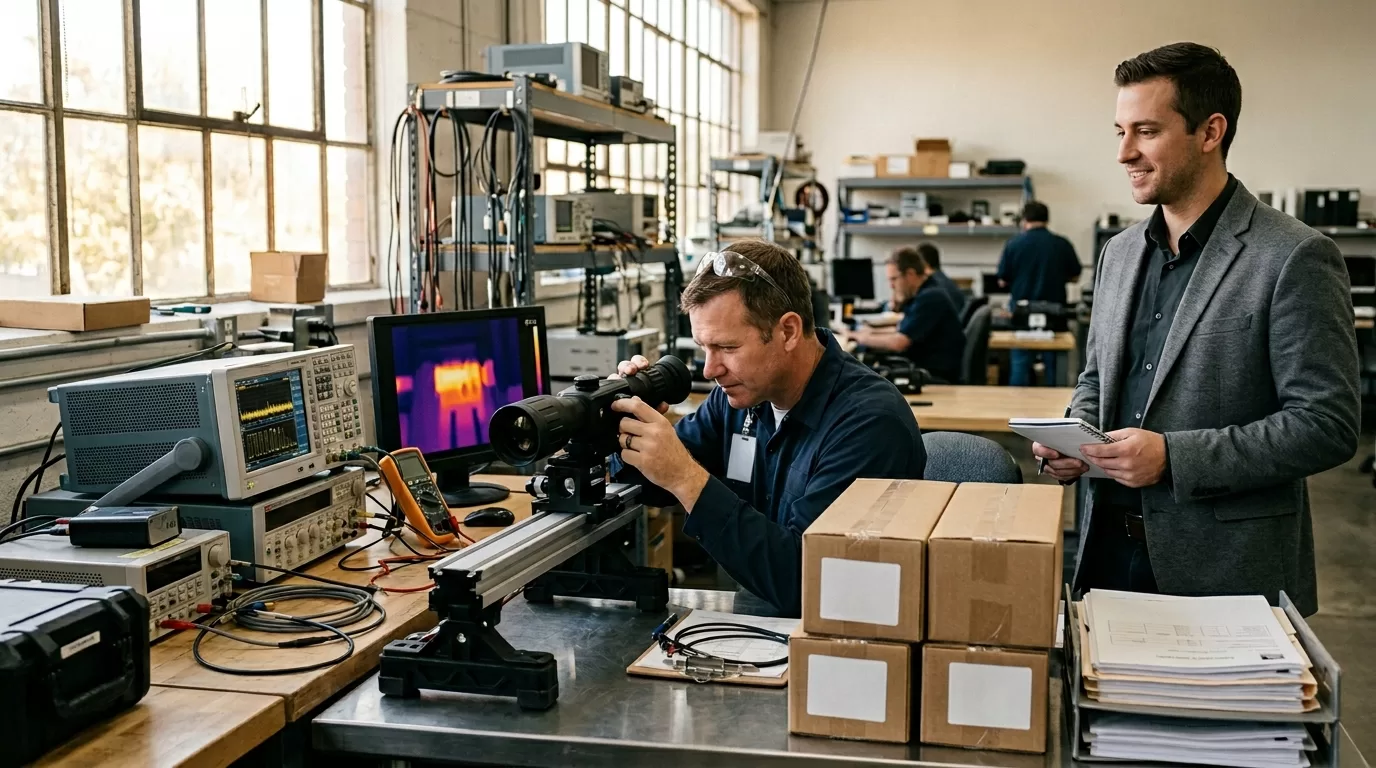
The Federal Communications Commission equipment marketing rules state that radio-frequency devices must meet authorization, labeling, and technical requirements before they’re marketed in the United States, with the route depending on device type. For thermal optics, that usually means asking whether the product is an intentional radiator or an unintentional radiator.
A thermal monocular with Wi-Fi or Bluetooth app pairing usually needs FCC Certification and an FCC ID. A no-radio digital device may use Supplier’s Declaration of Conformity, often called SDoC. The difference matters because SDoC puts real responsibility on the US responsible party. “The lab passed FCC” is not enough by itself.
Ask the supplier for:
The variant list is where shortcuts show. If a Ranger thermal monocular has the same processor board but a different lens, the FCC file may still fit. If a new SKU adds Wi-Fi, changes the radio module, or ships with a different powered accessory, you need fresh evidence or a clear engineering justification.
For US dealers, FCC proof also builds buyer trust. A customer may never read the manual, but a retail platform can. So can a distributor’s compliance desk. If the FCC ID on the label doesn’t match the listing file, the conversation gets slow and awkward.
CE marking is easy to print and hard to defend without the file behind it. For the European Economic Area, CE is the manufacturer’s declaration that the product meets the applicable EU requirements. It is not an EU agency approval stamp.

The European Commission CE marking guidance explains that manufacturers must carry out conformity assessment, prepare technical documentation, issue an EU Declaration of Conformity, and affix the CE mark where CE legislation applies. For buyers, the practical move is simple: ask for the declaration and the evidence behind it.
Thermal optics can touch several EU rule sets. EMC is common for electronic emissions and immunity. RED applies when the optic includes wireless communication. RoHS applies to electrical and electronic equipment. Laser rangefinder models can require extra attention to laser-related standards. Battery, packaging, and local language duties may sit outside the CE file, depending on the channel.
| CE file item | What to check |
|---|---|
| EU Declaration of Conformity | Legal manufacturer name, address, model codes, directives, standards, signature, date |
| Test reports | EMC, RED if wireless, RoHS where listed, and any product-specific standards |
| Technical file index | Photos, circuit diagrams, risk assessment, labels, manual pages |
| Importer or EU contact | Needed when the channel requires an EU economic operator |
| Manual and label set | CE mark placement, warnings, language versions, model consistency |
This advice doesn’t apply the same way to a US-only resale plan. CE is useful as a quality screen, but it doesn’t replace FCC authorization for US marketing. Don’t pay extra for “CE certified” if the supplier can only send a logo screenshot. The document is the value.
A strong CE file should name the exact product family. “Thermal imaging device” is too broad for a distributor buying Arc LRF units with app connection and laser rangefinding. You want model codes, applicable standards, and a signed declaration from the real legal manufacturer.
RoHS is the quiet file that often gets checked late. Too late, usually. A distributor approves pricing, sales sends samples, the product page is ready, then someone asks whether the PCB solder, cable jacket, charger, and plastic components meet restricted-substance limits.

As of June 2026, the European Commission describes RoHS as EU rules restricting hazardous substances in electrical and electronic equipment. The restricted list includes lead, cadmium, mercury, hexavalent chromium, PBB, PBDE, DEHP, BBP, DBP, and DIBP. Those names are not decoration. They map to real materials in electronics.
For thermal optics, RoHS evidence should cover the device and the shipped bundle. A handheld thermal monocular may include a battery, USB-C cable, charger, wrist strap with metal parts, and packaging inserts. A front attachment or thermal scope may ship with mounts, caps, tools, and powered accessories. The buyer’s risk follows the box, not just the optic body.
Good RoHS evidence usually includes:
Don’t demand fresh chemical testing for every screw in every reorder. That burns time and money without improving the file much. For a stable bill of materials, annual declarations plus component-level evidence may be enough. For a new charger supplier, new cable jacket, new PCB finish, or new molded housing, ask again.
RoHS also matters outside Europe. US retailers, distributors, and government-adjacent buyers often use RoHS as a screen for electronics risk. It’s not the same as FCC. It’s not a performance badge. It answers a narrower question: does this electrical product avoid restricted hazardous substances at the levels the rule demands?
Ask for the file before the deposit. Once a factory has your money and production is moving, every missing document becomes a schedule problem, not a paperwork problem.

For the import side, especially HS codes, duties, customs broker files, and product descriptions, pair this certification review with our guide to importing thermal cameras from China so the PO, invoice, packing list, and compliance folder tell the same story. A broker reading “thermal camera” and a certificate reading “digital night vision device” will ask questions.
Use this pre-PO checklist:
The boring part saves the order. If the quote says Pixfra Mile 2 Series, the invoice says PFI-M625, the label says PFI-M619, and the FCC file says “Model A,” someone in the chain has to explain the mismatch. That person may be you.
A practical buyer also asks for sample photos. Get a photo of the rating label on the actual production sample, not a clean PDF label template. Get a photo of the manual compliance page. Get the carton mark. Small mismatches are easier to fix before 500 units are sealed.
Certifications reduce channel risk, but they don’t answer every legal question. FCC, CE, and RoHS don’t decide whether a thermal scope can be used for hunting in a specific US state. They don’t replace export-control review. They don’t prove a laser rangefinder is safe for every use case.
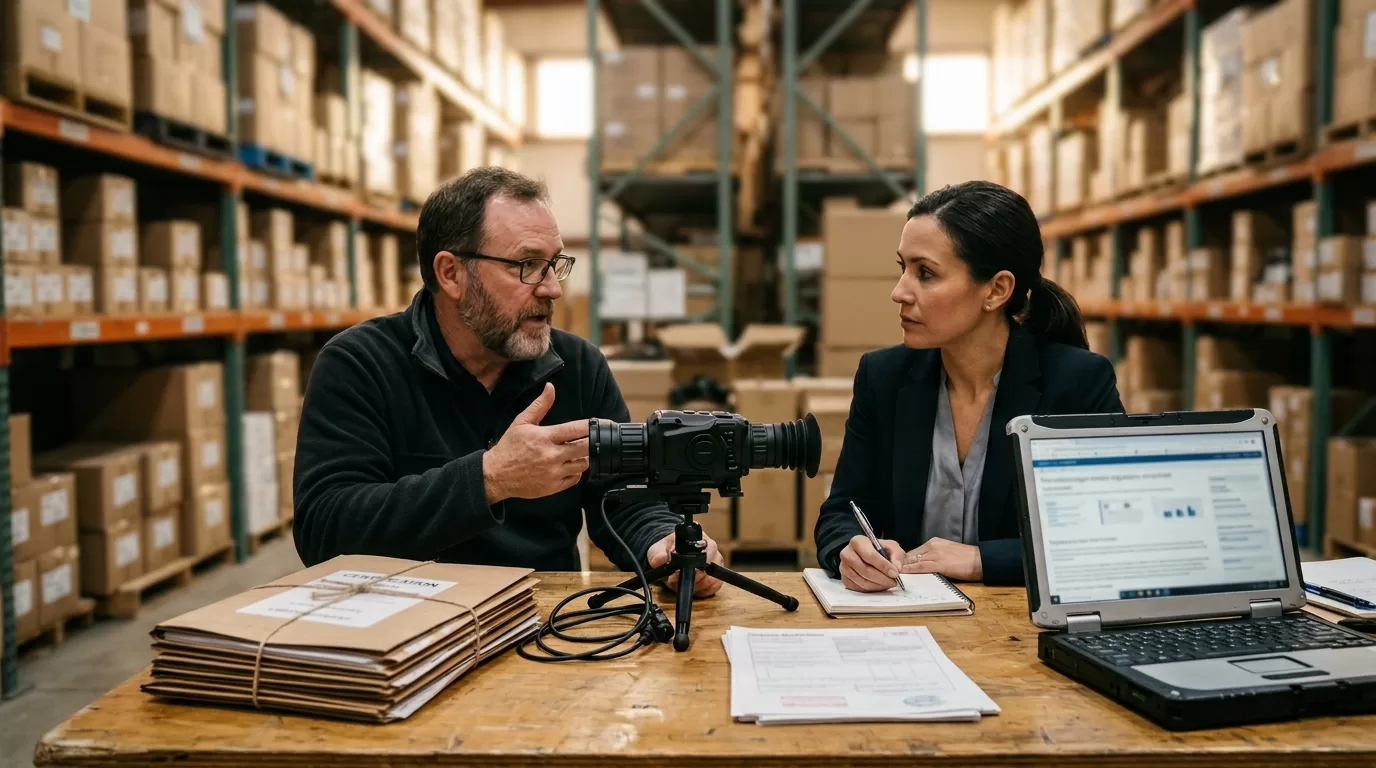
Channel risk changes by sales route. A field-service company buying five thermal monoculars for internal use has a different risk profile than a distributor listing 1,000 units across Amazon US, Amazon Germany, and a dealer portal. Same product. Different file pressure.
| Channel | Extra pressure point |
|---|---|
| Amazon or Walmart Marketplace | FCC ID, label photo, manual statement, invoice match |
| EU distributor | CE Declaration, RoHS evidence, local language manual, importer details |
| Government or utility buyer | Supplier traceability, warranty terms, data/security questions |
| Hunting or shooting dealer | Product classification, state rules, mounting use, return policy |
| OEM or private label buyer | Brand owner responsibility, label control, retesting after changes |
SDoC is cheaper and faster than FCC Certification for eligible no-radio devices, but it puts more burden on the responsible party. FCC Certification costs more, yet an FCC ID gives marketplace reviewers and distributors a cleaner lookup path. For a US reseller, that clarity is often worth the extra lab time.
CE has a similar tradeoff. A supplier may offer one global package with CE, RoHS, FCC, multilingual manuals, and stricter label control. The unit price may be higher. The cheaper package may work for a narrow domestic order, but it can trap you later when a dealer asks for EU files or a marketplace listing expands.
A clean buying file keeps thermal optics certifications buyers should demand from turning into a launch delay. Ask early, match every model, and write change control into the PO.
FCC authorization is usually needed before a radio-frequency device is marketed or imported for sale in the United States. Thermal optics with Wi-Fi or Bluetooth often need FCC Certification; no-radio digital models may use Supplier’s Declaration of Conformity.
CE marking can include RoHS when RoHS is one of the applicable EU requirements, but ask for RoHS evidence separately. A CE logo on the housing doesn’t prove the PCB, cable, battery accessory, and charger materials were reviewed.
Yes, if the variants are listed or the report explains why they are electrically identical. A different radio module, charging board, display driver, or wireless firmware version can force a new authorization or extra test evidence.
No. Amazon, Walmart, and EU marketplace teams may ask for the certificate, test report, label photo, manual statement, responsible party details, and invoice match. Keep the files ready before the listing goes live.
Demand CE if you sell into the EEA, support EU dealers, or use one global product file. For US-only resale, FCC evidence matters more, while RoHS still helps retail buyers screen electronics risk.
For distributor, OEM, or agency purchasing, ask Pixfra for model-level FCC, CE, and RoHS evidence before the PO locks. Send the target market, exact SKU, quantity, channel, and bundle contents; the Pixfra team can help match the right thermal optic to the file package your buyer will ask for later.