


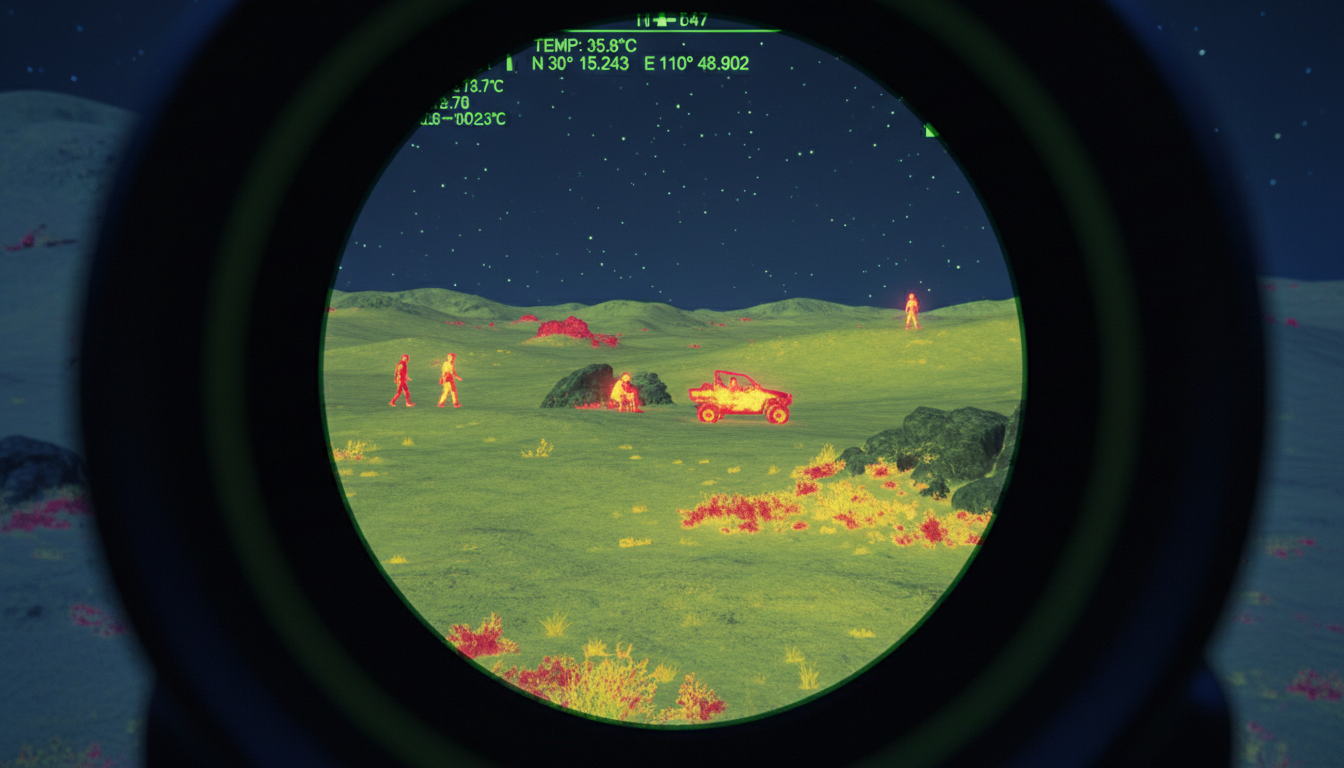
Scanning large properties, tracking heat signatures across open terrain, or spotting wildlife in complete darkness—these tasks require a thermal monocular built for the job. Unlike thermal scopes that stay mounted to your rifle, a dedicated scanning monocular gives you the freedom to cover ground quickly, identify targets efficiently, and keep your weapon pointed safely downrange until you’re ready to take a shot.
We’ve tested dozens of thermal devices in field conditions, and we know what separates a decent monocular from one that’ll actually make your scanning sessions more productive. Let’s walk through what matters when you’re shopping for a thermal monocular specifically designed for scanning.
What Makes a Thermal Monocular Good for Scanning
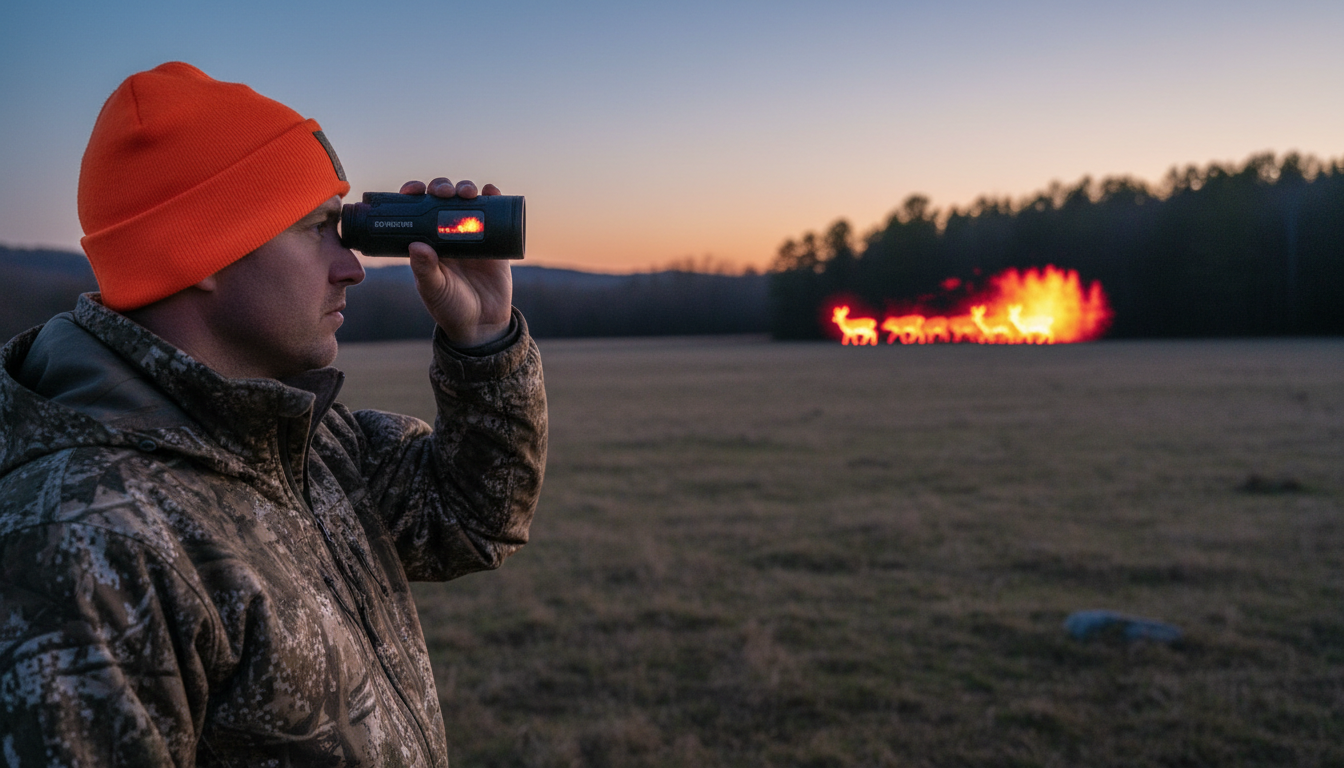
A scanning monocular needs different strengths than a stationary observation device. You’re moving, covering large areas, and making quick identification decisions. That means you need a device that balances detection range with a usable field of view.
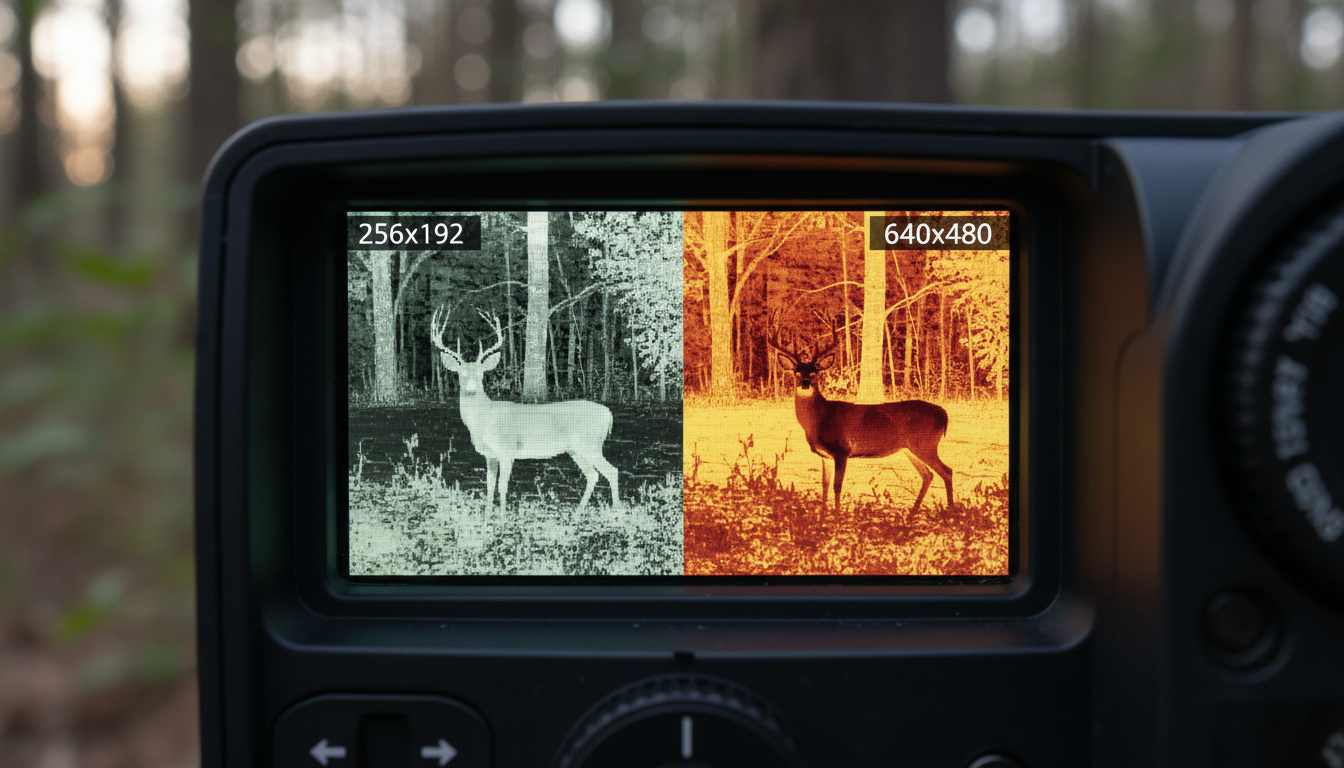
The best scanning monoculars combine three things: enough resolution to identify what you’re looking at, a detection range that matches your property size, and ergonomics that won’t tire you out after 30 minutes. Budget models with 256×192 sensors work fine for close-range scanning under 300 yards, but if you’re working larger properties, you’ll want at least 384×288 resolution. For serious long-range scanning work, 640×480 or higher makes identification much easier at 500+ yards.
Your thermal imaging device should feel comfortable during extended scanning sessions. Weight, grip design, and button placement matter more than spec sheets suggest. We’ve found that monoculars in the 10-15 ounce range hit the sweet spot between portability and stability.
Detection Range vs. Recognition Range
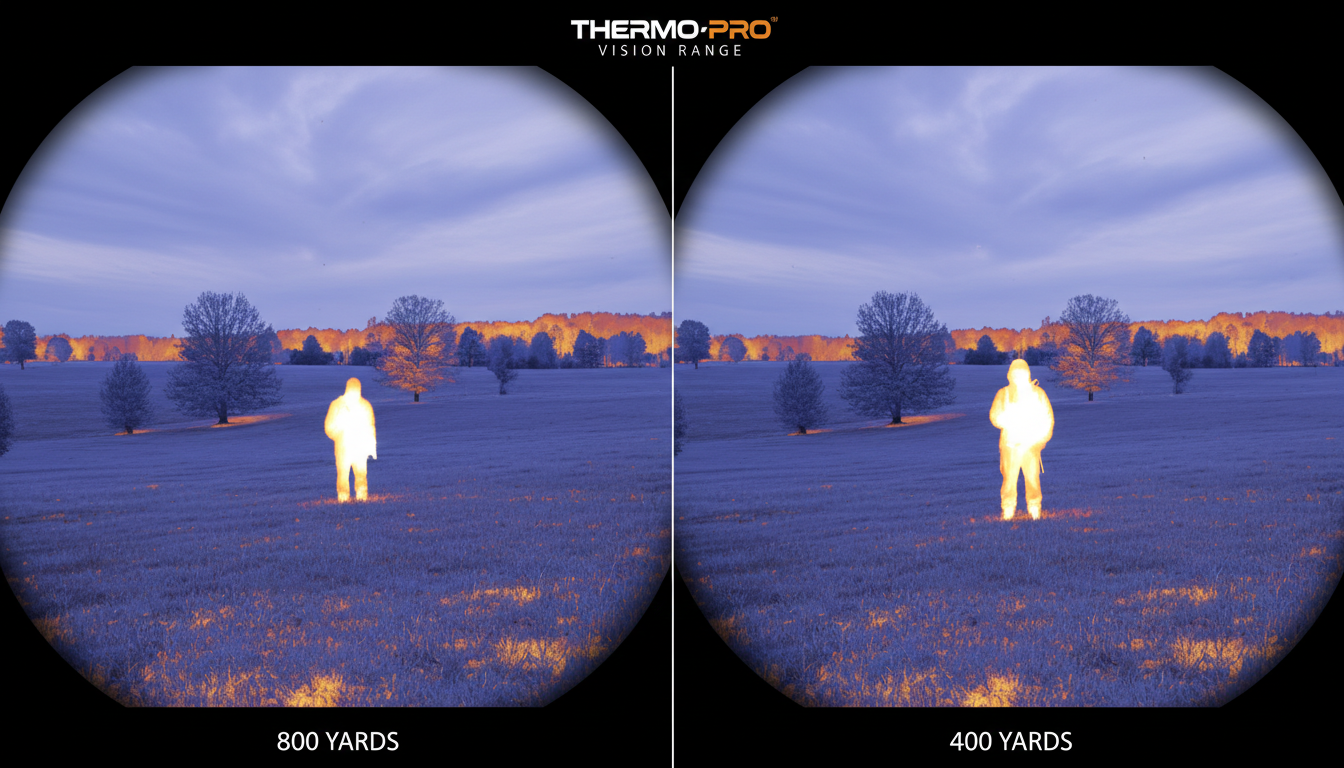
Here’s where manufacturers get creative with their numbers. Detection range tells you when the device picks up a heat signature. Recognition range tells you when you can actually identify what that signature is. The difference can be huge.
A monocular might detect a human-sized heat signature at 1,200 yards but only let you recognize it as a person (versus a coyote or hog) at 400 yards. For scanning purposes, recognition range matters more than detection range. Spotting a blob of heat three ridges over doesn’t help if you can’t tell whether it’s your target species.
Most 384×288 sensors provide reliable recognition out to 300-500 yards depending on conditions. Step up to 640×480 and you’re looking at 500-800 yards of useful recognition. The highest-end 1280×1024 sensors push that past 1,000 yards, but you’ll pay $5,000+ for that capability. Match your sensor to your actual scanning distances, not theoretical maximums.
Resolution and Refresh Rate Matter
Resolution gets all the attention, but refresh rate affects your scanning experience just as much. This spec, measured in Hz (Hertz), tells you how many times per second the image updates. For scanning work where you’re panning across landscapes or tracking movement, this makes a real difference.
Most budget thermals run at 9Hz, which creates noticeable lag when you’re moving the device. Mid-range units offer 30Hz, which feels significantly smoother. Premium models push to 50Hz or 60Hz, delivering fluid motion that makes tracking fast-moving targets much easier. If you’re scanning from a vehicle or doing predator work where animals move quickly, spending extra for 50Hz+ pays off.
Refresh rate becomes less important if you’re doing slow, methodical scans from a stationary position. But for dynamic scanning work—moving through terrain, checking multiple zones quickly, or tracking active animals—higher refresh rates reduce eye strain and improve your ability to spot movement.
Field of View for Effective Scanning
Wide field of view (FOV) lets you cover more ground per scan, which speeds up your search pattern. Narrow FOV gives you more detail and magnification but forces you to make more sweeps to cover the same area. For dedicated scanning, wider is usually better.
A 20+ degree FOV works well for scanning large fields, forests, or property perimeters. You can make broad sweeps and catch heat signatures quickly. Narrow FOVs under 15 degrees work better for long-range identification after you’ve already located your target. Some devices let you adjust magnification to balance these needs—start wide for detection, zoom in for recognition.
The lens size affects both FOV and detection range. Larger lenses (50mm+) push detection further but narrow your view. Smaller lenses (25-35mm) keep FOV wider but reduce maximum range. Your scanning device choice should match whether you prioritize coverage speed or maximum distance.
Battery Life and Practical Considerations
Running out of battery 45 minutes into a scanning session wastes everyone’s time. Look for devices offering 6+ hours of runtime, which gives you a full evening of scanning with margin for error. Some budget models barely hit 2 hours, forcing you to carry spare batteries or a power bank.
Rechargeable batteries are convenient for regular use, but external battery options (like CR123As) give you field-swappable power when you can’t recharge. We prefer systems that offer both options. Cold weather dramatically reduces battery life, sometimes cutting it by 30-40%, so factor that into your planning if you’re scanning in winter conditions.
Waterproofing matters more than you’d think. Even if you’re not scanning in rain, morning dew and humidity create problems for devices without proper seals. Look for IPX7 rating minimum, which means the device can handle temporary submersion. This level of protection handles any realistic field conditions you’ll encounter. Some advanced thermal monoculars combine weather resistance with built-in laser rangefinders for precise distance confirmation.
Budget Tiers and What You Get
Entry-level thermal monoculars ($800-$1,500) typically offer 256×192 resolution, detection to 300-400 yards, and basic features. They work fine for close-range property scanning, wildlife observation, and learning whether thermal technology fits your needs. Brands like AGM and some ATN models occupy this space.
Mid-range devices ($1,500-$3,500) step up to 384×288 or 640×480 resolution, push detection to 800-1,200 yards, and add features like video recording, WiFi connectivity, and multiple color palettes. This tier delivers the best value for serious scanning work. You get professional-grade performance without the premium price tag. Options like the Draco series or Arc LRF provide reliable scanning capabilities at this level.
Premium monoculars ($3,500+) feature 640×480 or higher resolution, detection beyond 1,500 yards, integrated laser rangefinders, and advanced image processing. They’re built for demanding professional use, extended range work, and users who need maximum capability. High-end Pulsar Telos units and similar devices dominate this category.
Real-World Scanning Scenarios
Property surveillance and perimeter checking benefit from wide FOV and quick detection. You’re not trying to identify specific animals at extreme range—you want to know if something’s out there. A 384×288 sensor with good refresh rate and 8+ hour battery life handles this perfectly. Scan your fence lines, check for trespassers, or monitor livestock with quick sweeps.
Hunting and wildlife observation demands better recognition range and image quality. You need to identify species, count animals, and judge size before making decisions. This pushes you toward 640×480 resolution minimum, with 50Hz refresh for tracking movement. The ability to record footage helps you study animal patterns and share observations with others.
Search and rescue or tactical scanning requires maximum range and reliability. You’re covering large areas quickly, often in challenging conditions, and you can’t afford to miss heat signatures. Top-tier sensors, laser rangefinders for distance confirmation, and rugged construction become important. These scenarios justify premium pricing because mission success depends on equipment performance.
Some users pair an IR illuminator torch with their thermal monocular for situations requiring both thermal detection and illuminated identification, though most scanning work relies purely on thermal imaging.
Conclusion
Choosing the best thermal monocular for scanning comes down to matching specs to your actual use case. A 384×288 sensor with 30Hz refresh and decent battery life handles most property scanning and wildlife observation tasks. Step up to 640×480 with 50Hz refresh if you need more recognition range or faster tracking. Only go premium if your scanning work truly requires maximum range and professional-grade features.
Don’t get caught up in maximum detection range numbers that exceed your realistic needs. Focus on recognition range that matches your property size, refresh rate that supports your scanning style, and battery life that covers your typical session length. The right thermal monocular makes scanning productive and efficient, while the wrong one—no matter how impressive the specs—creates frustration.
Before making any thermal purchase, consider privacy implications and responsible use of thermal imaging technology.
FAQs
What resolution thermal monocular do I need for scanning large properties?
For properties over 100 acres, we recommend at least 384×288 resolution, which provides clear recognition to 400-500 yards. If you’re scanning open terrain beyond 500 yards regularly, 640×480 resolution delivers better identification capability. Budget 256×192 sensors work fine for smaller properties under 50 acres where most scanning happens within 300 yards.
How does refresh rate affect scanning performance?
Refresh rate determines how smoothly the image updates as you pan across terrain. 30Hz works adequately for slow, methodical scanning from stationary positions. 50Hz or 60Hz refresh rates provide noticeably smoother motion, reducing eye strain during extended scanning sessions and making it easier to track moving targets. The difference becomes obvious when scanning from vehicles or following active wildlife.
Can thermal monoculars work during daytime for scanning?
Yes, thermal monoculars work perfectly in daylight because they detect heat signatures, not visible light. They’re particularly effective during early morning and late afternoon when temperature differences between animals and their surroundings are greatest. Midday scanning in hot weather can be challenging as ambient heat reduces thermal contrast, making detection harder regardless of your device’s capabilities.
What’s the difference between detection range and recognition range?
Detection range is the maximum distance where your monocular picks up a heat signature, but you can’t identify what it is. Recognition range is where you can actually tell whether that signature is a deer, coyote, person, or vehicle. For scanning purposes, recognition range matters more because detecting an unidentifiable blob at 1,500 yards doesn’t help your decision-making as much as recognizing a specific animal at 600 yards.
Do I need a laser rangefinder on my scanning monocular?
A laser rangefinder (LRF) adds convenience for confirming exact distances to detected targets, but it’s not required for scanning work. It becomes more valuable if you’re scouting for long-range shooting, need precise property measurements, or work in roles requiring documented distances. For general wildlife scanning and property surveillance, a standard thermal monocular without LRF handles the job and saves you several hundred dollars.