














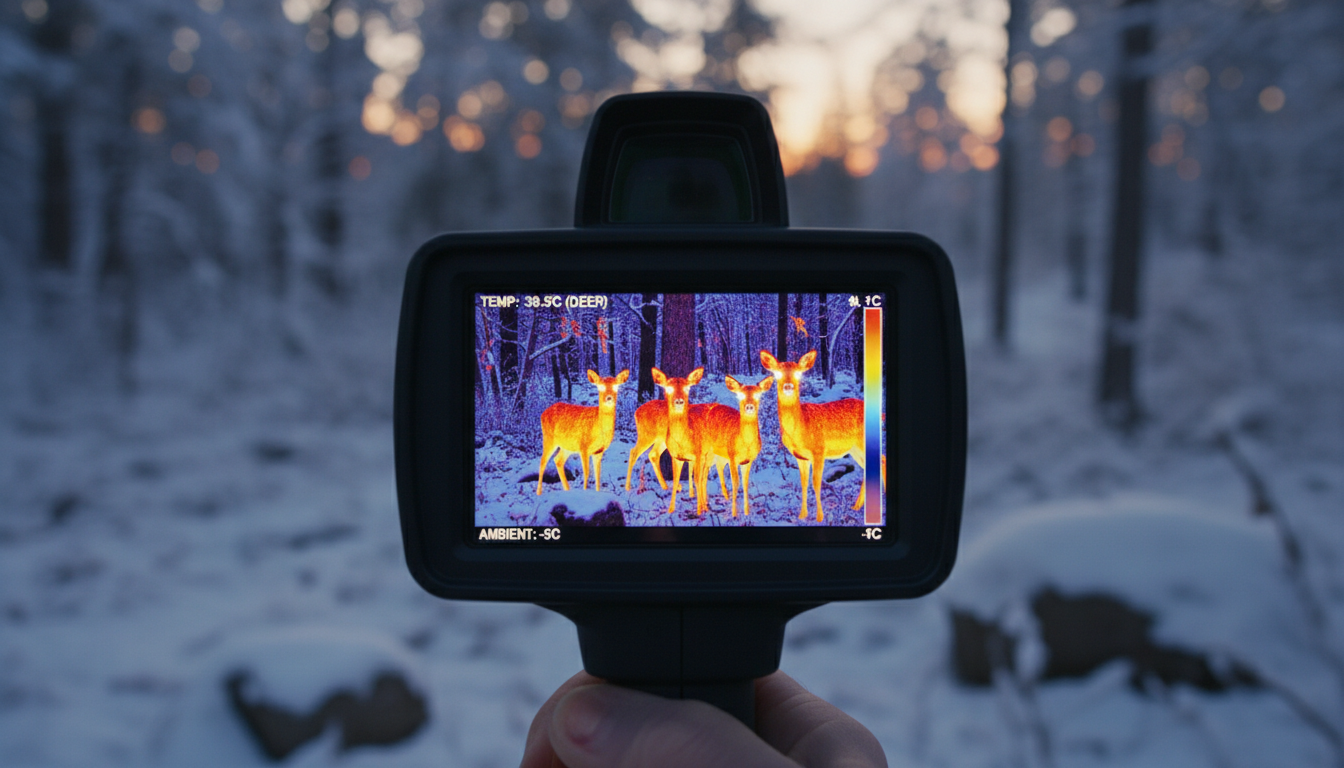
Temperature plays a surprisingly complex role in thermal imaging performance. If you’ve ever wondered why your thermal device produces sharper images in certain conditions than others, you’re not alone. The relationship between temperature and image sharpness in thermal devices involves multiple factors—from how the detector itself responds to heat, to the temperature differences in the scene you’re viewing.
We’ll break down exactly how temperature influences what you see through your thermal imager, and what you can do to get the clearest results possible.
How Temperature Impacts Thermal Detector Performance
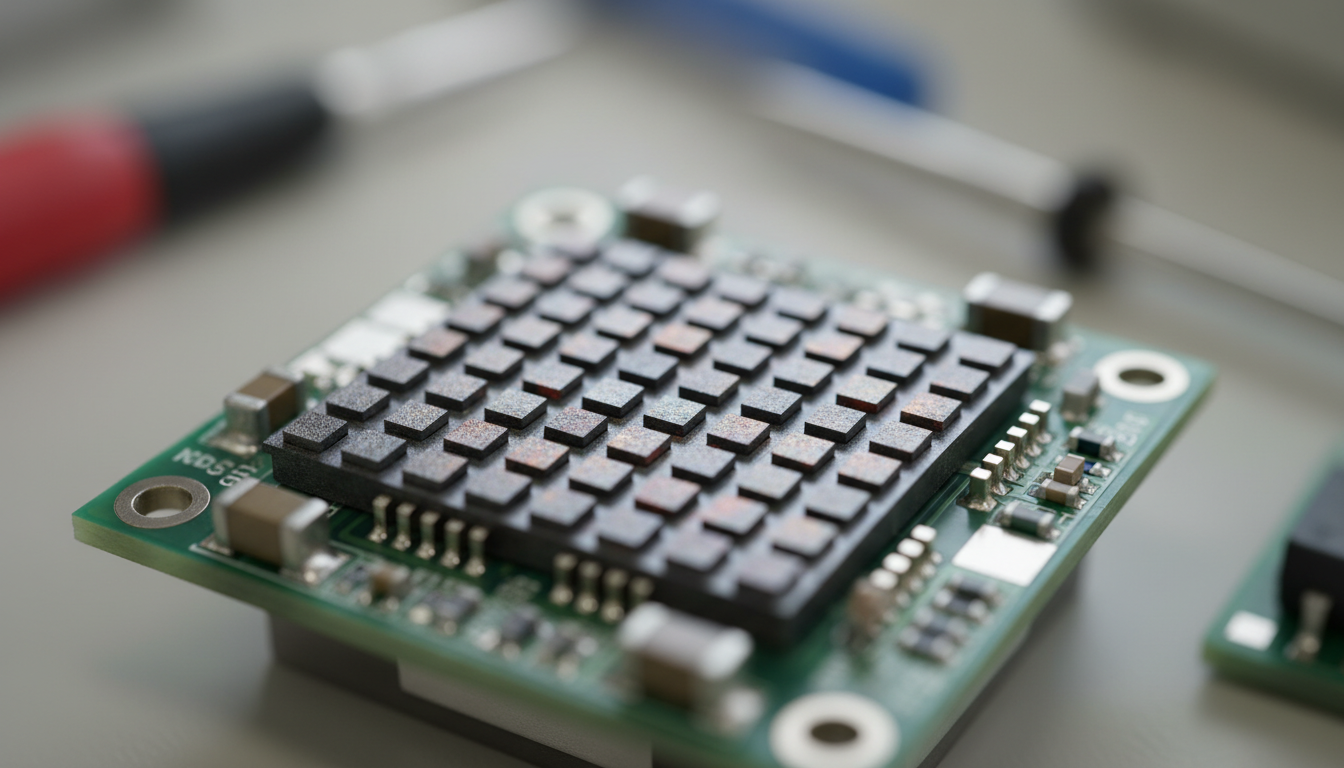
A thermal camera’s sensitivity will directly impact the image clarity and sharpness that the camera can produce. The detector inside your thermal device has a specification called NETD (Noise Equivalent Temperature Difference), measured in milliKelvins (mK). The lower the number, the more sensitive the detector. Thermal sensitivity describes the smallest temperature difference observed when using a thermal device.
Better sensitivity translates to sharper images, especially when you’re scanning scenes with subtle temperature variations. Increased sensitivity makes thermal imagers more effective at seeing smaller temperature differences, which is especially important in scenes with low thermal contrast and when operating in challenging environmental conditions like fog, smoke, and dust. Think of it like this—a device with 50 mK sensitivity can pick up temperature changes half the size of one rated at 100 mK.
For outdoor activities like hunting or surveillance, we recommend devices with NETD below 40 mK. Our thermal imaging products are designed to deliver sharp, detailed imagery even in challenging conditions.
The Role of Ambient Temperature in Image Quality
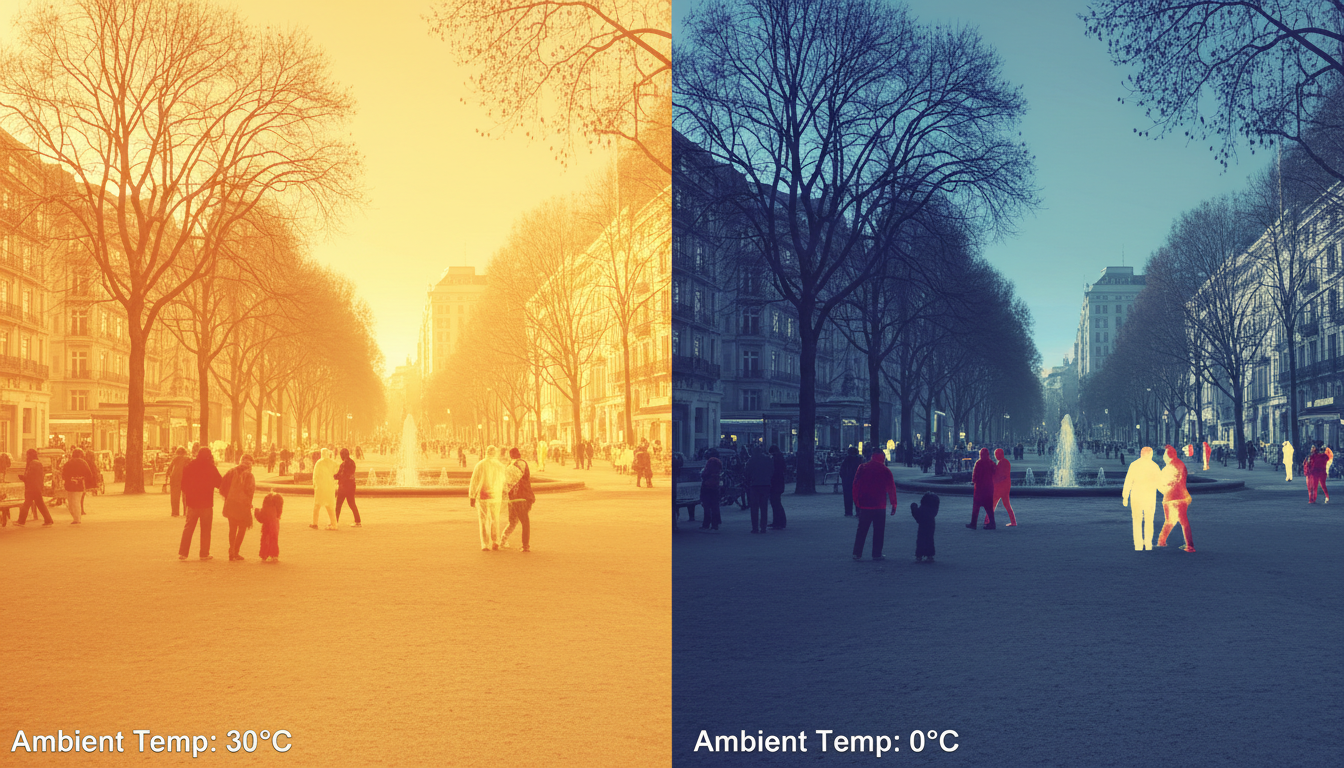
The surrounding temperature also influences the actual temperature of the measured target, which in turn affects measurement accuracy. In high-temperature environments, the target may heat up, causing readings to appear higher than the real value. Conversely, in low-temperature environments, the measured value may be underestimated.
Ambient temperature doesn’t just affect accuracy—it impacts how your detector performs. The stability of the detector response with the ambient temperature was studied showing that some cameras present a stable response with a negligible dependence on room temperature. Conversely, lower-end models exhibited errors up to 4 °C and 15 °C, respectively. The detector itself needs to maintain stable operating conditions, and extreme ambient temperatures can introduce noise or drift in the readings.
Modern thermal devices include temperature compensation mechanisms to address these issues. But understanding that your device works best within its specified operating range helps you plan better for field use. Weather conditions matter more than most people think—weather affects thermal imaging in ways beyond just visibility.
How to Operate Temperature Range and Sharpness
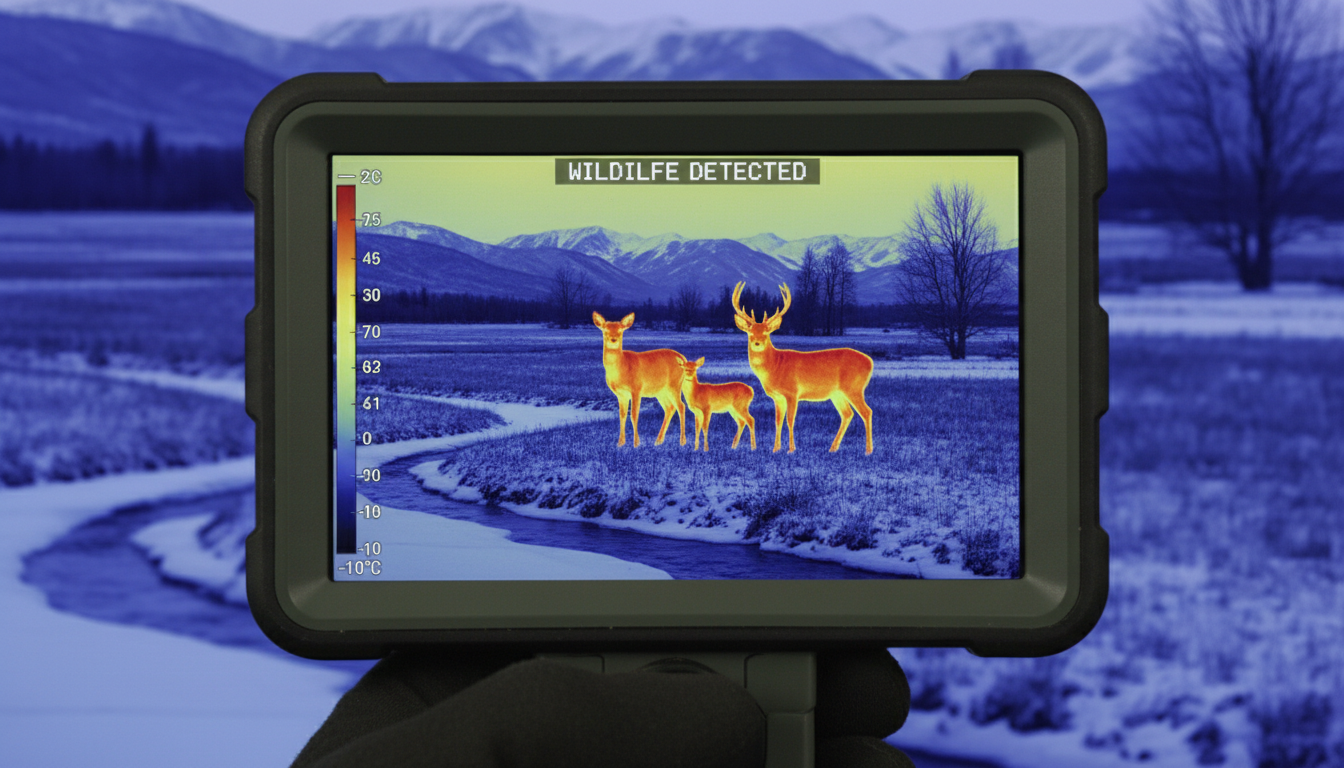
Every thermal device has a specified operating temperature range, typically from -20°C to 50°C for consumer models. Operating outside this range doesn’t just risk damage—it degrades performance. Temperature variations in the optics or objects near the sensor, including the camera case, modify the level and distribution of unwanted irradiation in the focal plane, and temperature variations in the focal plane array influence its responsivity.
When you’re using thermal gear in extreme cold or heat, give your device time to acclimate. Rapid temperature swings force the internal calibration system to work harder, which can temporarily reduce image quality. Some higher-end units like the Sirius HD include advanced thermal stabilization to maintain consistent performance across wider temperature ranges.
The detector’s own temperature matters too. A cooled thermal imaging camera has an imaging sensor that is integrated with a cryocooler, which lowers the sensor temperature to cryogenic temperatures. This reduction in sensor temperature is necessary to reduce thermally-induced noise to a level below that of the signal from the scene being imaged. Most consumer devices use uncooled detectors, which are lighter and more affordable but require proper thermal management for optimal sharpness.
Temperature Contrast and Detection Clarity
The greater the temperature difference between an object and its surroundings, the clearer the thermal images will be. This is where temperature’s impact on sharpness becomes most obvious. If you’re trying to spot wildlife on a cold morning, the thermal contrast between a warm-blooded animal and the cold background creates a sharp, clear image. But on a hot summer afternoon when ambient temperatures approach body temperature, that contrast drops—and so does apparent sharpness.
Low thermal contrast applications include building diagnosis where the camera is imaging interior walls with very little temperature variations and issues like moisture can only be visualized by increasing the contrast to the point where the cameras thermal sensitivity limits the useful temperature span settings. When thermal contrast is low, even minor temperature differences in your environment or detector can introduce noise that masks fine details.
You can work around low-contrast situations by adjusting your device’s temperature span settings. Narrowing the temperature range displayed increases apparent contrast, but this only works if your detector has good sensitivity to begin with. Devices with better NETD ratings handle low-contrast scenarios more gracefully.
Managing Temperature Effects in Real-World Use
Getting sharp thermal images isn’t just about buying the best gear—it’s about using it right. The focus position directly affects image clarity and measurement accuracy. The thermal camera’s focus can be adjusted manually or electronically to ensure that the target is sharply visible. Many operators overlook focus, assuming thermal devices are always in focus. They’re not.
Here are practical steps we recommend:
Let your device stabilize. After powering on or moving between temperature zones, wait 2-3 minutes for internal calibration to complete.
Check your focus. Don’t assume autofocus got it right, especially at longer ranges. Manual focus often produces sharper results.
Adjust your temperature span. Match the displayed temperature range to your scene. Too wide a range and you lose detail; too narrow and you might miss targets.
Consider environmental parameters. Accurate measurement depends on correctly setting key parameters such as emissivity, reflected temperature, target distance, atmospheric transmittance, and ambient temperature. While these primarily affect temperature measurement accuracy, they also influence image processing.
Products like the Pegasus 2 LRF and Draco incorporate sophisticated algorithms that automatically adjust for many of these variables, helping you maintain sharp imagery across changing conditions.
Conclusion
Temperature affects thermal imaging sharpness in multiple ways: through detector sensitivity (NETD), ambient temperature effects on detector stability, the device’s operating temperature range, and most visibly, through thermal contrast in the scene itself. Understanding these relationships helps you choose the right equipment and use it more effectively.
The best thermal images come from devices with low NETD values (good sensitivity), operated within their specified temperature ranges, on scenes with adequate thermal contrast. When conditions aren’t ideal, proper focus, span adjustment, and allowing time for thermal stabilization can make the difference between a usable image and a blurry mess.
If you want to explore how different conditions impact thermal performance, check out our article on privacy risks with thermal imaging devices.
FAQs
What is NETD and why does it matter for sharpness?
NETD (Noise Equivalent Temperature Difference) measures the smallest temperature difference a thermal detector can distinguish, expressed in milliKelvins. Lower NETD means better sensitivity, which directly translates to sharper images with more detail, especially in low-contrast scenes. A device with 40 mK NETD will produce noticeably sharper images than one rated at 100 mK when viewing scenes with subtle temperature variations.
Can cold weather damage my thermal device or reduce sharpness?
Operating within the manufacturer’s specified temperature range (typically -20°C to 50°C) won’t damage your device, but extreme cold can temporarily affect sharpness until the device stabilizes. Cold weather can cause detector drift and affect optics. Give your thermal device 2-3 minutes to acclimate after powering on in very cold conditions for optimal image quality.
Why do my thermal images look blurry on hot days?
On hot days, the temperature difference between your target and background decreases, reducing thermal contrast. This makes edges appear less sharp even though your detector is working fine. It’s not actually blurriness—it’s low contrast. You can improve this by narrowing your temperature span setting to focus on the specific temperature range of your target.
Does ambient temperature affect all thermal devices equally?
No. Higher-quality thermal devices include better temperature compensation and stabilization mechanisms. Budget models can show temperature drift of 4-15°C as ambient temperature changes, while professional-grade devices maintain stable performance. The detector material, thermal management design, and built-in calibration systems all affect how ambient temperature impacts image quality.
How often should I calibrate my thermal device for temperature changes?
Most modern thermal devices perform automatic calibration (often called NUC – Non-Uniformity Correction) periodically or when the device detects significant temperature changes. You’ll sometimes hear a shutter click—that’s the calibration happening. Manual calibration is rarely needed, but if you move between drastically different temperatures (like from a heated vehicle to freezing outdoors), manually triggering calibration can restore optimal sharpness faster.