You’ve spent years dialing in your day scope. The last thing you want is to swap it out every time the sun goes down. A thermal clip-on fixes that — it mounts right in front of your existing optic and turns your rifle into a night-hunting machine without touching your zero. Here are the 6 best thermal devices to clip on your day scope this year.
A thermal clip-on — also called a thermal front attachment — is a compact device that mounts directly in front of your daytime riflescope. A clip-on thermal mounts directly in front of your existing daytime scope. It turns your day optic into a thermal rifle scope by projecting a thermal image through your regular reticle, with no need to re-zero. Unlike a dedicated thermal scope that replaces your existing optic entirely, a clip-on works with it. You don’t remove your daytime glass. The clip-on attaches to the objective end, typically with an adapter ring that clamps onto the scope’s objective bell or via a Picatinny rail mount positioned ahead of the day scope. No scope swaps. You go from daytime hunting to thermal detection in seconds. At Pixfra, we build thermal front attachments like our Taurus LRF series for exactly this — giving hunters a fast, reliable way to add thermal to the rifle they already trust.

The tech behind it is what makes it tick. A clip-on thermal uses a microbolometer sensor to detect infrared heat radiation from animals, people, and objects. That data gets processed and displayed on a tiny internal OLED screen, which your day scope then magnifies. The result? You see thermal imagery through the same glass you’ve been shooting with all day. A clip-on thermal is a specialized thermal imaging device designed to sit perfectly in line with a traditional daytime rifle scope. Unlike a dedicated thermal scope — which has its own reticle and must be independently zeroed to your rifle’s barrel — a clip-on simply gathers the thermal image and projects it backward into the objective lens of your day scope. The key advantage here is speed and versatility — you keep your premium daytime glass and add thermal whenever conditions call for it. If you want to learn more about the specs that separate a great thermal device from an average one, we’ve broken down the top 6 features every thermal device buyer needs in 2026.
With so many options flooding the market, picking the right clip-on thermal can feel like a chore. We’ve looked at what hunters across the U.S. are actually using in the field — from nighttime hog control in Texas to predator runs in the Midwest — and narrowed it down to six categories of thermal clip-on devices that deliver where it counts. Prioritize these factors when evaluating any clip-on thermal scope: sensor resolution (higher is better), NETD sensitivity (lower is better), refresh rate (50 Hz is the standard), scope compatibility, IP weather rating, battery life, and — in 2026 specifically — smart features like app connectivity, onboard recording, and AI-enhanced imaging. Here’s our breakdown.
1. Best Overall: High-Resolution Clip-On with Integrated LRF. For hunters who want the full package in a single unit, a 640×512 resolution clip-on with a built-in laser rangefinder is the gold standard right now. This setup gives you the sharpest thermal picture in the clip-on class, plus instant distance readings without fumbling for a separate device. Our Pixfra Taurus T650 LRF fits this category — it pairs a high-resolution sensor with ≤18mK NETD sensitivity, 12μm pixel pitch, and an integrated 1,000-meter laser rangefinder. When you’re scanning open pastures at 2 AM and a hog shows up at 300 yards, that built-in LRF saves time and makes your shot placement far more confident. The ultra-fine 0.9cm@100m click value gives you zeroing precision that matches dedicated thermal scopes.

2. Best for Mid-Range Predator Hunting: 384×288 Clip-On with LRF. Not everyone needs the highest resolution sensor on the market. If you’re hunting coyotes, wild hogs, or other predators at distances under 500 yards — which covers the vast majority of night hunting in the U.S. — a 384×288 sensor clip-on with a laser rangefinder gives you a clean, detailed picture without the price tag of a 640-class device. Our Taurus T450 LRF is built for exactly this kind of work. The sensor delivers strong contrast at typical hunting ranges, and the integrated LRF takes the guesswork out of distance estimation at night. Paired with ≤18mK NETD, it pulls clear images even when temperatures run close between the animal and background — like on warm summer nights when everything radiates heat at similar levels.
3. Best Value Thermal Front Attachment with Rangefinder. Budget matters, and a good clip-on thermal doesn’t need to drain your bank account. The sweet spot for most hunters eyeing their first thermal front attachment is a solid mid-resolution sensor paired with the features that make the biggest real-world difference: a laser rangefinder, multiple color palettes, and a durable, weatherproof housing. The Pixfra Taurus T425 LRF checks all those boxes. It gives you integrated LRF at a price point that makes thermal accessible without cutting corners on the stuff that matters in the field. Because it still runs 12μm pixel pitch and ≤18mK NETD, you’re getting image quality that punches well above its price class. For a first-time thermal clip-on buyer, this is the entry point we recommend.
4. Best Lightweight Clip-On for Extended Hunts. Weight is a real factor when you’re clipping a thermal device in front of your day scope. The clip-on adds extra mass to the front of your rifle, changing the balance slightly. A heavy unit makes your rifle muzzle-heavy, throws off your balance, and tires you out during long sessions. The best lightweight clip-on thermals keep their weight down while still delivering solid sensor performance and battery life. At Pixfra, we designed the Draco series with a lightweight build for hunters who need multi-functional performance without the bulk. When you’re deep into a multi-hour predator sit or walking miles of ranch fencing at night, every extra ounce adds up. Look for clip-ons that use aluminum alloy housings — they’re tough enough to handle recoil and drops but keep the overall package light and balanced on your rifle.
5. Best Clip-On for All-Night Battery Life. Battery life kills more hunts than bad weather. A device with incredible image quality and a two-hour battery is basically a very expensive paperweight by midnight. The best all-night clip-on thermals give you 8 or more hours of continuous runtime and use swappable batteries so you can pop in a fresh one mid-hunt. Standard 18650 batteries are the go-to — they’re cheap, widely available, and you can carry spares in your jacket pocket. Across the Pixfra lineup, battery life ranges from about 4.5 to 15 hours depending on the model and usage conditions. Many of our models use standard 18650 batteries that swap in seconds. That’s a deliberate design choice. Pro tip from our own field testing: cold weather can slash battery performance by 30–50%. Always carry extras in an inside pocket where your body heat keeps them warm.
6. Best Clip-On with Smart Features and Ballistic Calculator. In 2026, smart features have moved from luxury to legitimate field tools. The best thermal clip-on devices don’t just show you heat — they record video, connect to your phone via Wi-Fi, stream live footage, and update firmware over the air. Our Taurus LRF models go a step further with built-in ballistic calculators that compute bullet drop and give you an adjusted aiming point on the fly. Paired with the Pixfra Outdoor App — which supports all our current models including the Taurus and Taurus LRF series — you can adjust settings, transfer footage, and update your device right from your smartphone. Recording a clean shot and sharing it with your hunting partners the next morning, or logging wildlife activity for property management, is the kind of real-world value that sets a top-tier clip-on apart.
Here’s a quick-look comparison of what to target across different clip-on use cases:
| Use Case | Min. Sensor Resolution | NETD (mK) | LRF Needed? | Min. Battery Life |
|---|---|---|---|---|
| Short evening hunts (2–3 hrs) | 256×192 | ≤25 | Optional | 4–5 hours |
| All-night hog/predator control | 384×288 | ≤20 | Yes | 8–10 hours |
| Open-field long-range ID | 640×512 | ≤18 | Yes | 6–8 hours |
| Lightweight backcountry use | 384×288 | ≤20 | Optional | 10–15 hours |
| Property security/surveillance | 384×288 | ≤20 | Optional | 6–8 hours |
When you’re shopping for a thermal device to clip on your day scope, three specs deserve most of your attention: NETD, sensor resolution, and refresh rate. NETD — Noise Equivalent Temperature Difference — measures thermal sensitivity. The lower the number, the better the device picks up small temperature differences between your target and its background. In 2026, the best clip-on thermals sit at ≤18mK NETD or lower. In 2026, ≤20mK is a reasonable benchmark for a capable unit; ≤18mK represents the performance frontier in this price range. Our Pixfra devices achieve ≤18mK across the board, which means you see defined outlines rather than blurry blobs — even on humid summer nights when everything radiates heat at similar levels. Sensor resolution tells you how many thermal pixels the detector provides. The two common tiers are 384×288 and 640×512. A 640×512 sensor packs nearly three times more pixels than a 384×288, and that extra pixel density makes a big difference when zooming through your day scope or trying to identify a target past 200 yards.
Refresh rate is one of those specs that seems technical but has a huge impact in the real world. Thermal imaging sensors commonly operate at either 25 Hz or 50 Hz. At 50 Hz, the image updates smoothly with minimal lag — essential for tracking a coyote at speed or a hog moving through brush. All top picks in this guide operate at 50 Hz. Anything below 30Hz gives you a stuttering image that makes fast-moving targets hard to follow. And don’t overlook pixel pitch — smaller pixel pitch, like the 12μm technology we use across the Pixfra product line, packs more detail into every frame and delivers sharper images at all distances. A lower pixel pitch paired with a high-resolution sensor is what gives you that crisp, high-contrast picture that makes target ID fast and certain.

Beyond the sensor, your clip-on’s weather rating tells you how much abuse it can handle in the field. IP67 is the gold standard for thermal devices right now. That means the device is fully sealed against dust and can survive temporary submersion in water — which covers rain, stream crossings, snow, mud, and accidental drops into puddles. Unlike dedicated thermal scopes that replace your regular optic completely, clip-ons maintain your scope’s zero and familiar reticle, allowing quick transitions between day and night use without re-zeroing. Quality thermal clip-ons typically range from $2,000 to $7,000 depending on resolution and features. At Pixfra, we build our thermal front attachments for the same conditions we test them in. The Taurus LRF series handles heavy recoil, resists corrosion, and performs through rain and dust. If you’re serious about night hunting, don’t settle for anything less than an IP67-rated housing.
This is the debate that pops up in every hunting forum: should you buy a clip-on thermal or a dedicated thermal scope? The short answer is — it depends on your setup and how you hunt. Clip-ons enable rapid switching between nighttime and daytime hunting without affecting the zero of the daytime optic. There’s no scope swapping, no re-zeroing, and no need for a second rifle dedicated to night work. You can go from deer hunting at 5 PM to predator control at 9 PM with the same gun, the same glass, and zero downtime. Clip-ons also work across multiple rifles if you have matching adapters, and many models pull double duty as handheld thermal monoculars for scanning and scouting before you settle in to shoot.
Dedicated thermal scopes trade that flexibility for raw performance. Because the thermal sensor, display, and optics are all designed as one system, a dedicated scope usually delivers sharper images and more built-in features. Our Pixfra Pegasus 2 LRF and Chiron LRF series, for example, feature integrated laser rangefinders with 1,000m range, multiple zeroing profiles, and built-in ballistic calculators — all inside the scope body. But clip-ons have real trade-offs. The main disadvantage of a clip-on scope is that it doesn’t have the same optics resolution as a dedicated unit, so you might not be as precise or accurate with your shooting. Your day scope’s magnification directly affects the thermal picture — go past about 6x–8x, and you’re zooming into a digital display where pixels become obvious and detail gets soft. If you only have one rifle and need it for both day and night work, a clip-on is the smarter buy. If you’ve got a dedicated night-hunting rig and want the sharpest possible thermal picture, a dedicated scope wins.
Mounting a clip-on thermal is simpler than most people expect, but getting it right matters. Most clip-ons mount either to a Picatinny rail in front of the scope or directly to the scope’s front lens using an adapter. Before buying, verify that the unit’s mounting system is compatible with your day optic’s eyepiece diameter and your rifle’s rail setup. Rail-mounted clip-ons are more common on AR-platform rifles and tactical setups, while adapter-mounted systems work well with bolt-action hunters using traditional scopes. Whichever mounting method you choose, make sure the clip-on sits square and centered in front of your day optic. A crooked or loose mount will cause alignment issues that defeat the whole purpose of keeping your zero. Choose a sturdy, mid-weight optic to balance the added weight of the front-mounted module. High-recoil calibers require secure adapter locking for a consistent zero.
Before your first hunt, always test-fit and collimate your clip-on in daylight. Before your first hunt, test-fit your attachment in daylight. This ensures proper focus distance, stable alignment, and full reticle visibility before you ever power on the thermal unit. Collimation is the process of aligning the clip-on’s thermal image with your day scope’s reticle so they match up at your shooting distance. Most quality clip-ons make this a quick process, but skipping it will cost you accuracy. Also, watch your day scope’s magnification — the ideal range is 2x to 6x. Higher magnifications reduce image resolution and narrow your field of view. Crank your day scope past 8x and you’re just zooming into the clip-on’s internal display, which means visible pixels and soft detail. Keep your magnification reasonable, and the thermal picture stays clean and sharp.
Will a thermal clip-on change my day scope’s zero?
Most quality thermal clip-ons cause minimal to zero point of impact shift when properly mounted. Some models are specifically designed to maintain zero when attached. Some budget models may cause slight shifts, but generally less than 1 MOA. Always confirm zero after mounting any clip-on device, especially before hunting situations. That’s the whole point of a clip-on — your day scope stays zeroed and ready for daylight work, and the thermal adds night capability without messing up your point of impact.
What magnification works best with a clip-on thermal?
Stick to lower settings — between 2x and 6x for the cleanest results. A clip-on thermal displays its image on a tiny internal OLED screen, and your day scope magnifies that screen. If you crank the magnification too high, you’ll see individual pixels and the image gets soft. Lower magnification gives you a wider field of view and a much sharper thermal picture. Clip-ons usually work best with lower to mid-power variables (1–6x, 2–10x, 3–15x). Too much magnification kills image quality.
How far can a thermal clip-on detect targets?
Detection range depends on the clip-on’s sensor resolution, lens size, and NETD sensitivity. Entry-level clip-ons typically detect heat signatures out to around 500 meters, while premium models with 640×512 sensors can push well beyond 2,000 meters. Across the Pixfra lineup, detection ranges cover everything from 500m for entry-level models to 3,600m for our premium Sirius HD series. For most night hunting in the U.S., a clip-on with 1,000–1,500m detection range handles the vast majority of real-world scenarios.
Can I use a thermal clip-on as a handheld monocular?
Yes. Many thermal clip-ons double as standalone handheld thermal monoculars when you detach them from the rifle. Nothing prevents you from using the thermal clip-on scope like a regular monocular. It is still a reliable single-tube device. Therefore, it is lightweight and takes up little space. This dual-purpose design is one of the biggest practical advantages of a clip-on — you get two tools in one without buying separate devices.
Is a built-in laser rangefinder worth it on a clip-on thermal?
For any hunting beyond 150 yards at night, a built-in LRF is a real advantage. It gives you exact distance to your target with a single button press, so you can place your shot without carrying a separate ranging device. Our Pixfra Taurus LRF models include integrated laser rangefinders with 1,000-meter range. Paired with a ballistic calculator, these models compute bullet drop and give you an adjusted aiming point — the difference between a clean, ethical shot and a miss at distance.
Importing thermal cameras from China usually means classifying the finished camera under HTSUS 8525.89.50, preparing standard U.S. Customs and Border Protection entry paperwork, and checking dual-use specs before the supplier ships. The hard part is rarely the port form itself; it’s a 30 Hz or 640 × 512 model with vague end-use paperwork, a thermal scope treated like a basic camera, or a “free duty” code that still carries China tariff layers.
If you’re buying for a U.S. dealer catalog, security integrator, hunting retailer, inspection team, or government-adjacent customer, do the compliance work before the purchase order. A box sitting at Long Beach is an expensive place to discover that your invoice says “camera accessory” while the spec sheet says “thermal weapon sight with ballistic reticle.”
Most finished thermal imaging cameras imported into the United States are commonly reviewed under HTSUS 8525.89.50, but the correct HS code depends on the product’s actual function. A handheld inspection camera, outdoor thermal monocular, weapon-mounted sight, drone payload, and uncooled camera core can land in different classification conversations.

U.S. Customs and Border Protection moved the practical starting point for many finished thermal video cameras toward heading 8525 after the HS 2022 changes. In CBP Headquarters Ruling H331315, dated December 5, 2025, CBP classified the AXIS P1290-E Thermal Network Camera and AXIS Q1951-E Thermal Camera under HTSUS 8525.89.50 and stated that older thermal-camera rulings under heading 9013 were revoked by operation of law.
That ruling matters because importers still repeat old advice from forums, broker templates, and legacy supplier invoices. “Thermal camera equals Chapter 90” used to be a common shortcut. In 2026, it’s a bad shortcut for many finished video cameras.
| Product type | Common classification starting point | What to verify |
|---|---|---|
| Finished thermal network camera | 8525.89.50 | Video output, surveillance function, no sighting function |
| Handheld thermal imaging camera | 8525.89.50 | Finished camera vs measuring instrument |
| Thermal monocular | Often 8525.89.50 review | Civil outdoor use, no weapon mount, no ballistic features |
| Thermal weapon sight or scope | Don’t assume 8525.89.50 | Reticle, mounting system, sighting purpose |
| Thermal drone payload | Needs separate review | Gimbal, UAV integration, stabilizer, laser module |
| Thermal core or sensor module | Don’t use finished-camera logic | Detector-only vs camera output, part vs complete article |
When importing thermal cameras from China, ask the supplier for a spec sheet that names the detector resolution, frame rate, spectral band, output format, lens, mounting hardware, wireless functions, and intended use. “Infrared product” is not enough. Your customs broker can’t classify a product cleanly from a one-line Alibaba invoice.
A clean commercial invoice should say something like “finished handheld thermal imaging camera, uncooled LWIR, 384 × 288 detector, 50 Hz, no weapon mount, no laser rangefinder, country of origin China.” That’s boring. Boring is good at the port.
Customs clearance starts with the importer of record. If you’re the U.S. buyer, your company name, EIN, customs bond, broker power of attorney, and entry data need to line up. U.S. Customs and Border Protection uses CBP Form 7501 to record classification, value, origin, duty rate, and related entry data, so don’t treat the 7501 as broker back-office paperwork. Read it.

For ocean freight, your broker or forwarder will also need Importer Security Filing data before the container is loaded. For air freight, the timeline is shorter and the mistakes surface faster. A wrong model number on a carton label can still trigger questions, especially if the shipment contains lithium batteries, Wi-Fi models, or products described as “scope,” “sight,” “target,” or “payload.”
Use this file before shipment:
| Document | Who provides it | What must match |
|---|---|---|
| Commercial invoice | Supplier | Model, unit value, Incoterm, origin, buyer, seller |
| Packing list | Supplier | Carton count, gross weight, serial batches |
| Bill of lading or air waybill | Forwarder | Shipper, consignee, port, pieces |
| Spec sheet | Supplier or brand | Resolution, Hz, lens, battery, wireless functions |
| Country-of-origin marking proof | Supplier | Product label and retail packaging |
| FCC data, if wireless | Supplier | FCC ID, radio module, label location |
| Battery transport documents | Supplier | UN38.3 summary, MSDS, packing method |
DDP is tempting for first-time buyers because the supplier says, “We handle everything.” For thermal imaging products, DDP can hide the very data you’ll need later: HTSUS code, entry number, declared value, importer of record, and any Chapter 99 tariff line. If a marketplace freight agent clears the goods under its own importer number, your landed-cost history becomes foggy.
FOB Shenzhen, FOB Shanghai, or FCA factory usually works better for serious U.S. dealers because your broker controls the entry. EXW looks cheap on the quote sheet, but it pushes China export clearance and pickup risk onto the buyer. Most U.S. importers don’t want to manage a truck appointment in Dongguan just to save a few dollars on paper.
Thermal imaging is a civil technology with military applications. A camera used for hog hunting, electrical inspection, perimeter security, or search and rescue can share detector specs with equipment that export-control agencies care about.

For U.S. importers, the key point is timing. A normal U.S. import entry doesn’t become a BIS import license case just because the device is thermal. Export controls matter when the China supplier exports the goods, when U.S.-origin content or technology is involved, and when you later re-export, resell, or transfer the product outside the United States. If your customer is a defense contractor, police procurement office, drone integrator, or overseas distributor, the file needs more than a customs invoice.
The U.S. Bureau of Industry and Security treats many thermal imaging cameras under ECCN 6A003.b.4.b, with special attention to frame rate, focal plane array size, civil end users, and embedded uses. BIS §742.6 describes license requirements for certain thermal imaging cameras, including thresholds tied to more than 60 Hz and focal plane arrays above or below 111,000 elements. For a deeper split between defense controls and dual-use controls, read Pixfra’s guide to ITAR vs EAR for thermal imaging before you promise a shipment date to a reseller.
The number 111,000 is not abstract. A 384 × 288 detector has 110,592 elements, just under that line. A 640 × 512 detector has 327,680 elements, well above it. A 256 × 192 detector has 49,152 elements. Frame rate matters too: 9 Hz feels choppy when tracking a moving animal or vehicle, while 30 Hz, 50 Hz, or 60 Hz feels much smoother. Better viewing performance can mean more paperwork.
Watch these trigger points:
| Spec or feature | Why buyers should pause |
|---|---|
| 640 × 512 detector | Higher FPA element count raises export-control attention |
| More than 60 Hz | BIS rules call out frame-rate thresholds |
| 30 Hz or 50 Hz consumer models | Smooth image, but still needs classification support |
| Weapon mount or reticle | May change both classification and control analysis |
| Ballistic calculator | Strong sighting-use signal |
| Laser rangefinder | Adds another controlled component question |
| UAV gimbal integration | China export controls and U.S. end-use checks may apply |
| Military, police, border, or overseas buyer | End user screening becomes more serious |
China-side export controls can matter before the shipment leaves Shenzhen, Hangzhou, Wuhan, or Yantai. China has adjusted export controls for UAV-related components, including infrared thermal-imaging devices, and suppliers may ask for end-use statements when products are tied to drones, payloads, or higher-performance optics. If your supplier says “no license needed,” ask for that position in writing, tied to the exact model number.
HTSUS 8525.89.50 may show a general duty rate of free, but “free” doesn’t mean your landed cost is zero. China-origin goods can face separate Chapter 99 duties, Merchandise Processing Fee, Harbor Maintenance Fee for ocean freight, broker fees, bond costs, exam charges, and storage if anything goes wrong.

This is where importers get burned. They price a dealer program on the base HTSUS rate, then the broker adds a China tariff line at entry. The invoice margin shrinks overnight. If you quoted 200 thermal monoculars to a retailer at a fixed landed cost, that mistake comes straight out of your margin.
Ask your broker for a landed-cost worksheet before the first production deposit:
| Cost line | Where it comes from | Buyer note |
|---|---|---|
| Product value | Supplier invoice | Must reflect real transaction value |
| International freight | Forwarder | Depends on Incoterm |
| Insurance | Forwarder or buyer | Often small, still part of landed math |
| Base duty | HTSUS line | 8525.89.50 may show free for many entries |
| China tariff line | Chapter 99 review | Check current Section 301 status by entry date |
| MPF | CBP fee | Applies to formal entries |
| HMF | Ocean entries | Doesn’t apply to air freight |
| Broker and bond | Broker | Annual bond usually beats single bonds for repeat shipments |
Valuation is another quiet trap. If you supply free housings, tooling, firmware work, molds, engineering, labels, or packaging to the factory, tell your broker. Some assists and royalties may need to be added to customs value. A $180 camera can become a $194 customs value after additions, and duties follow the adjusted value.
Country-of-origin marking should be in English and visible enough for retail reality. “Made in China” on the master carton alone may not work if the product is repacked into dealer packaging after entry. If you sell through Amazon, Bass Pro-style retail, independent hunting shops, or security distributors, ask for photos of the unit label and retail box before the balance payment.
A customs broker doesn’t need to be a thermal engineer, but your broker does need product data. Send the spec sheet, product photos, user manual, battery details, and sales page before the shipment leaves China. If the broker only sees “thermal camera” after arrival, the broker is guessing under pressure.

The best question is plain: “Would you file this entry the same way if CBP opened the carton and read the manual?” If the answer is no, fix the paperwork. Manuals often reveal words that invoices hide: reticle, zeroing, ballistic profile, target tracking, gimbal, drone, law enforcement, weapon mount. Those words don’t always create a problem, but they change the review.
Ask these before the purchase order:
1. Which HTSUS code would you use for this exact model?
2. Do you see any reason to request a CBP binding ruling?
3. Does the product description need to mention “thermal imaging” rather than “digital camera”?
4. Are there any Chapter 99 China tariff lines on the entry date?
5. Does the product have Wi-Fi, Bluetooth, cellular, GPS, or a radio remote?
6. Does the FCC ID belong to the finished device or only to a module?
7. Is the lithium battery packed in equipment, with equipment, or alone?
8. Does the product include a laser rangefinder?
9. Does the model have a reticle, weapon mount, or ballistic calculator?
10. Will the supplier provide an export-control statement by model number?
Some products deserve a CBP binding ruling before volume import. Thermal scopes, clip-on weapon sights, drone payload cameras, fever-screening devices, and camera cores are the usual candidates. A ruling takes more time than a broker email, but it gives you a written position tied to the exact facts you submitted.
Medical claims change the lane. A thermal camera sold for fever screening or diagnosis can bring U.S. Food and Drug Administration medical-device questions into the import file. A thermal monocular sold for outdoor observation usually doesn’t belong in that same medical bucket. Claims on the website, box, manual, and Amazon listing matter.
For dealers, the practical goal is simple: build a model-level compliance packet once, then reuse it for every shipment until the model changes. Don’t rebuild the entry file from scratch for every carton. Keep the spec sheet, HS rationale, export-control statement, battery documents, FCC data, marking photos, and supplier declaration in a shared folder named by model and revision.

That revision detail matters. A supplier can change a 25 Hz model to 50 Hz, swap a 384 × 288 detector for 640 × 512, add Wi-Fi, or release a “Pro” trim with a laser rangefinder. The sales name may stay almost the same. Customs and export-control facts won’t.
Use this checklist for importing thermal cameras from China at dealer scale:
| Step | Action | Why it matters |
|---|---|---|
| 1 | Lock the exact model and trim | “T50” and “T50 Pro LRF” may not be the same product |
| 2 | Collect detector and frame-rate specs | 384 × 288, 640 × 512, 9 Hz, 50 Hz all matter |
| 3 | Identify the product function | Handheld camera, monocular, scope, payload, core |
| 4 | Get broker HS review in writing | Stops invoice-level guessing |
| 5 | Check Chapter 99 tariff exposure | Base duty isn’t the full landed cost |
| 6 | Confirm FCC status for wireless models | Wi-Fi and Bluetooth can hold up retail sale |
| 7 | Save battery transport documents | Airlines and couriers ask for them often |
| 8 | Screen end users for sensitive deals | Defense, UAV, and overseas resale raise the bar |
| 9 | Review labeling photos | Origin marking must survive repacking |
| 10 | Recheck after model changes | New specs can change the answer |
The biggest tradeoff is performance versus paperwork. A 9 Hz entry-level monocular may be easier to place in low-risk civil retail channels, but it won’t feel as natural when a hunter pans across a tree line or a security guard follows a moving vehicle. A 50 Hz 640 × 512 model gives a better field experience, but the compliance packet needs to be tighter.
If you sell to only U.S. civilian outdoor customers, your workflow can stay lean. If you sell to drone integrators, overseas dealers, public agencies, or defense-adjacent buyers, add end-use screening and export-control review before accepting the order. A fast sale to the wrong buyer is not worth the refund, seizure risk, or follow-up questions.
Many finished thermal imaging cameras are commonly reviewed under HTSUS 8525.89.50, especially after CBP’s 2025 ruling on thermal network cameras. Thermal scopes, drone payloads, cores, and sensor modules need separate review.
Yes. Thermal cameras have civil uses such as hunting, inspection, firefighting, and security, but some specs and end uses are controlled because the same technology can support military, UAV, or surveillance applications.
Not automatically for U.S. import, but 9 Hz doesn’t erase all export-control issues. End user, destination, model design, U.S.-origin content, and later re-export plans still matter.
DDP can work for samples, but it’s risky for repeat dealer imports because you may lose visibility into the entry, HTSUS code, declared value, and importer of record. Use your own broker for volume shipments.
Ask for detector resolution, frame rate, spectral range, lens, wireless functions, battery type, laser features, mounts, reticle status, country of origin, FCC data if wireless, and an export-control statement by model number.
Before you issue the first purchase order, ask Pixfra for the model spec sheet, marking details, wireless status, battery packing data, and export-control statement your broker needs. Send the same packet to your customs broker before the shipment leaves China; port problems are cheaper on a spreadsheet than at LAX, JFK, or Long Beach.
To become a thermal optics dealer, you need a real buyer base, clear resale terms, compliant sales processes, trained staff, and the right starter inventory. The fastest path is to prove you can sell thermal monoculars, thermal scopes, and multispectral optics to specific US buyers without treating every device like a generic outdoor gadget.
1. Define your buyer group.
2. Match Pixfra SKUs to that use.
3. Register business and resale tax paperwork.
4. Set export, age, and hunting-rule controls.
5. Build demo inventory.
6. Train staff on sensors and rangefinders.
7. Agree margin, MAP, warranty, and reorder terms.
8. Apply and report sell-through.
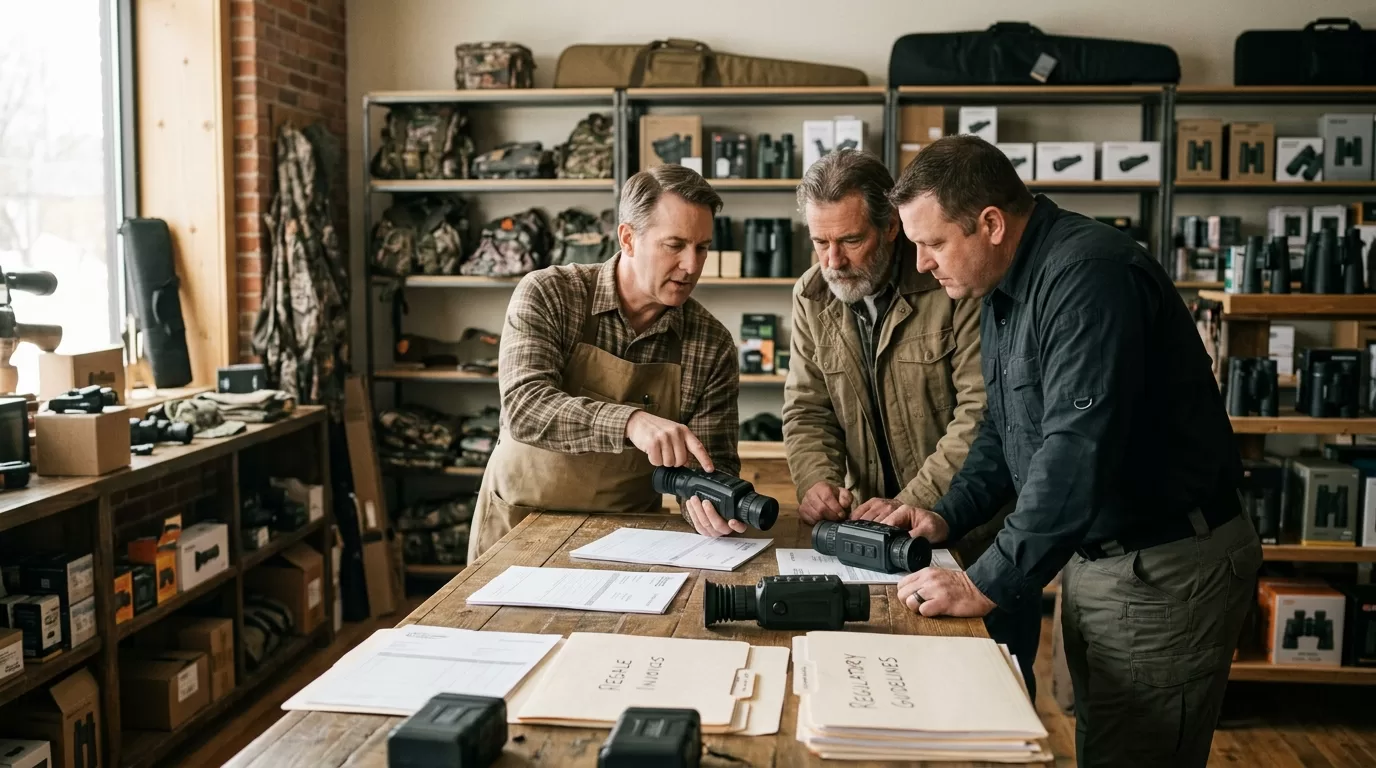
A thermal dealer isn’t just a store with a shelf. You’re the person a ranch owner calls before buying a handheld scanner for coyotes at 2 a.m. You’re also the person who explains why a 640×512 thermal scope costs more than a compact entry monocular, and why a built-in laser rangefinder matters when the customer can’t judge distance in a black field.
If your real aim is to become a thermal optics dealer, start by narrowing the buyer. Predator hunters, hog hunters, ranch security teams, outdoor retailers, tactical resellers, and property managers do not ask the same questions. A coyote hunter cares about field of view and fast target ID. A ranch manager cares about battery life, warranty handling, and whether an employee can learn the menu in ten minutes.
The mistake is ordering inventory first. Don’t. First, write down your top 25 likely buyers by name: local hunting clubs, firearm stores, feed stores, ranches, outfitters, security installers, and night-hunting guides. If you can’t name 25, your dealer application is still a theory.
Dealer readiness checklist
| Area | Minimum proof | Strong proof |
|---|---|---|
| Buyer access | 25 named prospects | 100+ opt-in buyers or retail foot traffic |
| Product knowledge | Basic thermal terms | Staff can compare NETD, resolution, FOV, LRF |
| Sales channel | Website or store | Store, e-commerce, demos, local events |
| Compliance | State hunting links | Written export and use-policy workflow |
| Service | Email support | Intake form, serial tracking, warranty process |
The best thermal dealers pick one primary customer first. “Outdoor people” is too broad. A store that already sells e-callers, tripods, gun safes, and predator hunting lights can add Pixfra outdoor thermal optics without teaching customers a new buying habit. A camera dealer or security installer may still sell thermal devices, but the sales motion is different: fewer impulse buys, more quote requests, more training.
For US outdoor optics, the strongest B2B fit usually comes from four buyer groups. Predator and hog hunters want fast detection. Ranch and farm users want perimeter awareness. Outdoor retailers want reliable turn. Security installers want repeatable specs and support. Pick one. Then build the offer around that buyer’s real night problem.
| Buyer type | What they ask first | Better starter product angle |
|---|---|---|
| Predator hunter | “How far can I detect?” | Thermal monocular plus thermal scope path |
| Hog hunter | “Can I identify before I shoot?” | Higher resolution, stable image, range help |
| Ranch owner | “Will my staff use it?” | Simple controls, warranty, rugged carry setup |
| Retail store | “Will it move?” | Demo unit, MAP clarity, staff training |
| Security installer | “Can we document specs?” | Data sheets, repeatable model naming |
Here’s a real scenario. A customer walks into a shop after watching five thermal videos online. He asks for “the long-range one.” If your staff only repeats detection range, he may leave with the wrong device. If your staff asks where he hunts, typical shot distance, terrain, target species, and whether he needs recording or a laser rangefinder, the sale changes. That’s dealer value.
This advice doesn’t apply if you’re only trying to flip a few units on a marketplace. Thermal optics customers ask expensive questions. They expect after-sale help. If you can’t support firmware questions, app connection issues, mount selection, or warranty routing, stay out of the category until you can.
A manufacturer or distributor will usually want proof that you’re a real business. Expect to provide legal business name, resale certificate, website or storefront details, contact person, shipping address, sales channels, and the product category you want to carry. Some brands may ask for projected monthly volume or current outdoor optics lines. That’s normal.

The money needs plain math. Suppose your wholesale cost on a thermal optic is $1,200 and the minimum advertised price is $1,599. Your gross margin is $399 before card fees, freight, staff time, demos, returns, and tax handling. That’s 24.9%. If you discount to $1,450 to win a quick order, the margin drops to $250, or 17.2%. One warranty-heavy return can erase that.
For a dealer, MAP discipline beats chasing every sale. A store that protects price, trains staff, and sells accessories often keeps healthier margin than a seller who cuts price online and ships boxes with no support. Thermal optics are explanation products. Explanation products reward dealers who can teach.
Dealer cost model
| Cost item | Why it matters | Practical target |
|---|---|---|
| Demo unit | Customers want to look through thermal | 1 unit per key product tier |
| Staff training | Bad explanations cause returns | 2 trained staff minimum |
| Freight and insurance | Higher-value devices need safer shipping | Price it before quoting |
| Card processing | 2.5% to 3.5% can hurt margin | Build it into price math |
| Warranty intake | Serial numbers and photos save time | Use a written form |
| Accessories | Mounts, cases, batteries, tripods | Attach rate above 20% |
Don’t promise what your policy can’t support. If you offer “free returns” on mounted thermal scopes after field use, you’ll pay for it. A tighter policy works better: demo before purchase, inspect on delivery, document serial numbers, and handle warranty claims through the approved process.
Starter inventory should cover use cases, not every SKU. A good first order might include one compact thermal monocular for entry buyers, one 640-class monocular for serious detection, one thermal scope line for hunters ready to mount, and one multispectral or rangefinder option for customers who want more than basic heat detection. That’s enough to teach, demo, and sell without tying up cash in slow-moving variants.
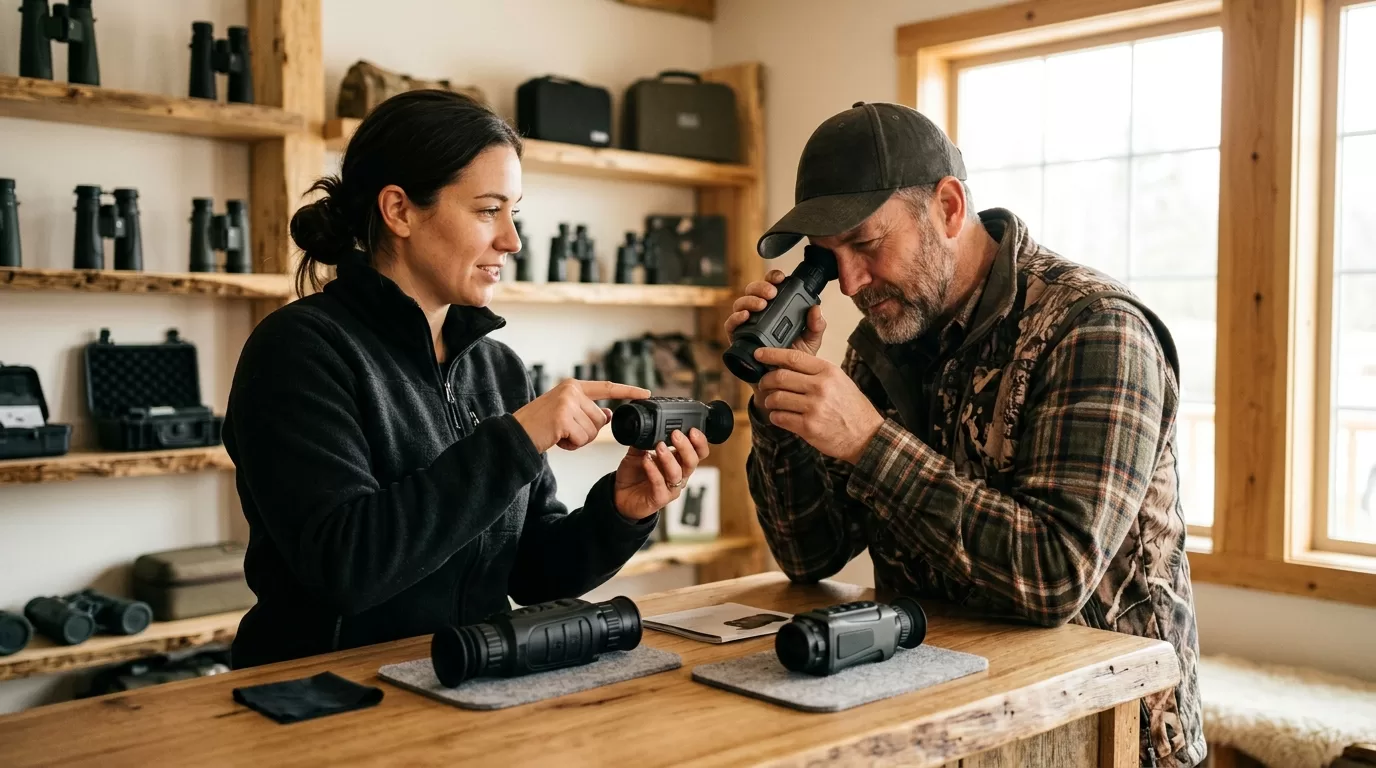
Pixfra gives dealers a useful spread. Sirius 640 is positioned as a long-range thermal monocular with up to 2600m detection, 18mK NETD, and an F0.9 lens. Arc LRF adds laser rangefinder use, with a 1000m rangefinder claim on Pixfra’s product page. Draco combines thermal imaging, 4K digital night vision, laser rangefinder, and infrared illumination. Mile 2 fits the compact buyer. Taurus fits thermal scope customers who ask for up to 640×512 detector resolution and 18mK NETD or lower.
| Starter role | Pixfra example | Best buyer match |
|---|---|---|
| Compact scanner | Mile 2 Series | First thermal buyer, backpack user |
| Long-range handheld | Sirius 640 | Ranch, predator, open-field scanning |
| Rangefinder handheld | Arc LRF | Hunters who need distance confidence |
| Multi-mode optic | Draco | Buyers comparing thermal and night vision |
| Thermal scope | Taurus Series | Mounted hunting setup |
A dealer should demo at dusk, not at noon in a parking lot. Thermal sells when a buyer sees heat contrast: tree lines, parked trucks, dogs at distance, warm rocks cooling after sunset. A daytime demo can still explain ergonomics, menus, and screen quality, but it won’t close as well.
If your team needs brand context before choosing models, the Pixfra thermal imaging optics site is a practical place to compare current outdoor lines before building a stocking plan. Keep the product story simple: what the customer sees, how far the customer can detect, how easy the device is to carry, and what problem the device solves at night.
Thermal optics sales touch export control, hunting law, platform rules, and customer safety. The Electronic Code of Federal Regulations, 2026, publishes the Export Administration Regulations Commerce Control List under 15 CFR Part 774, including Category 6 for sensors and lasers. The Bureau of Industry and Security regulations are the source dealers should check before export, reexport, or international shipment.
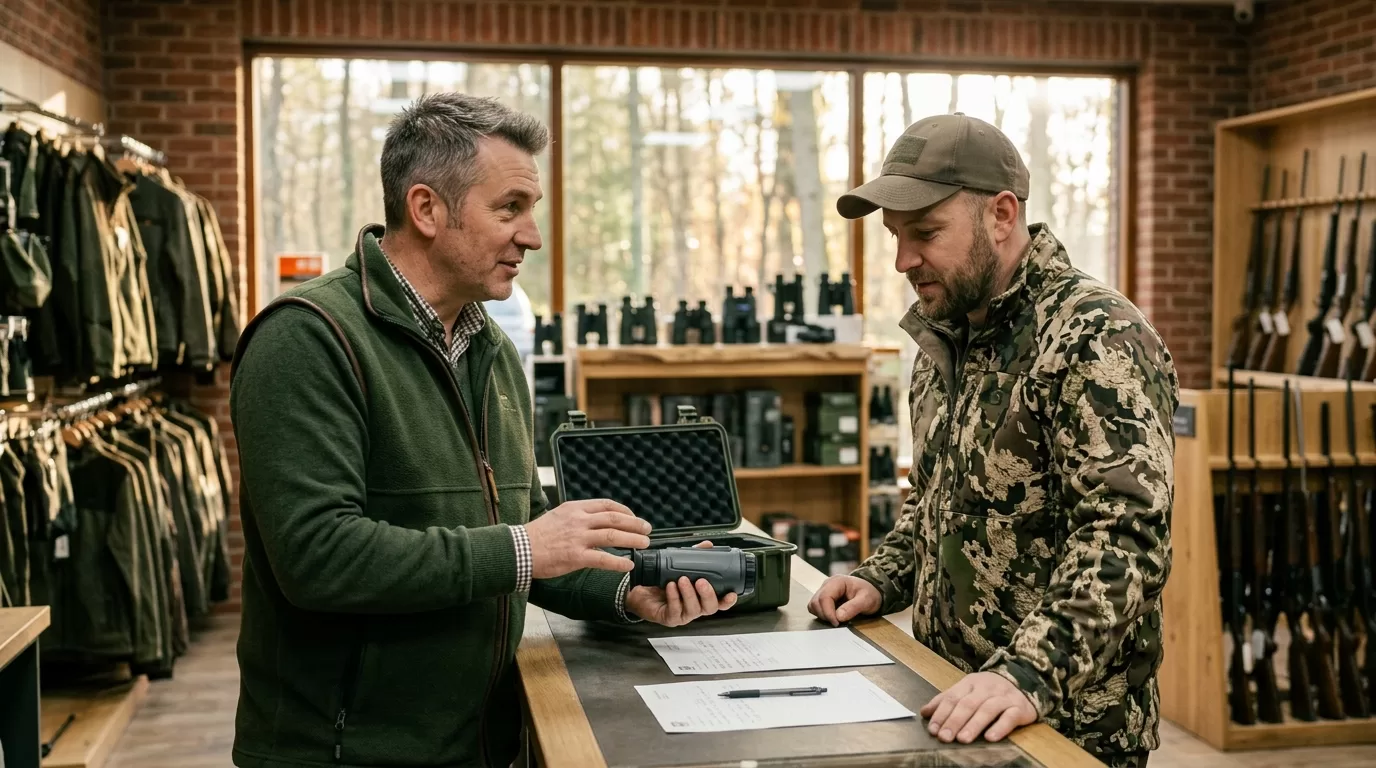
Domestic hunting use is a separate issue. Thermal devices may be legal for scouting, predator control, or certain night hunts in one state and restricted in another. The U.S. Fish and Wildlife Service says refuge hunting can be limited by federal, refuge-specific, and state law, according to its General Hunting Laws. Train staff to say, “Check your state wildlife agency before using thermal equipment to hunt.” That sentence prevents bad advice.
Dealer rule: sell the device, document the buyer, explain lawful-use limits, and avoid giving legal advice beyond official links.
Online sales need their own controls. If you sell through your website, block international checkout until export classification and destination rules are reviewed. If you sell through marketplaces, read the platform’s weapon accessory and optics policies before listing. If you sell in-store, keep a short written script near the counter. Staff turnover is real; the script keeps answers consistent.
This is where expert dealers separate themselves from box movers. A buyer may ask, “Can I take this to Mexico for a hunt?” The answer isn’t a shrug. It’s a process: identify the exact model, classify the item, check export rules, check destination rules, then decide whether the sale or shipment is allowed. Fast answers can be expensive.
Before you contact Pixfra or a distributor, build a one-page dealer profile. Keep it factual. Include your company name, state, business type, current product categories, website, monthly foot traffic or online traffic, target customer group, requested Pixfra product lines, and who will manage service. If you’re a new business, say that. A clear new dealer is better than a vague established one.

Add a 90-day launch plan. For example: two staff training sessions in week one, one evening demo event in week three, 20 outreach calls to ranches or hunting guides, five short product videos, and a reorder review after the first 10 units sold. You don’t need a giant plan. You need a believable one.
Dealer application packet
| Document | Why it helps |
|---|---|
| Business license or registration | Confirms legal business identity |
| Resale certificate | Supports wholesale purchasing |
| Website or storefront photos | Shows sales channel quality |
| Product-line list | Shows related category fit |
| Buyer segment plan | Proves you know who will buy |
| Service contact | Gives warranty and support ownership |
| Compliance workflow | Shows responsible thermal optics sales |
When you apply, ask direct commercial questions. What are the opening order requirements? Which SKUs are best for US outdoor dealers? Is MAP enforced? What is the warranty process? Are demo units available? Who handles replacement parts or firmware questions? How long do reorders take? What marketing assets can dealers use?
The strongest dealer applications sound like operators wrote them. “We sell to predator hunters in Texas and Oklahoma through a retail store and two night-hunting demo events per month” beats “we want to expand into thermal.” Specific wins.
Yes, thermal optics resale can be profitable when margin, MAP, freight, card fees, and warranty time are priced correctly. A dealer chasing discounts can lose money even on high-ticket products.
A normal US resale business may not need a special optics license for domestic sales, but export control and hunting-use rules still matter. Check BIS rules and state wildlife agency rules before shipping or advising buyers.
Compact monoculars often sell first because the price is easier for new thermal buyers. Serious hunters usually move toward Sirius, Arc LRF, Draco, or Taurus once they understand range, resolution, and use case.
Yes, dealers can sell thermal scopes online if manufacturer terms, platform rules, tax setup, shipping limits, and export controls are handled. Block international orders until classification and destination checks are complete.
Dealer approval time varies by brand, paperwork quality, and territory review. A complete application with resale documents, sales channels, buyer plan, and compliance workflow will usually move faster than a casual inquiry.
If you’re ready to build a serious thermal category, start with one demo kit for hunters, one kit for ranch or property use, and a written staff script for compliance questions. Pixfra can support dealers who treat thermal optics as a specialist category, not a side shelf.
Spec sheets tell you what a thermal device should do. The field tells you what it actually does. We took our Pixfra thermal devices — monoculars, scopes, and front attachments — into real hunting and observation conditions across varying terrain, weather, and lighting to see how they held up when it counted. Here’s what we found.
Too many thermal device reviews in 2026 rely on manufacturer claims, controlled lab numbers, and best-case scenarios. And while those specs give you a starting point, they don’t tell you how a device handles at 2 AM in a foggy tree line, or whether your battery dies before the hogs show up, or if you can actually tell a coyote from a stump at 400 meters in heavy humidity. That gap between on-paper performance and real-world results is exactly why we ran this field test. We wanted to push our own gear hard — not to prove that every number is perfect, but to show you what our thermal devices do when conditions get ugly. If you’re shopping for a thermal monocular, thermal scope, or thermal front attachment in 2026, this case study gives you field data, not marketing talk. And if you want a breakdown of the specs that matter most before you buy, our guide to the top 6 features needed in the best thermal device in 2026 is worth reading alongside this one.
There’s a reason experienced hunters and wildlife observers focus on field-tested results over spec sheets: the real world doesn’t cooperate with ideal testing conditions. A thermal monocular rated for 2,000-meter detection in a climate-controlled lab may perform very differently across a humid Southern pasture or a cold Rocky Mountain ridge. Temperature swings, fog, rain, ambient heat radiating off the ground — all of these mess with thermal imaging in ways that a product page never mentions.

We built this case study around that reality. Instead of running bench tests in a controlled room, we took our Pixfra lineup — including models from the Sirius HD, Mile 2, Arc LRF, Chiron LRF, Taurus LRF, and Volans series — and used them in conditions that match how real buyers actually use them. Night hunts for hogs and predators. Pre-dawn wildlife observation in dense tree cover. Property scans in rain and fog. Extended sessions where battery life and ergonomics become the deciding factors. We logged detection distances, image clarity ratings, battery drain rates, and usability notes across every outing.
The approach mirrors what field testers across the thermal optics industry are doing in 2026. Hands-on testing under real conditions — not lab environments — is how you separate the thermal devices that work from the ones that frustrate you by the third outing. And that’s exactly where our Pixfra devices had to prove themselves.
We ran our tests over a three-week stretch across two distinct environments: open ranch land in the South (flat, warm, humid) and mixed woodland-field terrain in the mid-Atlantic (rolling hills, dense vegetation, cooler nights). This gave us a spread of conditions that cover most hunting and outdoor scenarios you’d run into across the U.S.

Each device went through a standardized set of evaluations: detection range at measured distances using human-sized and deer-sized heat targets, image clarity at various magnifications, battery life under continuous use, ergonomic handling with and without gloves, and performance under adverse weather including light rain, heavy fog, and temperature drops below 35°F. We tested during full darkness, twilight, and — for our Volans series — broad daylight to evaluate its all-day vision capability with the adjustable aperture (F1.2 to F3.0).
Here’s a snapshot of our testing conditions and protocols:
| Test Parameter | Conditions/Method |
|---|---|
| Detection range | Measured targets at 200m, 500m, 1,000m, 1,500m, and 2,500m+ |
| Image clarity | Rated 1–10 at each distance under clear, fog, and rain conditions |
| Battery life | Continuous use, screen brightness at 70%, Wi-Fi off, ambient 40–75°F |
| Cold weather battery drain | Same protocol at 28–35°F to measure cold-induced performance drop |
| Gloved operation | Full menu navigation with insulated hunting gloves |
| LRF accuracy | Verified rangefinder readings against known-distance markers |
| Durability | Exposure to rain, drops onto packed dirt, sustained use in dusty terrain |
| Startup time | Cold boot to usable thermal image |
Every Pixfra model we tested uses our proprietary heat-detection technology paired with 12μm pixel pitch sensors. NETD ratings across our lineup sit at ≤18mK, which places them at the high end of thermal sensitivity for hunting-grade optics. That sensitivity became a key differentiator in our fog and humidity tests, where devices with higher NETD values tend to wash out and lose contrast between targets and background heat.
This is where the rubber met the road. On clear nights with big temperature differentials between targets and the background, most thermal devices on the market look decent. The real test comes when conditions compress that temperature gap — warm summer nights, fog, rain, or when ground heat lingers after a hot day. That’s where NETD separates a sharp, usable image from a blurry mess.

Our Pixfra devices, with NETD values of ≤18mK, delivered defined target outlines even in the toughest sessions. During one fog-heavy evening on the ranch, we spotted a group of hogs at roughly 600 meters using the Sirius HD — not just as heat blobs, but with enough definition to count individual animals and see their direction of movement. The Sirius HD series pushes detection out to 3,600 meters under ideal conditions, and during our clear-night tests, we consistently picked up heat signatures beyond 2,500 meters. At that distance, identification wasn’t possible, but detection was reliable and repeatable.
The Mile 2 series, aimed at everyday hunters and outdoor enthusiasts, hit its sweet spot between 200 and 600 meters. Image quality at 3x and 4x base magnification stayed clean and high-contrast. Pushing the digital zoom past 8x softened the image, as expected, but targets remained usable for detection out to about 1,000 meters. For most recreational hunters working inside 300–600 meters — which covers the majority of whitetail, hog, and predator hunting in the U.S. — the Mile 2 delivered more than enough image quality to make clean target IDs.
One standout finding: sensor resolution alone doesn’t tell the full story. We paired our 384×288 and 640×512 sensor models against each other in identical conditions, and while the 640×512 models produced sharper images at distance, the 384×288 models with strong NETD and well-tuned image processing still gave usable identification at practical hunting ranges. The takeaway? Resolution matters, but thermal sensitivity and pixel pitch matter just as much — if not more — when conditions turn against you.
Battery life is the feature nobody talks about until it fails. And in our testing, it became one of the clearest performance separators between a device that lasts through a full hunt and one that leaves you in the dark — literally.
Our Pixfra devices range from approximately 4.5 hours to 15 hours of battery life depending on the model and usage. We tested each at 70% screen brightness with Wi-Fi off, which represents realistic hunting use. The models running standard 18650 batteries — including the Arc LRF, Mile 2, and Chiron LRF — gave us the most flexibility. When a battery started dipping toward the end of a session, we swapped in a fresh 18650 from a jacket pocket in under 10 seconds. That swap-and-go design is a deliberate choice on our part, and it proved its value on every all-night session we ran. Proprietary sealed batteries might shave a few grams off the weight, but when you’re deep in a hunt and the power drops, having a spare 18650 ready is worth every gram.
Cold weather tested our batteries hard. At temperatures around 30°F, we measured roughly a 30–40% drop in effective battery life compared to our warm-weather sessions. That tracks with industry-wide data on lithium battery performance in cold conditions. Our field tip: keep your spare batteries in an inside jacket pocket where body heat keeps them warm. We did this throughout testing and never ran out of power during a single outing.
On the build quality side, all of our tested models survived the full three-week test period without a single failure. We exposed every device to rain, dust, accidental drops onto packed dirt, and the kind of rough pack-and-carry treatment that comes with real fieldwork. Our IP67-rated housings handled full water exposure without issue — one unit took a direct dunk into a shallow creek crossing and came out working perfectly. The controls stayed responsive even when wet or operated with heavy insulated gloves, which matters a lot more than you’d think when you’re scanning a tree line at 3 AM in freezing drizzle.
The Draco series earned special mention for its lightweight design. During extended 4+ hour observation sessions, we noticed significantly less arm fatigue compared to heavier units. That weight difference sounds minor on paper, but after a few hours of repeated scanning, your muscles notice.
A thermal device in 2026 isn’t just a sensor with a screen — it’s a connected field tool. And during our testing, the smart features on our Pixfra lineup didn’t just check a box; they made real differences in how efficiently we worked in the field.

The integrated laser rangefinders on our LRF models — Arc LRF, Chiron LRF, and Taurus LRF — gave us instant, accurate distance readings out to 1,000 meters. We verified LRF accuracy against known-distance markers and found the readings consistently landed within ±1 meter. For hunters taking shots beyond 150 yards at night, that kind of precision removes guesswork and directly improves shot confidence. Paired with the built-in ballistic calculators on the Chiron LRF and Taurus LRF, we had computed bullet drop and adjusted aiming points available on-screen without switching devices or pulling out a separate rangefinder. That integration saved us time and kept our workflow smooth during fast-paced hog encounters.
The Pixfra Outdoor App, which supports all our current models including the Sirius, Arc LRF, Mile 2, Pegasus Pro, Chiron LRF, Taurus, and Taurus LRF series, handled firmware updates, settings adjustments, and image transfers without issues during our test period. We transferred hunt footage to smartphones for quick review between sessions and shared scouting data with other team members in real time. The color palette options — White Hot, Black Hot, Red Hot, Iron Bow, and Rainbow — let us adapt display modes to different conditions and personal preferences. Black Hot became our team favorite for predator hunts, giving us better body detail on animals against mixed-temperature backgrounds.
Our Volans series stood out with its all-day vision capability. We ran it in broad daylight, through twilight, and into total darkness, adjusting the aperture between F1.2 and F3.0 as lighting changed. The result was one device that handled every lighting condition we threw at it — no need to carry a separate optic for daytime use. The 50Hz refresh rate across our lineup also delivered the smooth, fluid imaging we needed to track fast-moving targets without the blur or stutter that lower refresh rates produce.
The Taurus and Taurus LRF thermal front attachments also proved their value as a flexible option for hunters who don’t want to replace their existing daylight scope. With ultra-fine 0.9cm@100m click value for zeroing, we achieved precise alignment that held through repeated sessions without drift. For hunters already running a quality daylight optic, the Taurus clips on and adds thermal capability without changing your primary setup — a practical approach that’s popular with European hunters and gaining ground fast in the U.S.
We didn’t run this test to claim perfection. We ran it to show you, with real data from real conditions, what our Pixfra thermal devices actually deliver in the field. The ≤18mK NETD sensitivity, 12μm pixel pitch sensors, swappable 18650 batteries, IP67-rated builds, integrated LRFs and ballistic calculators, companion app connectivity, and all-day vision on the Volans series — these aren’t just features on a spec sheet. They’re tools that performed when conditions got tough, sessions ran long, and weather turned ugly.
Whether you’re a hog hunter in Texas, a predator hunter in the Midwest, a wildlife observer on the East Coast, or a property owner keeping an eye on your land after dark, the results from this case study give you a clear picture of what you’re getting. Thermal imaging technology has reached a point in 2026 where mid-range devices deliver performance that was premium-only just two years ago. Our lineup at Pixfra reflects that shift — from the entry-accessible Mile 2 series all the way to the professional-grade Sirius HD.
If you want to dig deeper into the specific features that define a great thermal device this year, head over to our breakdown of the top 6 features needed in the best thermal device in 2026. And when you’re ready to choose the right model for how you hunt, explore, or observe, you’ll find every product in our lineup at Pixfra.com.
What is the real detection range vs. identification range on a thermal device?
Detection range tells you how far the sensor can pick up a heat signature. Identification range — where you can confirm what you’re looking at — is always shorter. In our field tests, real-world identification range typically ran about 30–40% of the stated detection range. Our Pixfra models range from around 500 meters for entry-level devices up to 3,600 meters for the Sirius HD series, but we always recommend checking identification range for your specific use case, not just the headline detection number.
How does cold weather affect thermal device battery life?
Cold temperatures hit lithium battery performance hard. During our testing at around 30°F, we saw a 30–40% drop in effective battery life compared to warm conditions. The solution: use models with swappable 18650 batteries and carry spares in an inside pocket where body heat keeps them warm. Many of our Pixfra models use 18650s specifically for this reason — you can swap a fresh battery in seconds without downtime.
Can you use a thermal device during the day?
Yes. Thermal devices detect heat, not visible light, so they work in full daylight just as well as total darkness. Our Pixfra Volans series goes a step further with an adjustable aperture (F1.2 to F3.0) designed for all-day vision, making it one of the few thermal devices that adapts smoothly across every lighting condition from noon sun to midnight.
Is a built-in laser rangefinder worth it on a thermal monocular or scope?
For hunters shooting beyond 150 yards at night, absolutely. A built-in LRF removes the need for a separate ranging device and gives you exact distance data with the press of a button. Our Pixfra Arc LRF, Chiron LRF, and Taurus LRF models all include integrated laser rangefinders with 1,000-meter range. Paired with onboard ballistic calculators, they deliver a complete targeting solution in one unit.
What IP rating do I need for a thermal device used outdoors?
For any real outdoor use — hunting, hiking, wildlife observation, property monitoring — you want at least an IP67 rating. IP67 means the device is fully sealed against dust and can handle temporary water submersion, covering rain, stream crossings, snow, and accidental drops into puddles. Our Pixfra devices are built to handle these conditions, and our IP67-rated models survived direct water exposure during our field tests without any issues.
From nighttime patrols to perimeter sweeps, thermal devices give security teams and law enforcement a tactical edge that flashlights and standard cameras can’t touch. At Pixfra, we build thermal monoculars, scopes, and front attachments designed for real-world field conditions — and we’ve put together this list of the 8 best thermal devices for security and law enforcement in 2026.
Thermal imaging has gone from a niche military tool to a standard piece of gear for police departments, private security firms, and property patrol teams across the United States. Thermal imaging cameras detect heat, enabling law enforcement professionals to see in complete darkness. Unlike night vision cameras, thermal imaging cameras require no ambient light and retain their clarity in any lighting condition. If someone is hiding behind a bush, under a car, or crouching in a dark alley, their body heat shows up on a thermal display like a glowing outline. Handheld thermal imagers work by creating a virtual display showing the heat signatures of objects in the field of view, and these devices can provide responders with a covert method of surveillance, providing a tactical advantage at night. For law enforcement officers working the late shift or responding to a call in a wooded area, that’s not a nice-to-have — it’s a lifeline that keeps them safer and more effective on every shift.

The thermal device market in 2026 looks very different from a few years back. Sensor resolutions have climbed while prices have dropped. What used to be a premium 640×512 resolution is now a mid-range standard, and NETD sensitivity levels below 20mK are available outside of strictly military-grade equipment. These advances mean police departments, security agencies, and private property owners can now access thermal imaging that delivers clear, high-contrast imagery for a fraction of what it cost just three or four years ago. If you want a deeper look at what separates a great thermal device from a forgettable one, check out our breakdown of the top 6 features needed in the best thermal device in 2026.
Whether you’re a patrol officer scanning a parking lot, a SWAT team member clearing a building, a border security agent watching a fence line, or a private guard patrolling a warehouse district, the right thermal device changes how you operate at every level. You spot threats earlier. You make faster, better decisions. You stay safer while doing it. In today’s rapidly evolving security landscape, law enforcement thermal imaging technology has become an indispensable tool for police departments, SWAT teams, and security professionals worldwide. And with features like built-in laser rangefinders, Wi-Fi streaming to smartphones, onboard video recording, and rugged IP67 weatherproofing now standard on serious devices, today’s thermal imaging equipment is a complete field toolkit — not just a fancy scope.
We built this list based on what actually matters for security and law enforcement work: detection range, sensor sensitivity, durability, battery life, and the kind of smart connectivity features that keep you efficient during a 10-hour shift. Every device on this list comes from our Pixfra lineup, and each one is built for real outdoor conditions — from freezing winter nights to dusty summer patrols. Our proprietary heat-detection technology powers every model with NETD values of ≤18mK, placing them at the top end of thermal sensitivity for tactical-grade optics. Here’s how our 8 picks stack up side by side:
| # | Device | Type | Detection Range | LRF | Best For |
|---|---|---|---|---|---|
| 1 | Sirius HD | Thermal Monocular | Up to 3,600m | — | Long-range surveillance & border patrol |
| 2 | Arc LRF | Thermal Monocular | ~500m+ | Yes (1,000m) | Patrol & perimeter checks |
| 3 | Mile 2 | Thermal Monocular | ~500m+ | — | Everyday patrol & scouting |
| 4 | Chiron LRF | Thermal Scope | Mid-long range | Yes (1,000m) | Tactical ops & SWAT |
| 5 | Pegasus 2 LRF | Thermal Scope | Mid-long range | Yes | Precision target locking |
| 6 | Taurus LRF | Thermal Front Attachment | Mid-long range | Yes (1,000m) | Weapon-mounted thermal |
| 7 | Draco | Thermal Front Attachment | Mid range | — | Lightweight tactical use |
| 8 | Volans | Day & Night Vision Scope | Mid range | Available | 24-hour all-day operations |
The Sirius HD is our heavy hitter for agencies that need to cover massive areas. With a detection range stretching out to 3,600 meters, it’s built for border patrol operations, large property surveillance, and any scenario where you need to scan wide-open ground from a fixed position. At the other end of the spectrum, the Arc LRF and Mile 2 series are your best options if you need a compact, pocketable thermal monocular for nightly patrol. The Arc LRF packs an integrated laser rangefinder with 1,000-meter capability, so you can get instant distance-to-target data with a single button press — no fumbling for a separate device in the dark. The Mile 2 keeps things simple and reliable for officers who need thermal imaging every shift without extra complexity. Both models deliver ≤18mK NETD sensitivity, so you’ll see crisp outlines of people and objects even on warm nights when the temperature difference between a suspect and the background is small.

For tactical teams and officers who need thermal imaging mounted on their rifle, the Chiron LRF and Pegasus 2 LRF are our top thermal scopes. The Chiron LRF comes with an integrated laser rangefinder and a built-in ballistic calculator that computes bullet drop and adjusts your aiming point on the fly — a full targeting solution in one device for SWAT teams and tactical units operating in zero-visibility conditions. The Taurus LRF and Draco series work as thermal front attachments, mounting in front of your existing daytime scope to convert it into a thermal optic without changing your zero. The Taurus LRF features ultra-fine zeroing precision with a 0.9cm@100m click value, which matters when every shot counts. The Draco stands out for its lightweight design, built for officers who need multi-functional performance without adding weight to their gear. And if your team pulls shifts that span daylight and darkness, the Volans series delivers all-day vision with an adjustable aperture from F1.2 to F3.0, adapting to any lighting condition you’ll encounter — making it one of the few thermal devices that performs just as well at noon as it does at midnight.
Two specs will make or break your thermal device in the field: NETD and sensor resolution. NETD — Noise Equivalent Temperature Difference — measures how sensitive the thermal sensor is to small temperature changes. Lower numbers equal clearer, more detailed images. For law enforcement and security operations, you want ≤25mK at a bare minimum, and ≤18mK if you’re doing any serious nighttime or tactical work. All of our Pixfra devices hit ≤18mK, which means you’re seeing defined, high-contrast outlines of people and vehicles — not washed-out blobs. Pair that with 12μm pixel pitch technology and you get sharp imagery across sensor resolutions from 256×192 (good for close-range patrol) up to 640×512 (the go-to for professional security and law enforcement use). Resolution alone isn’t the whole story, though. A 50Hz refresh rate is the baseline for any thermal device worth carrying on duty in 2026 — it delivers smooth, fluid imaging that lets you track moving targets like fleeing suspects without blur or chop. Anything below 30Hz will give you stuttering video that makes fast-moving targets hard to follow.
According to a 2024 IACP survey, 78% of police departments using thermal cameras reported a 40% reduction in nighttime accidents, 35% faster suspect apprehension, and 60% improvement in search-and-rescue success. Numbers like that don’t come from spec sheets — they come from image quality, sensor sensitivity, battery reliability, and overall toughness. Our Pixfra devices range from approximately 4.5 to 15 hours of battery life depending on the model, and many use standard 18650 batteries that swap in seconds when power runs low. For durability, IP67 is the gold standard — fully sealed against dust and rated for temporary water submersion, which handles rain, stream crossings, snow, and accidental drops into puddles. Our Pixfra Outdoor App connects to every current model (Sirius, Arc LRF, Mile 2, Pegasus Pro, Chiron LRF, Taurus, and Taurus LRF) for firmware updates, settings control, and image transfer directly to your phone. Wi-Fi streaming, onboard video recording, and multiple color palettes — White Hot, Black Hot, Red Hot, Iron Bow — round out the feature set that field professionals rely on daily.
On a typical night patrol, a handheld thermal monocular turns a routine area scan into a real security sweep. Officers can use thermal imaging devices to spot a recently pursued car — a dark, parked car in a lot full of them, or alone in the middle of an open field, can be difficult to spot, but seen through an IR scope, the hot car stands out as if lit by a spotlight. Beyond vehicle pursuits, officers can detect people hiding in tree lines, spot discarded evidence like a warm firearm tossed into bushes, or sweep a wide perimeter from a single vantage point using a device with 500+ meter detection range. Thermal imagers have the capability to display the difference in temperature between objects, as well as an object’s heat signature and residual heat signature, and these devices are used by responders for search and rescue operations, for investigations, and to increase visibility through fog, smoke, dust, rain, and excessive glare. That kind of all-conditions performance means an officer with a thermal monocular like our Arc LRF or Mile 2 never has to rely on ambient light, street lamps, or a flashlight beam that gives away their position.

For SWAT and tactical teams, thermal scopes and front attachments allow target engagement in zero-visibility scenarios — smoke-filled buildings, blacked-out warehouses, or outdoor operations in dead-of-night conditions. SWAT thermal imaging gear provides specialized tactical teams with enhanced capabilities during high-risk operations, enabling teams to conduct reconnaissance, track suspects through complex environments, and maintain situational awareness during dynamic entries. Thermal front attachments like our Taurus LRF mount to existing optics, so officers don’t need to re-zero or retrain on a new sighting system — they just clip it on and gain full thermal capability. For search and rescue, a thermal monocular can locate a lost person in a wooded area in minutes instead of hours. And for covert surveillance, thermal imaging gives you a passive, no-light-required view that doesn’t reveal the observer’s position. Prosecutors increasingly use thermal imaging recordings to secure convictions, and onboard recording features in devices like our Chiron LRF make it simple to document everything in real time.
Private security firms are adopting thermal devices at a growing rate, too. Warehouse patrols, industrial facility sweeps, and residential estate monitoring all benefit from handheld thermal monoculars that can cover large areas fast. Handheld thermal cameras are increasingly used for personal security applications, and these portable devices allow security personnel to perform quick heat detection in any environment — whether you’re patrolling a large area, monitoring a crowd, or looking for intruders in a remote location. Our Volans series is especially practical for security teams pulling 12-hour shifts that span daylight and darkness. Instead of switching between daytime optics and night gear, your team carries one device that handles both — all-day vision through an adjustable aperture means no more mid-shift equipment swaps.
If you’re deciding between thermal imaging and traditional night vision for security or law enforcement work, here’s the straight answer: thermal wins in almost every real-world scenario. Thermal imaging in security uses cameras that detect infrared radiation — heat — rather than visible light, producing images based on temperature differences between objects and their surroundings. Unlike standard optical cameras, thermal cameras work in complete darkness, through light fog, and are unaffected by shadows, glare, or deliberate lighting changes. Night vision amplifies available light — moonlight, starlight, street lamps — and produces a visible image. It works OK in low-light conditions with some ambient illumination, but it goes blind in total darkness, heavy fog, or smoke. Thermal imaging detects heat, not light, so it performs in pitch-black environments, through fog, light rain, dust, and even partial foliage cover. For any security team or law enforcement agency operating at night, that gap is the difference between spotting a suspect and walking right past them.

The one area where night vision holds an edge is producing high-resolution, color-accurate images in very low light — useful for facial identification or reading license plates. But for detection, tracking, and situational awareness, thermal is the better tool. For security applications, thermal imaging excels at detection — confirming that something is there — while optical cameras and AI analytics handle classification. With devices like our Volans series offering all-day vision through an adjustable aperture (F1.2 to F3.0), you don’t even have to choose between day and night capability. You get both in one device — and one fewer piece of gear to carry, charge, or worry about breaking. For most security and law enforcement professionals, a quality thermal device will outperform night vision on every patrol, every shift, every time conditions get ugly.
Can police use thermal imaging without a warrant?
This is one of the most debated legal questions around thermal imaging in law enforcement. In the landmark Kyllo v. United States case, the Supreme Court held that thermal imaging of a home constitutes a “search” under the Fourth Amendment. That means using a thermal device to scan the inside of someone’s home from outside generally requires a warrant. However, using thermal imaging in open outdoor areas — during a foot pursuit, a perimeter search, or a patrol sweep of public spaces — is a different situation and is widely practiced by law enforcement agencies across the country. Officers should always check their department’s policies and consult legal counsel for specific scenarios.
How far can a thermal device detect a person?
Detection range depends on the device’s sensor resolution, lens size, and NETD sensitivity. Entry-level thermal monoculars typically detect human-sized heat signatures at around 300 to 500 meters. Mid-range models with 384×288 or 640×512 sensors push that out to 1,000–1,500 meters. Our Pixfra Sirius HD series reaches up to 3,600 meters, which covers wide-area surveillance and border patrol applications. Keep in mind that detection range — where you can tell “something is there” — is always longer than identification range, where you can confirm exactly what you’re looking at. For security work, always ask about both numbers before you buy.
Can thermal cameras see through walls?
No. Thermal cameras detect surface-level heat radiation — they don’t see through solid walls, glass, or metal. However, if someone is standing against a thin wall or door and transferring body heat to the surface, a thermal device can sometimes pick up that heat signature on the surface itself. This makes thermal imaging useful for detecting the presence of people near walls, doors, or windows, even though it can’t produce an image of what’s behind them. For law enforcement, this is a helpful detection tool during building searches, but it’s not X-ray vision.
What’s the best NETD for a law enforcement thermal device?
For most law enforcement, security, and outdoor patrol work, you want a thermal device with NETD of ≤25mK or lower. A device with ≤18mK — like every model in our Pixfra lineup — picks up extremely small temperature differences, producing sharp, detailed images even in challenging conditions like fog, humidity, or warm summer nights when everything radiates heat at similar levels. Lower NETD numbers translate directly to better image contrast, which means you can distinguish a person from their background faster and at greater distances.
Is thermal better than night vision for security?
For most security applications, yes. Thermal imaging works in total darkness, through fog, smoke, and light rain, and it detects heat signatures that are completely invisible to night vision. Night vision needs at least some ambient light to function and can be blinded by bright light sources like headlights or flashlights. Thermal devices are also passive — they don’t emit any light or signal, so they won’t reveal your position during covert operations. The only edge night vision holds is higher-resolution color imagery in low-light scenes with some available illumination, which helps with facial identification. For detection, tracking, and all-conditions awareness, thermal imaging is the stronger tool.
Whether you’re tracking hogs after dark, scanning backcountry trails, or watching wildlife without spooking it, a solid thermal device changes everything. At Pixfra, we build thermal monoculars, thermal scopes, thermal front attachments, and multispectral binoculars — all made for real outdoor conditions. Here are the 9 best thermal devices for survival and outdoor enthusiasts in 2026.
Thermal imaging technology has come a long way. What used to be a military-only tool is now something everyday hunters, hikers, campers, and survivalists can carry in their pockets. These devices detect infrared radiation — heat — instead of visible light. That means they work in complete darkness, through fog, in rain, and even when smoke fills the air. You’re not relying on moonlight or a flashlight to see what’s out there. You’re reading heat signatures, and heat doesn’t hide. A deer in a field, a person on a trail, a hot engine in a parking lot — all of it lights up on a thermal screen even when your eyes see nothing. For anyone who spends time outdoors, that kind of awareness isn’t just nice to have. It’s a game changer for safety, for success on a hunt, and for pure enjoyment of the wilderness.

The survival use case alone makes thermal devices worth it. If you’re lost, a thermal camera can help you spot warm structures, vehicles, or other people from a distance. If you’re camping, it lets you scan around your site for animals you’d rather not surprise in the dark. If you’re a search-and-rescue volunteer, thermal imaging cuts search time down drastically because you’re reading body heat through brush, foliage, and low-visibility conditions. Thermal monoculars are the most common entry point for outdoor users because they’re handheld, lightweight, and quick to deploy. You can sweep fields, tree lines, and brush edges to spot animals or people before deciding your next move. And since they don’t emit any visible light, you stay hidden while getting a full picture of your surroundings.
For hunters specifically, thermal devices have become a go-to tool for predator control, hog management, and scouting. Night hunting for coyotes and feral hogs is legal in many U.S. states — including Texas, Florida, Georgia, Louisiana, and Oklahoma — and thermal makes it safer and more effective. But even outside of night hunting, thermal monoculars are used for pre-dawn scouting, post-shot blood trailing, and property surveillance. If you’ve been curious about what features actually separate a great thermal device from a mediocre one, we wrote an in-depth guide on the top 6 features needed in the best thermal device in 2026 — it covers NETD, detection range, battery life, durability, and smart connectivity in detail.
We’ve picked nine devices from our Pixfra lineup that cover every use case, from everyday carry to long-range professional detection. Each one is built with our proprietary heat-detection technology, 12μm pixel pitch sensors, and rugged construction made for the field — not the shelf. Here’s the breakdown.
1. Sirius HD — The Long-Range Powerhouse. If you need to scan massive areas without moving a step, the Sirius HD is the device to reach for. It pushes out to a 3,600-meter detection range, making it the farthest-reaching thermal monocular in our lineup. It’s built for law enforcement, wildlife managers, and serious hunters who need to see what’s happening at distances most people can’t even imagine covering with a thermal device. The Sirius HD sits at the premium end, but the level of detail and reach it delivers is unmatched. This is the kind of device where every dollar goes straight into performance — high-resolution sensors, top-tier NETD sensitivity at ≤18mK, and rock-solid build quality.
2. Sirius Series — More Than the Perception of Sight. The standard Sirius Series delivers the same core imaging DNA as the HD version, with a focus on versatility. It’s a well-rounded thermal monocular that handles everything from nighttime wildlife observation to property security sweeps. The image quality is sharp enough to distinguish between targets at distance, and the ergonomics are designed so you can use it for hours without fatigue. For outdoor enthusiasts who want pro-level performance in a manageable package, the Sirius Series hits that sweet spot.
3. Mile 2 — New Miles to Go. The Mile 2 is our everyday thermal monocular — the one you toss in your pack and reach for first. It pairs a high-resolution sensor with 12μm pixel pitch technology for sharp, high-contrast images in any condition. It’s compact, straightforward to operate, and delivers the kind of thermal clarity that makes spotting animals or scanning trails easy even in complete darkness. For most recreational hunters and outdoor enthusiasts, the Mile 2 gives you everything you need without overcomplicating it. Think of this as your no-excuses field companion: reliable, clear, and always ready to go.
4. Arc LRF — Performance and Precision in Your Hand. Here’s where things get dialed in. The Arc LRF adds an integrated laser rangefinder with 1,000-meter range capability to the mix. You get exact distance to your target with the press of a button — no fumbling for a separate device. For hunters taking shots beyond 150 yards at night, a built-in LRF makes a real difference in shot placement confidence. The Arc LRF sits in our mid-range tier, meaning it balances detection performance with a price point that doesn’t make your wallet weep. If you want one device that covers scanning, detection, and ranging, this is the one.
5. Pegasus 2 LRF — Make Precision Target Locking Effortless. The Pegasus 2 LRF is a thermal scope designed for shooters who need to acquire targets fast and lock on with confidence. It combines our thermal imaging sensor with an integrated laser rangefinder so you’re getting distance data and a clear thermal image at the same time. This is a weapon-mounted optic built for hog and predator hunting where speed and precision both matter. It handles heavy recoil, rough handling, and the kind of weather that sends most gear running home.
6. Pegasus Pro Series — Shoot in a Pro Way. The Pegasus Pro takes our thermal scope platform and pushes it further for experienced shooters. It offers multiple reticle options, smooth thermal imaging at a 50Hz refresh rate, and the kind of sensor resolution that lets you tell the difference between a target and a stump at distance. The Pro series is made for hunters who already know what they’re doing and want a scope that keeps up with their skill level. If you’re running thermal hunts on a regular basis, this is the setup that stays locked in season after season.
7. Chiron LRF — Lock-On, Readiness, Fire. The Chiron LRF is our fully loaded thermal scope. It has an integrated laser rangefinder and a built-in ballistic calculator that computes bullet drop and gives you an adjusted aiming point in real time. That’s not a gimmick — it’s the difference between a clean shot and a miss. The Chiron LRF takes the guesswork out of night shooting, especially at extended distances where manual holdover gets dicey. For predator hunters working coyotes across open pasture or managing feral hogs on large properties, this scope does the math for you.
8. Taurus LRF — LRF Locked, Ballistics at the Trigger. The Taurus LRF is a thermal front attachment — meaning it clips onto your existing daytime optic and turns it into a thermal-capable system. It features high-definition zeroing with an ultra-fine 0.9cm@100m click value, a built-in laser rangefinder, and a ballistic calculator. The Taurus LRF comes in multiple configurations (T425 LRF, T450 LRF, T650 LRF), so you can match the model to your specific setup. If you’ve already invested in a quality daytime scope and don’t want to buy a whole separate thermal scope, the Taurus front attachment gives you the best of both worlds.
9. Volans Series — See Beyond Time. The Volans is different from everything else on this list. It’s a digital day-and-night vision scope with an adjustable aperture from F1.2 to F3.0 — one of the few devices on the market that works just as well in broad daylight as in total darkness. It also includes a built-in ballistic calculator for distance-adjusted shot placement. The Volans is the “carry one device instead of two” answer for hunters and wildlife observers who need all-day coverage. If you’re in the field from pre-dawn to well past midnight, this is the device that stays on the whole time.
With so many models and brands flooding the market, it’s easy to get distracted by flashy numbers that don’t mean much in real conditions. So let’s cut through the noise and talk about the specs that make or break your experience. NETD — Noise Equivalent Temperature Difference — is the single most telling spec on any thermal device. It measures how sensitive the sensor is to small changes in temperature. A lower number means better sensitivity. For context, our Pixfra devices achieve NETD values of ≤18mK, which places them at the high end of sensitivity for hunting-grade thermal optics. That kind of sensitivity means you’re not squinting at blurry blobs — you’re seeing defined outlines of animals even when the ground, air, and foliage are all radiating heat at similar levels. If the device you’re looking at has an NETD above 30mK, you’re going to notice the difference on warm nights.

Sensor resolution is the other half of image quality. The most common options are 256×192 (entry-level), 384×288 (mid-tier), and 640×512 (premium). Higher resolution means sharper images and better target identification at distance — but resolution alone isn’t the whole story. Pixel pitch matters too. A 12μm pixel pitch, which we use across our Pixfra product lines, gives you sharper thermal images because each pixel is smaller, resulting in finer detail. Pair that with a 50Hz refresh rate and you get smooth, fluid thermal imaging that lets you track moving targets — running coyotes, sprinting hogs — without blur or chop. Anything below 30Hz creates a stuttering image that makes fast-moving animals hard to follow.
Here’s a quick reference table to compare how these specs stack up for different use cases:
| Spec | Entry-Level | Mid-Range | Premium |
|---|---|---|---|
| Sensor Resolution | 256×192 | 384×288 | 640×512 |
| NETD (Thermal Sensitivity) | ≤40mK | ≤25mK | ≤18mK |
| Pixel Pitch | 17μm | 12μm | 12μm |
| Detection Range | ~500m | ~1,500m | ~3,600m |
| Refresh Rate | 30Hz | 50Hz | 50Hz |
| Laser Rangefinder | Rare | Common | Standard |
| Battery Life | 4–6 hrs | 6–10 hrs | 8–15 hrs |
| IP Rating | IP54 | IP67 | IP67/IP68 |
This table reflects the general landscape in 2026. Our Pixfra lineup covers every tier shown above — from the Mile 2 for everyday use to the Sirius HD for premium, long-range detection.
Having a great thermal device is one thing. Knowing how to use it well is another. One of the most overlooked factors is battery management. Our Pixfra devices range from about 4.5 to 15 hours of battery life depending on the model and settings. Many of our models use standard 18650 batteries that you can swap out in seconds — a design choice we made on purpose. When you’re deep in a hunt at 2 AM and the power dies, popping in a fresh battery from your pocket beats packing up and going home. Here’s a pro tip from our field experience: cold weather can slash battery performance by 30–50%. Always carry spares in an inside pocket where your body heat keeps them warm. If you’re planning an all-night predator hunt or a multi-day backcountry trip, pack at least two spare batteries and keep one warming against your body at all times.
Color palettes are another tool that experienced users rely on heavily. White Hot is the most common mode — heat sources show up white against a darker background — and it works great for general scanning. Black Hot, where heat sources appear black, is preferred by many professional hunters for reading animal body detail more clearly. Red Hot highlights the warmest areas in red and helps you pick out a target fast in busy environments. Iron Bow and Rainbow modes display a full spectrum of temperatures, which is helpful for reading environmental heat patterns. You can switch between these palettes on the fly without changing the device’s detection ability — it’s purely a display preference that helps you adapt to different terrain, weather, and lighting. Don’t just stick with the default. Experiment with palettes during different conditions and you’ll quickly find which ones click for you.
Your choice should start with one question: what will you use it for most? If you’re a recreational hunter who runs a few night hunts per season and wants to scan fields before dark, a monocular like the Mile 2 or Arc LRF is your best bet. These models deliver sharp thermal images, reliable detection range, and the portability to toss in a pack or jacket pocket. If you’re a dedicated predator or hog hunter who shoots at night, step up to a weapon-mounted thermal scope like the Pegasus 2 LRF or Chiron LRF — these are built to handle recoil, zero in tight, and give you distance data when it counts.

For those who already own a quality daytime scope and don’t want to replace it, our Taurus LRF thermal front attachments are the play. They clip onto your existing optic and add thermal capability without forcing you to swap out your whole setup. And if you need all-day coverage — dawn to midnight — the Volans series is the one device that does it all with its adjustable aperture system. Budget matters, obviously. But don’t just chase the cheapest price tag. A thermal device that looks great on paper but dies after two hours, fogs up in the rain, or gives you washed-out images on warm nights isn’t saving you money — it’s wasting your time. Match your expected use to the right device and you’ll end up with gear that pays for itself season after season. Firmware updates for all our Pixfra devices can be performed through the Pixfra Outdoor App, which supports the Sirius, Arc LRF, Mile 2, Pegasus Pro, Chiron LRF, Taurus, and Taurus LRF series — so your device keeps getting better even after you buy it.
Can you use a thermal device during the day?
Yes. Thermal devices detect heat, not light, so they work just as well in daylight as they do at night. Our Pixfra Volans series goes a step further with all-day vision capability and an adjustable aperture (F1.2–F3.0) that adapts to changing light conditions. That makes it one of the few thermal devices on the market that performs equally well in bright sun and total darkness.
What is the best thermal device for survival situations?
For general survival and outdoor use, a compact thermal monocular gives you the most versatility. It lets you scan for people, animals, and warm structures in any visibility condition — darkness, fog, smoke, or heavy rain. Our Mile 2 series is a great pick for this because it’s lightweight, easy to operate, and delivers clear thermal images with ≤18mK sensitivity. If you need more range for search-and-rescue-style scenarios, the Sirius HD pushes detection out to 3,600 meters.
How far can a thermal monocular detect an animal?
Detection range depends on the model. Entry-level devices detect heat signatures at around 500 meters, while premium models like our Sirius HD series reach up to 3,600 meters. Keep in mind that detection range and identification range are different — you can detect a heat source at one distance, but identifying what it is (deer vs. coyote vs. stump) happens at a shorter range. Always ask about both numbers before you buy.
Is a thermal monocular better than night vision for hunting?
For most hunting scenarios, yes. Night vision amplifies available light, which means it needs at least some ambient light (moonlight, starlight) to work. Thermal imaging reads heat signatures and works in absolute darkness — plus it sees through fog, light rain, and brush that blocks visible light. Thermal also makes animals stand out sharply against their backgrounds, even when they’re camouflaged in natural cover. That’s why thermal monoculars have become the go-to handheld optic for hog, predator, and nighttime wildlife work.
What IP rating do I need for an outdoor thermal device?
For any serious outdoor use — hunting, hiking, survival, property security — you want at least an IP67 rating. IP67 means the device is fully sealed against dust and can survive temporary water submersion, which covers rain, snow, stream crossings, and accidental drops into puddles. Devices with an IP54 rating handle light splashes but won’t hold up if you dunk them or use them in heavy downpours. All Pixfra thermal devices are built to handle real-world field conditions, including heavy recoil on our scopes and corrosion resistance over years of use.