
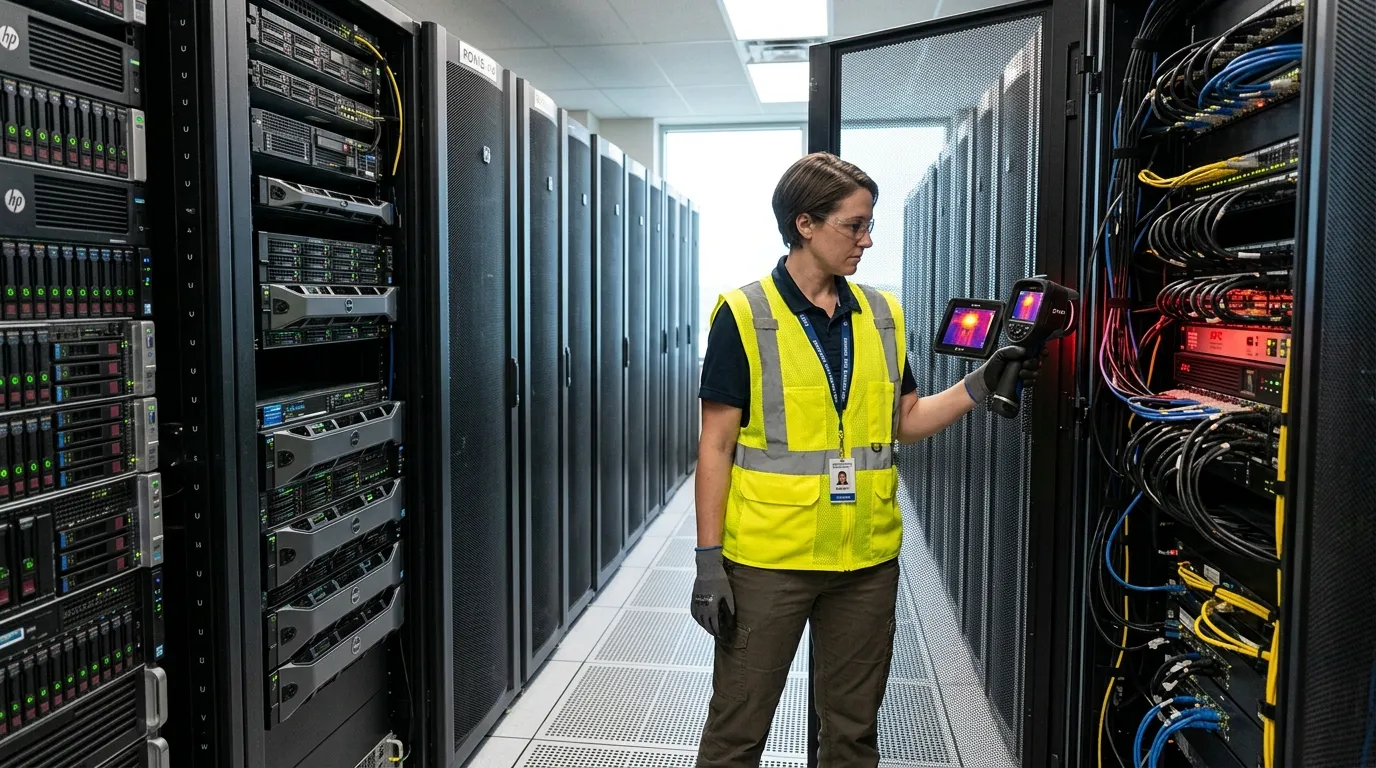
Using thermal for data center uptime gives you a fast way to see heat problems before they turn into load loss: rack hot spots, weak PDU terminations, UPS battery heat, and cold-aisle air leaks. Use it as a scheduled inspection and a post-change check, because sensor dashboards often tell you a rack is warm after the airflow pattern has already changed.
Thermal For Data Center Uptime
Thermal for data center uptime means using a handheld thermal camera to trend rack inlets, server exhaust, PDUs, UPS cabinets, busway joints, panels, CRAC/CRAH supply paths, and return air. It catches abnormal heat before alarms trip: loose terminations, overloaded whips, blocked tiles, missing blanking panels, and recirculated hot air.
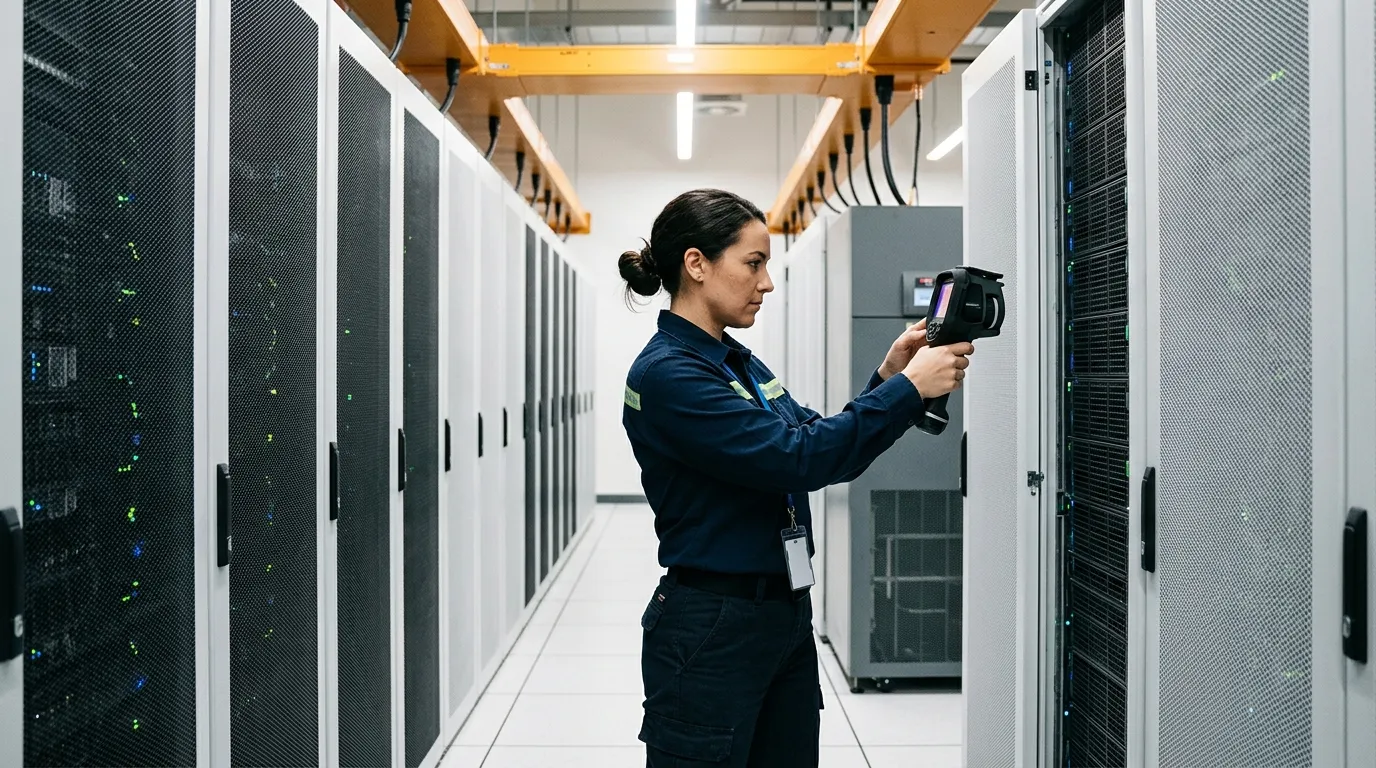
Walk into a data hall after a Friday change. Two 42U racks were re-cabled, one perforated tile moved 18 inches, and a blanking panel disappeared because someone needed “temporary” access. The BMS still looks fine. Server inlet sensors look acceptable too, mostly. But a thermal scan from the cold aisle shows one rack face with a warm vertical stripe on the right side. That stripe is hot-aisle air being pulled around a gap, and it’s the kind of thing you want to see before Monday’s batch jobs hit.
That’s where thermal imaging earns its place beside DCIM, branch-circuit monitoring, and inlet probes. The ASHRAE TC 9.9 data center resource page points operators toward data center standards and guidance on cooling, energy, humidity, and power equipment. Uptime Institute’s Annual Data Center Outages Analysis 2026 also frames outage prevention around higher system complexity, AI-driven workloads, power constraints, grid instability, and co-dependencies. Translation for the person carrying the pager: the room is getting harder to read by gauges alone.
| Scan Target | What Thermal Shows | First Response | Owner |
|---|---|---|---|
| Rack fronts | Inlet hot spots, side recirculation, blocked airflow | Add blanking panels, adjust tiles, check containment | Facilities + IT |
| Rack rears | PSU heat, cable congestion, exhaust imbalance | Clear cable mats, check fan status, compare load | IT operations |
| PDUs / UPS | Warm breakers, lugs, outlets, battery strings | Create electrical work order, verify load, inspect safely | Electrical |
| CRAC / CRAH paths | Supply variation, failed coils, bypass air | Check setpoints, valves, dampers, filters | Mechanical |
A thermal camera won’t replace alarms. It changes when you find the problem.
Hot Spots In Racks
Rack hot spots usually start as shape problems, not temperature problems. A top-of-rack switch exhausts into a gap. A dense 2U GPU node sits above low-power storage. A brush grommet is missing behind the cabinet. The front of the rack doesn’t look “hot” to your eyes, but the thermal image shows a warm plume curling into the cold aisle like smoke.
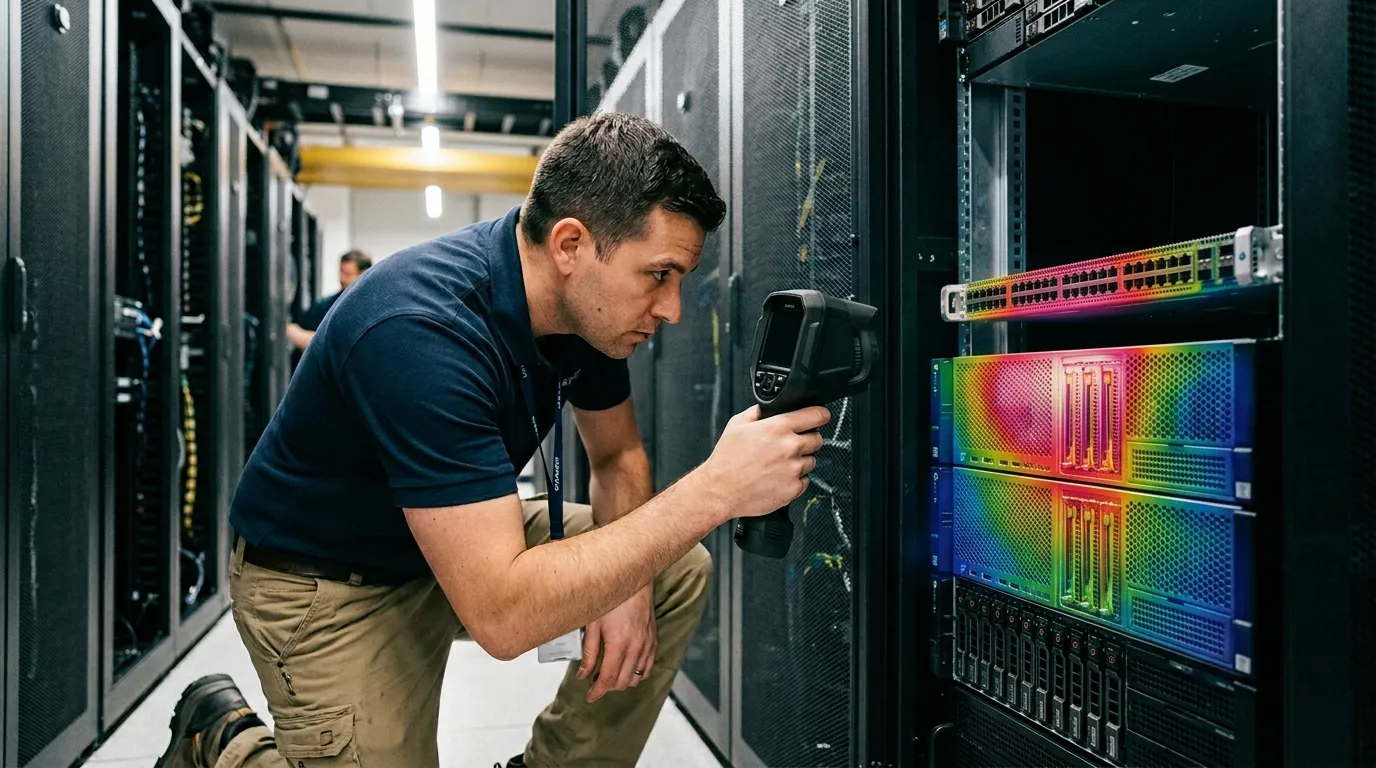
Use the rack face as your first truth source. ASHRAE’s commonly used recommended inlet range for many IT equipment classes is 64.4°F to 80.6°F, but a single number can mislead you. A rack inlet at 76°F may be fine. A 76°F vertical stripe beside 66°F neighboring inlets tells you air is going somewhere it shouldn’t. For high-density rows with NVIDIA H100 or H200 servers, Dell PowerEdge XE9680 systems, Supermicro GPU servers, or HPE Cray XD nodes, compare by zone and workload. Thermal imaging sees surface patterns; it won’t measure GPU junction temperature inside the chassis.
Scan close enough to fill the frame with the target. Across-the-room scans look dramatic and often tell you very little. A good rack scan is boring: front face, rear face, cable openings, floor tiles, containment edges. The same temperature-pattern thinking that helps plumbers locate slab leaks & radiant heating pipes with thermal also helps data center teams read hidden air paths under raised floors and behind cabinets.
Rack scan pattern:
- Capture the full rack front from 3 to 6 feet away with the rack ID visible in the file name.
- Scan bottom, middle, and top inlet zones, then compare left edge against right edge.
- Move to the rear and scan PSUs, power cords, cable bundles, and exhaust paths.
- Repeat after load changes, containment changes, tile moves, and firmware fan-policy updates.
Don’t chase every warm patch. A rear exhaust plume is supposed to be warm. A warm patch on the cold side deserves attention when it differs from neighboring racks under similar load, appears after a change, or grows between scans.
Failing PDUs And UPS
Electrical hot spots deserve faster action than ordinary airflow issues. A rack inlet problem may give you hours or days. A loose termination inside a power path can become a burned connector, nuisance trip, or maintenance emergency. Thermal imaging is especially useful on repeatable components: Raritan PX3 rack PDUs, Schneider Electric NetShelter switched PDUs, APC Smart-UPS SRT units, Eaton 9PX systems, Vertiv Liebert GXT5 units, Starline busway tap boxes, and Square D panelboards.
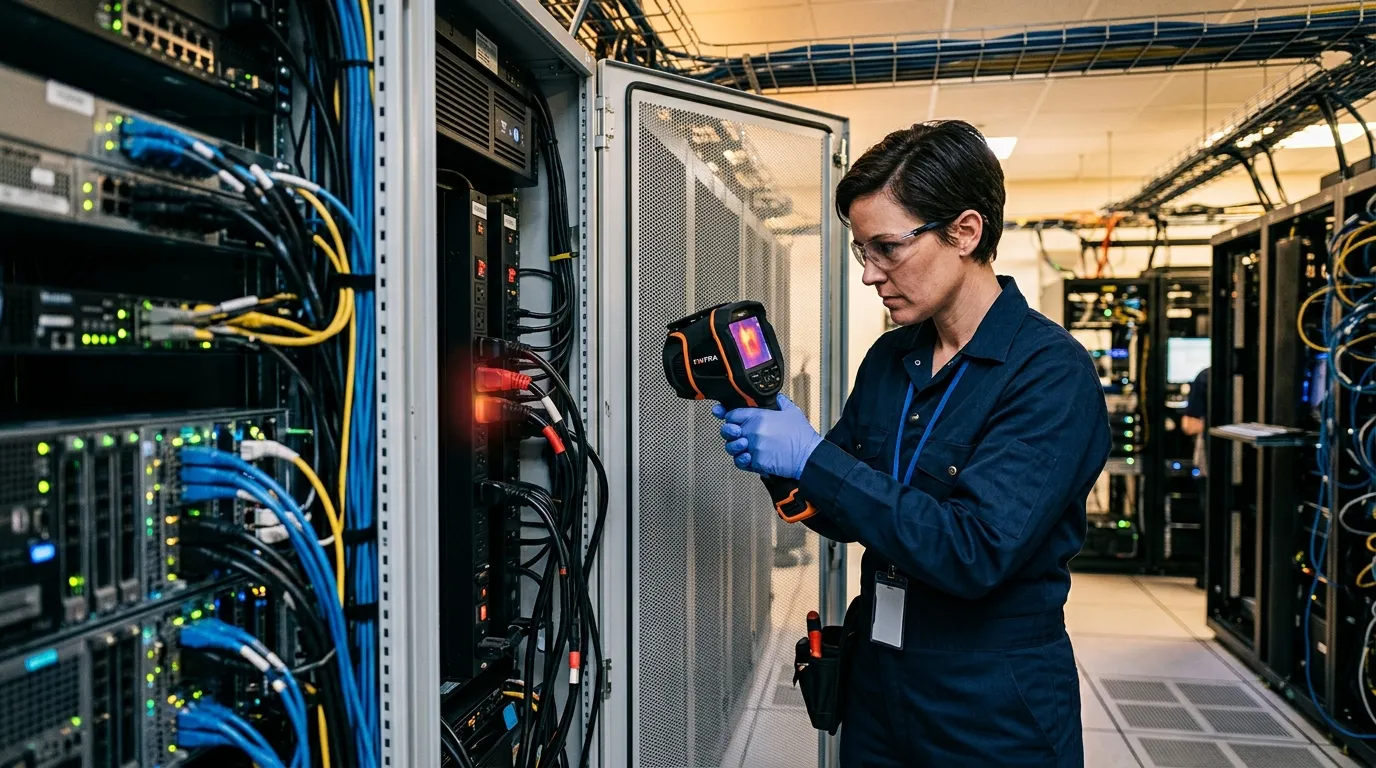
Compare like with like. One C19 outlet feeding a 2.8 kW server will run warmer than a lightly loaded outlet, so the useful question is whether that outlet is hotter than another outlet carrying a similar load. On three-phase gear, compare phase conductors, breaker bodies, whips, plugs, and lugs under normal load. If A-phase looks 18°F warmer than B and C on similar current, don’t shrug it off. Write it down, attach the thermal image, and give the electrician enough context to inspect the right point.
Safety comes first here. NFPA 70B covers electrical equipment maintenance, and NFPA 70E covers workplace electrical safety practices. A thermal camera is a diagnostic tool. It isn’t permission to open energized panels without a qualified person, PPE, arc-flash boundaries, and site procedure. If your facility uses IR windows on switchgear or UPS cabinets, use them. If it doesn’t, scan what you can see from a safe position and escalate when the pattern justifies it.
| Thermal Pattern | Likely Cause | Action Window | Field Note |
|---|---|---|---|
| One PDU outlet bank hotter than peers | Overload, weak plug contact, poor cable seating | Same shift | Verify amps before moving load |
| One breaker warmer than matching breakers | Loose termination or high load | Same day | Electrical review, no guessing |
| UPS battery block warmer than neighbors | Weak cell, charging issue, ventilation problem | Same day | Compare against UPS logs |
| Busway tap box hot at joint | Contact resistance, installation fault | Immediate review | Keep distance and document |
For colocation rooms, make the evidence tenant-neutral. “Cabinet B14 rear PDU outlet group, 14°F above adjacent group at 2:13 p.m., normal load per PDU display” gets a better response than “PDU looks hot.” Specific beats dramatic.
Airflow In Cold Aisles
Airflow problems hide in averages. A cold aisle sensor at 72°F can sit in a perfectly acceptable pocket while a server at the top right of Rack C07 inhales 83°F air. Thermal imaging helps you see the pattern across the aisle, not just the sensor point. That matters when teams are trying to raise setpoints, add AI racks, or reduce fan energy without creating silent thermal debt.
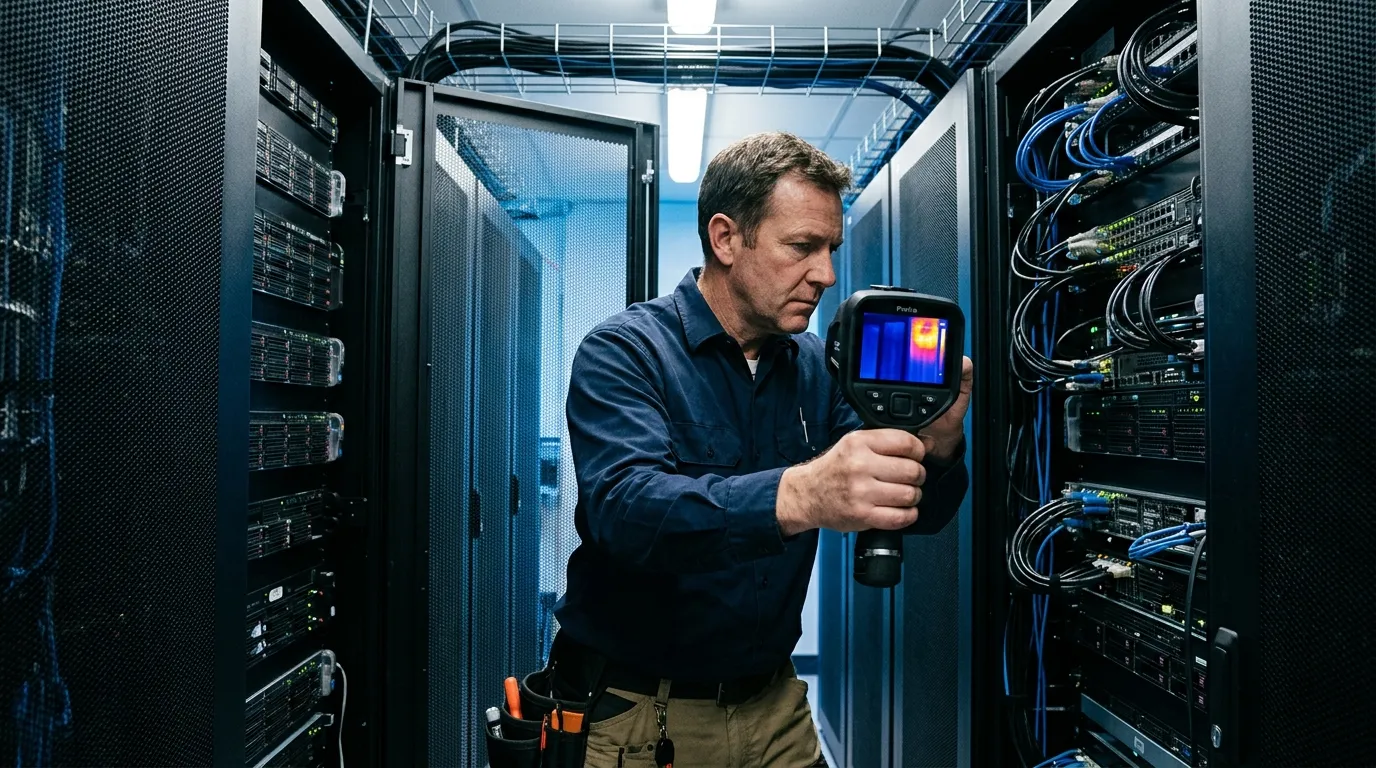
Start with cold-aisle symmetry. The rack faces should look even from bottom to top, with expected variation near high-density gear. If the top third of several racks reads warmer, you may have return-air spillover above containment. If every other rack face has a warmer bottom band, look at perforated tile placement, underfloor obstructions, or damper settings. If one rack edge glows warmer than its neighbor, check blanking panels, side gaps, cabinet alignment, and cable openings.
This is also where thermal scans help settle arguments. IT says the new servers are fine. Facilities says the row is at the edge. The thermal image shows one missing brush strip behind the exact rack that keeps alarming. Everyone can stop debating the average.
Cold-aisle checks after changes:
- Perforated tile swaps, especially 25% to 56% open-area tiles.
- Containment door, curtain, or end-cap adjustments.
- New cable bundles that cross tile openings or rear return paths.
- Any rack move, side-panel removal, or blanking-panel removal.
Use the thermal image with airflow readings when possible. A balometer or anemometer tells you how much air is coming through a tile. Thermal tells you where that air goes after it leaves the tile. Those are different questions. You need both when a high-density row is eating more power every quarter.
Thermal Scan Workflow
Build the scan route like a maintenance round, not a photo walk. Name the exact objects before you enter the room: UPS-1 front vents, UPS-1 battery cabinets, PDU-A panels, busway taps over Row 3, Rack C01 through C24 fronts, Rack C01 through C24 rears, CRAH-2 supply, CRAH-2 return. The operator should be able to repeat the route in the same order next month without asking what you meant.
Frequency depends on change rate. For a stable enterprise server room, quarterly scans are often enough. For colocation cages, high-density AI rows, or rooms with frequent tenant moves, monthly scans make more sense. Run an extra scan within 24 hours after adding a 30A or 60A whip, replacing a rack PDU, changing containment, moving perforated tiles, or bringing a new dense rack online. Thermal for data center uptime works best when you catch the first abnormal pattern, not the fifth alarm.
A practical route:
- Record room load, outside weather, cooling mode, and active maintenance work.
- Set the camera for repeatable emissivity and temperature span; avoid auto-scaling surprises when comparing images.
- Capture visible-light and thermal images for each target, with rack or equipment IDs in the frame when allowed.
- Compare against nearby similar equipment before calling anything abnormal.
- Save images in folders by date, room, row, and asset ID.
- Create work orders with load readings, temperature difference, location, and a visible reference photo.
- Rescan corrected items under load after the repair.
- Keep a short exception log so recurring hot spots don’t get rediscovered every month.
Reflections can fool you. Shiny busway covers, polished stainless, glass doors, and glossy cable labels may reflect your body heat or a hot aisle behind you. When a reading matters, change your angle and compare the shape. If the “hot spot” moves when you move, it may be reflection. If it stays locked to the lug, outlet, breaker, or cable bend, take it seriously.
Data Center Thermal Limits
Don’t treat one temperature as universal. A PDU plug, a UPS cabinet vent, a server exhaust, and a cold-aisle rack face all have different normal behavior. Trend and comparison beat isolated numbers. A 95°F server exhaust may be ordinary. A 95°F breaker next to matching 78°F breakers under similar load is a work order.
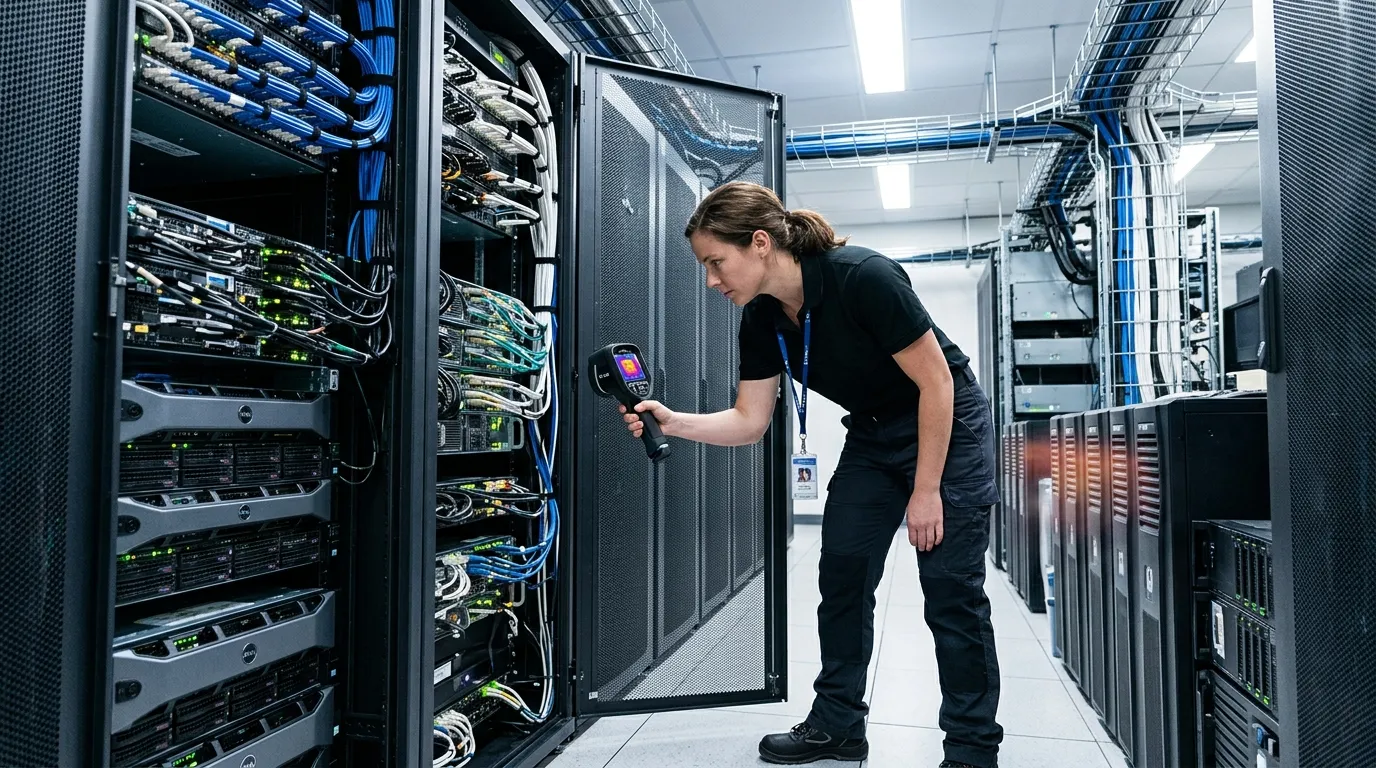
A simple triage model helps operators avoid both panic and apathy. Use it as a starting point, then tune it with your electrical contractor, OEM manuals, and site rules. In most facilities, temperature difference against similar components is more useful than absolute temperature because ambient room conditions and load change through the day.
| Difference From Similar Target | Meaning | Response |
|---|---|---|
| 0°F to 9°F | Usually normal variation | Log and compare next route |
| 10°F to 18°F | Watch item or early fault | Rescan under load, check amps |
| 19°F to 36°F | Likely abnormal condition | Create maintenance ticket |
| Over 36°F | High-risk pattern | Qualified review now |
Thermal imaging also has boundaries. It won’t see through metal cabinets, measure CPU die temperature, confirm liquid coolant flow inside a cold plate, or certify an electrical repair by itself. For liquid-cooled racks with CoolIT, Motivair, or Vertiv CDU systems, thermal scans are best for manifolds, hose connections, rear-door heat exchangers, pumps, and cabinet exterior patterns. Keep using flow, pressure, leak detection, and coolant temperature sensors.
Facilities teams can apply the same pattern discipline outside the data hall. Condensation near humidification lines, chilled-water pipe insulation gaps, and exterior wall temperature anomalies can affect reliability over time; for building-side checks, Pixfra’s guide to detecting hidden moisture & mold risk behind drywall with thermal covers a related inspection method without turning the data center route into a general building audit.
Before your next maintenance window, pick one row and create a baseline set: rack fronts, rack rears, PDUs, UPS, busway, tile pattern, containment edges. Then rescan the same row after the change. The difference between those two sets is where the useful work starts.
FAQ
Can thermal cameras prevent outages?
Thermal cameras can help prevent outages by finding abnormal heat before failure, especially at PDUs, UPS components, breakers, rack inlets, and airflow gaps. They work best with load readings, maintenance records, and repeat scans.
How often should scans run?
Run quarterly thermal scans for stable rooms and monthly scans for high-density or fast-changing rows. Always rescan after power changes, rack moves, containment work, tile changes, or new high-load servers.
What equipment gets scanned?
Scan rack fronts, rack rears, rack PDUs, UPS cabinets, panels, busway taps, cable openings, CRAC/CRAH supply paths, return paths, and containment edges. Prioritize anything that carries load or shapes airflow.
Do sensors replace thermal scans?
No. Sensors measure specific points, while thermal cameras show patterns across equipment and airflow paths. Use both, especially when a rack alarm doesn’t explain where the heat is coming from.
If you’re building a repeatable route for racks, PDUs, UPS cabinets, and airflow checks, Pixfra can help you choose a handheld thermal camera that fits how your team actually inspects: fast sweeps, clear images, saved evidence, and practical field use during maintenance windows.